







DDR5 memory has become increasingly common in new PCs, leading many buyers to wonder whether older DDR4-based systems are still worth considering in 2026. At the same time, terms such as “DDR4 SSD” frequently appear in online searches, product listings, and laptop specifications, creating confusion about what these components actually mean.
In reality, DDR4 memory and SSD storage serve different purposes, yet they often work together in many affordable desktops and laptops. Millions of systems still rely on configurations such as 16GB DDR4 paired with a 512GB SSD, raising an important question: can these systems still deliver enough performance for modern workloads?
The answer depends on several factors, including memory performance, SSD speed, gaming requirements, everyday productivity tasks, and the growing adoption of DDR5 platforms. While newer technologies offer improvements in bandwidth and efficiency, DDR4 systems continue to provide solid performance for many users.
This guide explains what “DDR4 SSD” really means, compares DDR4 and DDR5, examines how SSD performance affects a DDR4 system, and evaluates whether DDR4 remains suitable for gaming, work, and daily use in 2026. By the end, you’ll have a clearer understanding of whether a DDR4-based PC is still a worthwhile investment or if it’s finally time to move to newer hardware.
What Does “DDR4 SSD” Actually Mean?
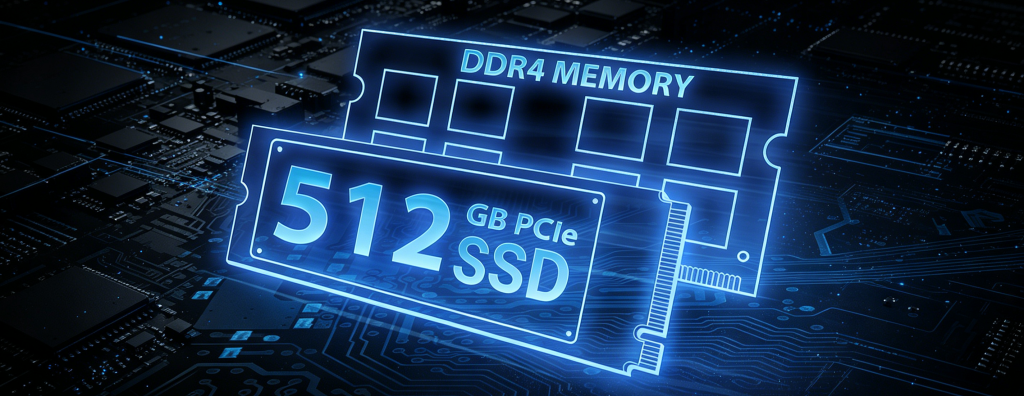
The term “DDR4 SSD” has become increasingly common in online searches, especially among people shopping for laptops, desktop PCs, or upgrading older systems. However, the phrase itself can be confusing because DDR4 and SSD refer to two completely different types of computer hardware.
Understanding what “DDR4 SSD” actually means is important before deciding whether a DDR4-based system is still worth buying in 2026.
Is DDR4 an SSD?
No, DDR4 is not an SSD.
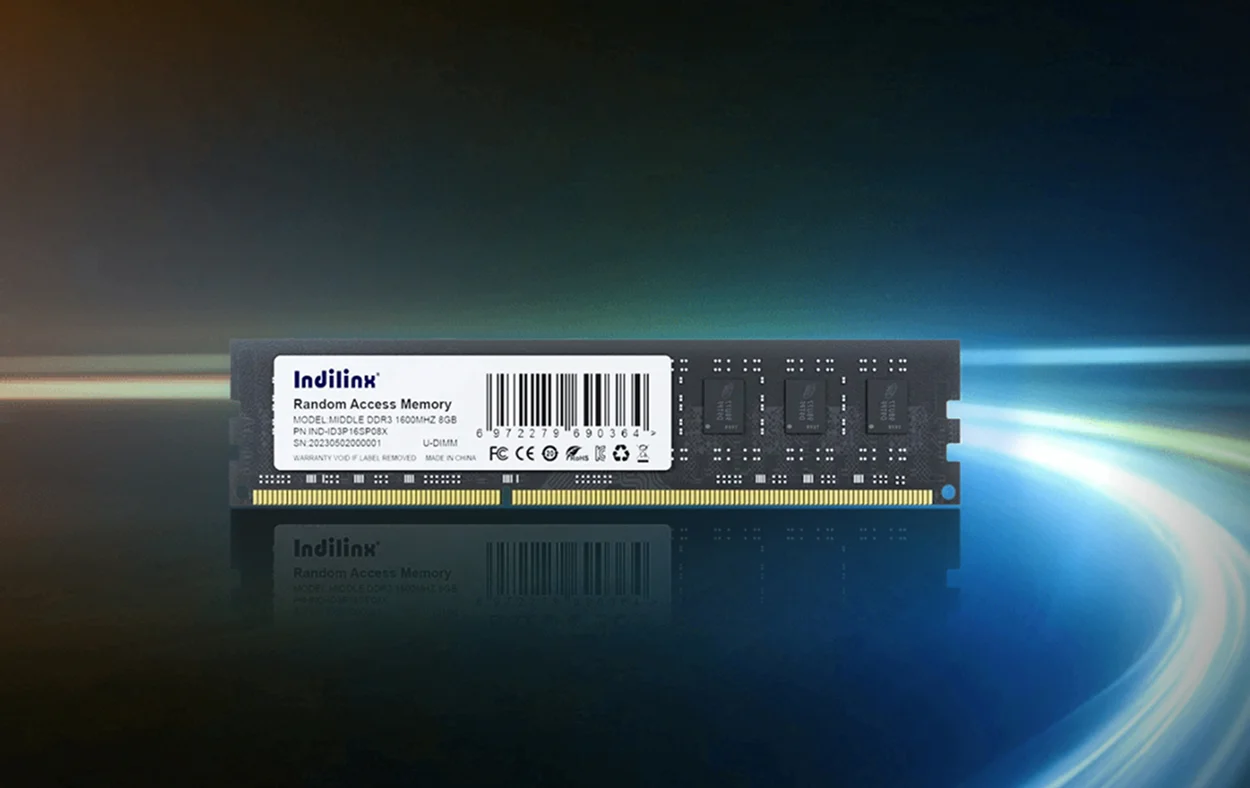
DDR4 stands for Double Data Rate 4, which is a type of computer memory (RAM). RAM temporarily stores data that the processor needs to access quickly while applications are running.
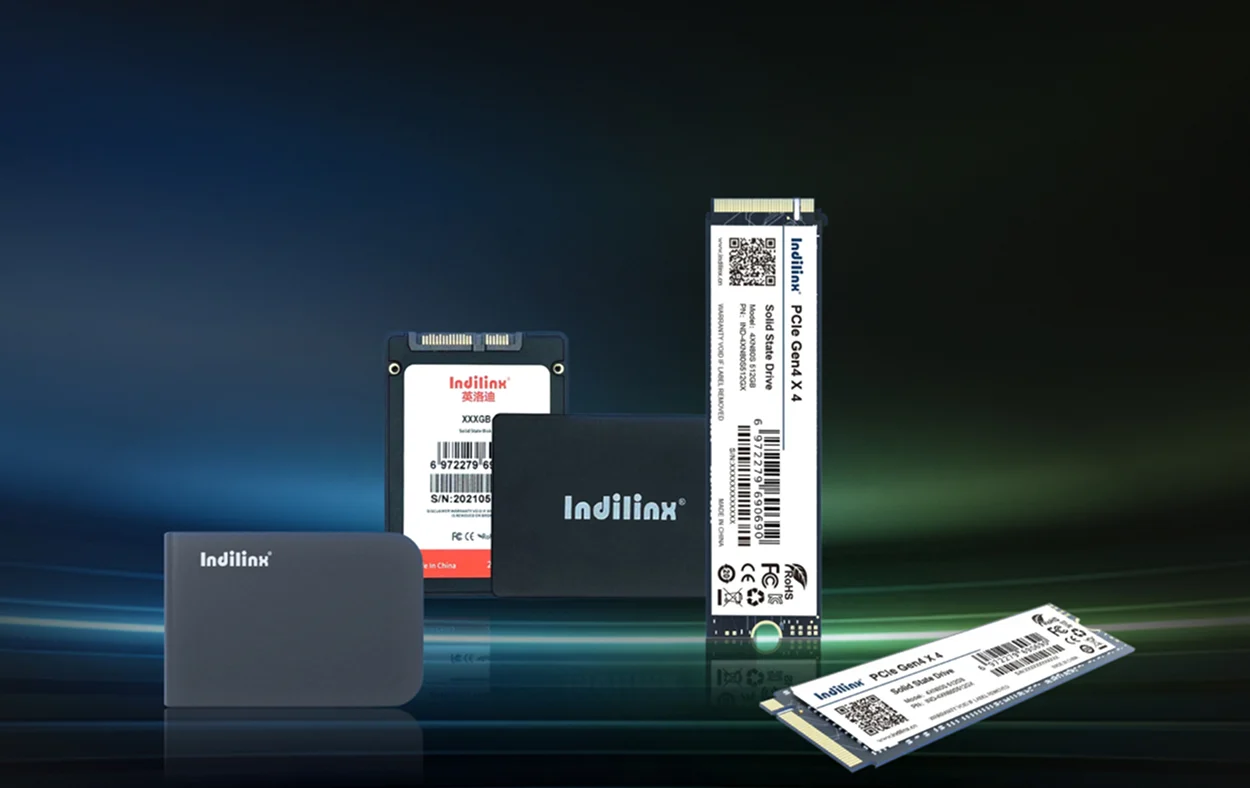
An SSD, or Solid State Drive, is a storage device used to save operating systems, applications, documents, games, and other files permanently.
Although both components affect overall system performance, they perform entirely different tasks. RAM determines how efficiently a computer handles active workloads, while an SSD determines how quickly data can be loaded and stored.
In other words:
- DDR4 = memory
- SSD = storage
A computer can have DDR4 memory and an SSD at the same time, but DDR4 itself is not a type of SSD.
Why People Search for DDR4 SSD
Many users encounter specifications such as:
- 8GB DDR4 + 256GB SSD
- 16GB DDR4 + 512GB SSD
- 32GB DDR4 + 1TB SSD
Because these specifications often appear together on laptop and desktop product pages, some buyers assume that “DDR4 SSD” refers to a single product or storage technology.
Another reason for the confusion is that some SSDs contain DRAM cache memory, which may use DDR4 chips internally. This leads some users to believe that SSDs themselves are DDR4 devices.
In reality, the phrase “DDR4 SSD” usually describes a computer configuration that combines DDR4 RAM with SSD storage rather than a specific type of SSD.
DDR4 and SSD in Modern PCs
Most affordable computers released between 2020 and 2025 used DDR4 memory together with either SATA SSDs or NVMe SSDs. As a result, many existing systems still feature combinations such as:
- 16GB DDR4 + 512GB SSD
- 32GB DDR4 + 1TB NVMe SSD
These configurations remain widely available in 2026.
DDR4 RAM vs SSD Storage
While DDR4 and SSDs both contribute to system responsiveness, they improve performance in different ways.
DDR4 RAM Improves:
- Multitasking performance
- Application responsiveness
- Browser performance
- Productivity workloads
- Gaming memory capacity
SSD Storage Improves:
- System boot times
- Game loading speeds
- File transfers
- Application launches
- Overall system responsiveness
A computer with sufficient DDR4 memory and a fast SSD often feels significantly faster than older systems that use mechanical hard drives.
Therefore, when people ask whether a “DDR4 SSD” is still worth it in 2026, they are usually asking whether a PC equipped with DDR4 memory and SSD storage can still deliver good performance. For many users, the answer remains yes, especially for everyday computing, office work, and gaming.
DDR4 vs DDR5: What’s the Real Difference?
As DDR5 becomes the standard memory technology for new computers, many users wonder whether DDR4 systems are already outdated. Although DDR5 delivers higher performance on paper, the real-world differences are not always as significant as expected. Understanding the differences in speed, bandwidth, latency, and power efficiency can help determine whether a DDR4 system paired with an SSD is still worth buying in 2026.
Speed Comparison
The most obvious improvement of DDR5 is its higher operating speed. DDR4 memory commonly runs between 2400 MT/s and 3600 MT/s, while DDR5 typically starts at 4800 MT/s and can exceed 7000 MT/s on high-end modules.
| 内存类型 | Common Speed | High-End Speed |
| DDR4 | 2400–3600 MT/s | 4000 MT/s+ |
| DDR5 | 4800–6400 MT/s | 7200 MT/s+ |
Higher speeds allow the processor to access data more quickly, which can benefit demanding applications. However, for everyday tasks such as web browsing, office work, streaming, and light multitasking, the performance difference is often relatively small.
Real-World Performance
Many users upgrading from a hard drive to an SSD experience a much larger improvement than users upgrading from DDR4 to DDR5. In practical use, a system with 16GB DDR4 and a fast SSD can still feel very responsive.
Bandwidth Differences
Bandwidth refers to the amount of data memory can transfer every second. DDR5 significantly increases memory bandwidth compared to DDR4.
| 内存类型 | Approximate Bandwidth |
| DDR4-3200 | 25.6 GB/s |
| DDR4-3600 | 28.8 GB/s |
| DDR5-5600 | 44.8 GB/s |
| DDR5-6400 | 51.2 GB/s |
Higher bandwidth mainly benefits workloads that process large amounts of data, including:
- Video editing
- 3D rendering
- Virtual machines
- AI applications
- Scientific computing
For most office users and gamers, the additional bandwidth may not produce noticeable improvements in daily use.
Latency Comparison
Although DDR5 offers higher transfer rates, it often operates with higher latency values. Latency measures how quickly the memory responds to requests from the processor.
| 内存类型 | Typical CAS Latency |
| DDR4-3200 | CL16 |
| DDR4-3600 | CL16–18 |
| DDR5-5600 | CL36 |
| DDR5-6000 | CL30–36 |
Lower latency can help maintain strong performance in certain applications and games. This is one reason why many DDR4 gaming systems remain competitive despite DDR5’s higher bandwidth.
Why Latency Still Matters
Some CPU-intensive games and esports titles benefit from lower memory latency. In these situations, the performance gap between DDR4 and DDR5 may be relatively small, especially when both systems use fast SSD storage and modern processors.
功耗
DDR5 also improves power efficiency by operating at lower voltages.
| 内存类型 | Standard Voltage |
| DDR4 | 1.2V |
| DDR5 | 1.1V |
Lower voltage helps reduce heat generation and power consumption, which is particularly useful in laptops and compact PCs.
However, for desktop users, the difference in electricity usage is generally minimal. Power efficiency alone is rarely a deciding factor when choosing between DDR4 and DDR5.
| Feature | DDR4 | DDR5 |
| 速度 | Lower | Higher |
| Bandwidth | Lower | Higher |
| Latency | Lower | Higher |
| 功耗效率 | Good | Better |
| Platform Cost | Lower | Higher |
| Upgrade Potential | Limited | Better |
Overall, DDR5 offers clear technical advantages, but DDR4 remains highly capable for gaming, office work, and everyday computing. For many users in 2026, a DDR4 system equipped with a fast SSD still provides excellent value without the higher cost of upgrading to a DDR5 platform.
How Does SSD Performance Affect a DDR4 System?
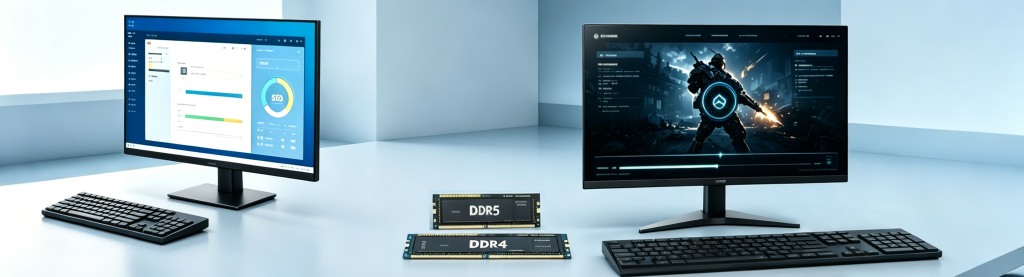
When discussing whether a DDR4 system is still worth buying in 2026, memory performance is only one part of the equation. In many cases, SSD performance has a much greater impact on how fast a computer actually feels. Boot times, application responsiveness, file transfers, and game loading speeds often depend more on the storage drive than on the type of RAM installed.
As a result, a DDR4 PC equipped with a fast SSD can still deliver an excellent user experience, even when compared to some newer DDR5 systems.
SATA SSD vs NVMe SSD
Most DDR4 computers use either SATA SSDs or NVMe SSDs. While both are significantly faster than traditional hard drives, NVMe drives offer much higher transfer speeds.
| SSD Type | 接口 | Typical Read Speed |
| HDD | SATA | 80–160 MB/s |
| SATA SSD | SATA III | 500–550 MB/s |
| NVMe SSD (PCIe Gen3) | PCIe 3.0 x4 | 2,500–3,500 MB/s |
| NVMe SSD (PCIe Gen4) | PCIe 4.0 x4 | 5,000–7,500 MB/s |
For basic tasks such as browsing the web, editing documents, or streaming videos, a SATA SSD is still sufficient. However, NVMe SSDs can noticeably improve large file transfers, game loading times, and demanding workloads.
Which SSD Type Is Best for DDR4 Systems?
Many DDR4 motherboards support NVMe drives through M.2 slots, making PCIe Gen3 NVMe SSDs one of the best upgrades for older systems. Users moving from a hard drive or SATA SSD to an NVMe drive often experience the largest performance improvements.
DRAM Cache SSDs
Not all SSDs perform equally. One important difference is whether the drive includes a dedicated DRAM cache.
DRAM cache helps the SSD controller manage data more efficiently, improving sustained performance and reducing slowdowns during heavy workloads.
| SSD Type | DRAM Cache | Typical Performance |
| DRAM SSD | Yes | Excellent |
| DRAM-less SSD | No | Good |
| HMB SSD | Uses system memory | Moderate |
Why DRAM Cache Matters
SSDs with DRAM cache generally provide:
- Faster write speeds
- Better multitasking performance
- Improved large file transfers
- More consistent performance under heavy loads
For everyday users, the difference may be small. However, gamers, content creators, and professionals often benefit from DRAM-equipped SSDs.
Some SSDs even use DDR4 memory chips internally as cache, which partly explains why the term “DDR4 SSD” occasionally appears in online searches.
PCIe Gen3 vs Gen4 SSD
Another important consideration for DDR4 users is PCIe generation support. Most DDR4 motherboards support PCIe Gen3 SSDs, while some newer DDR4 platforms also support PCIe Gen4.
| 接口 | Maximum Bandwidth | Typical Speed |
| PCIe Gen3 x4 | 4 GB/s | 2,500–3,500 MB/s |
| PCIe Gen4 x4 | 8 GB/s | 5,000–7,500 MB/s |
Although PCIe Gen4 drives are considerably faster on paper, many everyday tasks show only modest improvements.
Is PCIe Gen4 Necessary?
For office work, web browsing, and general productivity, PCIe Gen3 SSDs remain more than adequate. Gen4 drives become more useful for:
- 4K video editing
- Large file transfers
- Professional workloads
- High-end gaming libraries
Real-World Loading Times
Synthetic benchmarks often emphasize maximum read and write speeds, but real-world performance is usually measured by how quickly a system responds to user actions.
Boot Speed
A fast SSD can significantly reduce startup times.
| Storage Device | Average Boot Time |
| HDD | 40–60 seconds |
| SATA SSD | 15–25 seconds |
| PCIe Gen3 NVMe SSD | 10–18 seconds |
| PCIe Gen4 NVMe SSD | 8–15 seconds |
For many users, upgrading from a hard drive to an SSD provides a much greater improvement than upgrading from DDR4 to DDR5 memory.
Application Launch Speed
Modern applications rely heavily on storage performance. Programs such as web browsers, productivity software, and creative applications load much faster on NVMe drives.
| Application | SATA SSD | NVMe SSD |
| Microsoft Office | Fast | Slightly faster |
| Adobe Photoshop | Good | Faster |
| Large Games | Moderate | Faster |
| Video Editing Software | Good | Excellent |
Ultimately, SSD performance plays a critical role in determining how responsive a DDR4 system feels. A well-balanced DDR4 PC paired with a quality NVMe SSD can still deliver excellent real-world performance in 2026, making it a practical choice for many users.
Is DDR4 Still Good for Gaming in 2026?
Gaming remains one of the biggest reasons people question whether DDR4 systems are still worth buying. As newer gaming PCs increasingly adopt DDR5 memory, many players assume that DDR4 is no longer capable of delivering good gaming performance. However, modern games rely on a combination of CPU performance, GPU power, memory capacity, and storage speed, meaning DDR4 still has an important role to play.
For many gamers, especially those using 16GB or 32GB of DDR4 memory paired with an SSD, gaming performance remains highly competitive in 2026.
Esports Games
Esports titles are generally less demanding than modern AAA games and often prioritize high frame rates over graphical complexity. Popular competitive games continue to run extremely well on DDR4 systems.
| Game | Recommended Memory | DDR4 Performance |
| Counter-Strike 2 | 16GB | Excellent |
| Valorant | 16GB | Excellent |
| League of Legends | 8GB–16GB | Excellent |
| Fortnite | 16GB | Very Good |
| Rocket League | 8GB–16GB | Excellent |
Most esports games rely more heavily on CPU performance than memory bandwidth. As a result, the difference between DDR4 and DDR5 is often relatively small.
High Refresh Rate Gaming
Players using 144Hz or 240Hz monitors can still achieve very high frame rates on modern DDR4 systems, especially when paired with capable processors and graphics cards.
AAA Games
Modern AAA titles place greater demands on system memory, storage, and graphics performance. Games featuring large open worlds and detailed environments can benefit from faster hardware.
Examples include:
Most modern games now recommend at least 16GB of memory, while some demanding titles can benefit from 32GB.
| Memory Capacity | Gaming Experience |
| 8GB DDR4 | Entry-level |
| 16GB DDR4 | Recommended |
| 32GB DDR4 | Ideal for multitasking |
In these games, having enough memory capacity often matters more than whether the system uses DDR4 or DDR5.
1080p Gaming
1080p remains the most popular gaming resolution in 2026. At this resolution, the processor often becomes the limiting factor, which means memory performance can influence frame rates.
A DDR4 system equipped with:
- 16GB DDR4-3200
- 32GB DDR4-3600
- NVMe SSD storage
can still deliver excellent gaming performance.
| Resolution | DDR4 Suitability |
| 1080p Low Settings | Excellent |
| 1080p Medium Settings | Excellent |
| 1080p High Settings | Very Good |
| 1080p Esports Gaming | Excellent |
Many budget and mid-range gaming PCs continue to use DDR4 because it offers strong value.
1440p Gaming
At 1440p, graphics cards become the primary performance factor. The influence of memory speed becomes less significant as GPU workload increases.
This means that the performance difference between DDR4 and DDR5 often narrows at higher resolutions.
| Gaming Resolution | Memory Impact | GPU Impact |
| 1080p | Moderate | High |
| 1440p | Low | Very High |
| 4K | Minimal | Extremely High |
Gamers investing in stronger graphics cards may see only small gains from moving to DDR5.
Frame Rate Differences
The actual gaming performance difference between DDR4 and DDR5 depends on the game, processor, and graphics card.
| Scenario | Average Difference |
| Esports Games | 3–8% |
| AAA Games at 1080p | 5–10% |
| AAA Games at 1440p | 2–5% |
| GPU-Limited Games | Minimal |
In many real-world situations, the difference may only amount to a few frames per second.
Does DDR5 Improve Gaming Enough?
DDR5 can offer higher frame rates in certain CPU-intensive games, particularly when paired with the latest processors. However, the improvement is often relatively small compared to upgrading the graphics card or SSD.
For gamers already using 16GB or 32GB of DDR4 memory alongside a fast SSD, gaming performance remains highly capable in 2026. As a result, DDR4 systems continue to provide excellent value for esports players, mainstream gamers, and budget gaming builds.
Is DDR4 Enough for Everyday Use?
While gaming and professional workloads often receive the most attention, the majority of computer users primarily use their PCs for everyday tasks. Office applications, web browsing, video streaming, and online communication rarely require the latest hardware. As a result, many DDR4 systems continue to deliver excellent performance for daily computing in 2026.
For users with 8GB, 16GB, or even 32GB of DDR4 memory paired with an SSD, most common tasks can still be handled smoothly without upgrading to DDR5.
Office Work
Modern office applications are not particularly demanding. Programs such as Microsoft Word, Excel, PowerPoint, Google Docs, and email clients generally require modest amounts of memory.
| Task | Recommended Memory | DDR4 Performance |
| Word Processing | 8GB | Excellent |
| Spreadsheets | 8GB–16GB | Excellent |
| Presentations | 8GB | Excellent |
| Multitasking | 16GB | Very Good |
For office workers, the combination of DDR4 memory and an SSD often provides fast startup times and responsive application performance.
Web Browsing
Web browsers have become increasingly memory-intensive due to multiple tabs, extensions, and web applications. However, DDR4 systems still perform very well for modern browsing workloads.
| Number of Browser Tabs | Recommended Memory |
| 5–10 Tabs | 8GB |
| 10–20 Tabs | 16GB |
| 20+ Tabs | 16GB–32GB |
Most users browsing websites, shopping online, using social media, or working with cloud applications are unlikely to notice a major difference between DDR4 and DDR5 systems.
Online Meetings
Remote work and online education remain common in 2026. Applications such as Zoom, Microsoft Teams, and Google Meet require stable multitasking performance rather than extreme memory bandwidth.
DDR4 systems can easily handle:
- Video conferencing
- Screen sharing
- Background applications
- Web browsers
- Office software
A system equipped with 16GB DDR4 and an SSD can comfortably support multiple applications during online meetings.
Media Consumption
Streaming videos, listening to music, and watching online content place relatively light demands on system memory.
| Activity | Recommended Memory |
| Video Streaming | 8GB |
| Music Streaming | 8GB |
| 4K Video Playback | 8GB–16GB |
| Multiple Streaming Apps | 16GB |
Whether watching YouTube, Netflix, or other streaming services, DDR4 memory remains more than sufficient for media consumption.
Student Laptops
Students often use laptops for web research, online classes, note-taking, and productivity software. These tasks typically benefit more from SSD storage than from newer memory technologies.
A configuration such as:
- 8GB DDR4 + 256GB SSD
- 16GB DDR4 + 512GB SSD
continues to provide excellent value for most students in 2026.
Home PCs
Home users generally perform a mixture of light workloads, including browsing, shopping, streaming, video calls, and basic productivity tasks.
| Configuration | Suitable For |
| 8GB DDR4 + 256GB SSD | Basic home use |
| 16GB DDR4 + 512GB SSD | Family PC |
| 32GB DDR4 + 1TB SSD | Heavy multitasking |
For these users, upgrading from DDR4 to DDR5 often produces little noticeable benefit. In many cases, a fast SSD and sufficient memory capacity have a much greater impact on the overall user experience.
Overall, DDR4 remains more than capable of handling everyday computing tasks in 2026, making it a practical and cost-effective choice for students, office workers, and home users.
Who Should Still Buy a DDR4 SSD PC in 2026?
While DDR5 systems are becoming increasingly common, DDR4 SSD PCs still offer excellent value in 2026. For many users, the latest hardware simply isn’t necessary. A DDR4-based computer can still provide fast performance, responsive multitasking, and reliable daily operation at a lower cost.
The following table summarizes the types of users who can still benefit from a DDR4 SSD PC.
| User Type | Recommended | Main Activities | DDR4 SSD Advantage |
| Budget Gamers | Yes | 1080p gaming, esports | Better value for money |
| Students | Yes | Online classes, assignments | Affordable and reliable |
| Office Users | Yes | Productivity software, meetings | Smooth multitasking |
| Home Users | Yes | Browsing, streaming, entertainment | Fast everyday performance |
Budget Gamers
Budget gamers remain one of the largest groups that can benefit from DDR4 systems. Most modern games rely more heavily on the graphics card than the memory generation, especially when gaming at 1080p resolution.
A PC equipped with 16GB or 32GB of DDR4 memory and an SSD can still deliver excellent gaming experiences in many popular titles. By choosing DDR4, gamers can allocate more budget toward a stronger graphics card, which often provides a larger performance improvement.
Ideal Gaming Scenarios
DDR4 gaming PCs are suitable for:
- Competitive esports titles
- Online multiplayer games
- Casual AAA gaming
- Entry-level gaming builds
- Budget gaming laptops
Students
Students typically need computers for writing assignments, attending online classes, conducting research, and watching educational videos. These tasks do not usually require the latest hardware technologies.
DDR4 SSD laptops offer quick boot times, smooth application loading, and enough multitasking performance for educational needs. They also tend to be more affordable, making them attractive choices for students with limited budgets.
Office Users
For office environments, DDR4 systems continue to provide all the performance necessary for daily work. Applications such as spreadsheets, word processors, email clients, and video conferencing software run smoothly on modern DDR4 platforms.
Businesses purchasing multiple computers can also reduce overall hardware costs by selecting DDR4 systems without sacrificing productivity.
Common office workloads include:
- Microsoft Office applications
- Web-based business tools
- Video meetings
- Cloud collaboration platforms
- Data entry and administration
Home Users
Many home users simply need a dependable computer for everyday activities. Internet browsing, streaming videos, social media, online shopping, and family entertainment place relatively low demands on modern hardware.
A DDR4 SSD PC provides fast startup speeds, responsive performance, and reliable operation for these everyday tasks. For households purchasing a shared family computer, DDR4 systems remain highly practical.
Best Use Cases
DDR4 SSD PCs are still excellent choices for:
- Budget gaming desktops
- Student laptops
- Office workstations
- Home entertainment computers
- Family PCs
- Small business deployments
- Secondary or backup computers
Users who work with 4K video editing, advanced 3D rendering, AI applications, or other highly demanding workloads may benefit more from DDR5 platforms. However, for the majority of users in 2026, a DDR4 SSD PC continues to offer a strong balance between performance, affordability, and long-term usability.
Final Verdict: Is a DDR4 SSD Still Worth It in 2026?
After comparing performance, pricing, real-world usage, and user needs, the answer is clear: a DDR4 SSD PC is still worth buying in 2026 for many users. Although newer technologies such as DDR5 and PCIe 5.0 SSDs offer higher performance, they are not essential for most everyday computing tasks.
The real value of a computer depends on how it will be used, and for a large percentage of users, DDR4 systems continue to deliver an excellent balance between performance and affordability.
| Factor | DDR4 SSD PC | DDR5 System |
| Price | Lower | Higher |
| Gaming Performance | Very Good | Excellent |
| Office Productivity | Excellent | Excellent |
| Everyday Use | Excellent | Excellent |
| Future Upgrade Potential | Moderate | Better |
| High-End Workloads | Limited | Superior |
The Pros
DDR4 SSD PCs continue to offer several important advantages in 2026.
Lower Overall Cost
DDR4 memory, compatible motherboards, and supporting hardware are generally less expensive than newer DDR5 platforms. This allows buyers to save money or invest in other components such as a better graphics card.
Mature and Reliable Technology
DDR4 has been available for many years, making it a highly stable and dependable platform. Compatibility issues are minimal, and replacement parts remain widely available.
Excellent Real-World Performance
For common activities such as web browsing, office work, online learning, streaming, and gaming, DDR4 systems still provide fast and responsive performance.
Key advantages include:
- Lower purchase cost
- Widely available hardware
- Stable platform
- Good gaming performance
- Fast SSD loading times
- Excellent value for money
The Cons
Despite its strengths, DDR4 technology does have certain limitations.
Reduced Upgrade Potential
Most new computer platforms are gradually transitioning toward DDR5. Buyers who want long-term upgrade flexibility may find DDR5 systems more attractive.
Lower Memory Bandwidth
DDR4 offers lower memory speeds compared to DDR5. Applications involving large datasets, content creation, AI processing, or professional workloads may benefit from the increased bandwidth of newer memory standards.
Less Future-Proof
As hardware manufacturers continue focusing on newer technologies, DDR4 systems may eventually become less attractive for future upgrades.
Potential drawbacks include:
- Limited future expansion options
- Lower memory speeds
- Older platform ecosystem
- Reduced performance in demanding professional workloads
Recommendation
For most users, a DDR4 SSD PC remains a smart and practical purchase in 2026. Students, office workers, home users, and budget gamers can still enjoy excellent performance without paying the premium associated with newer platforms.
Choose a DDR4 SSD PC if you:
- Want the best value for your budget
- Primarily perform everyday tasks
- Play games at 1080p resolution
- Need a reliable office or home computer
- Prefer lower system costs
Consider DDR5 if you:
- Perform professional content creation
- Work with AI or large datasets
- Need maximum future upgrade potential
- Build a high-end gaming or workstation PC
Ultimately, DDR4 SSD systems are no longer the newest option on the market, but they remain highly capable, affordable, and practical. For many buyers in 2026, they continue to provide everything needed for daily computing and gaming workloads.