Indilinx-USB-SSD

便携式固态硬盘

便携式固态硬盘系列:高速传输,小巧便携,安全备份,广泛兼容多种设备,满足随时随地使用需求

Indilinx-PSSD

USB 固态硬盘

USB 固态硬盘系列:极速传输,小巧耐用,多设备兼容,轻松实现安全存储

Indilinx-Enterprise

企业级产品

企业级固态硬盘系列:专为数据中心打造,高性能、低延迟,提供安全且可扩展的存储解决方案,满足企业级业务需求

成立于 2012 年,英洛迪(Indilinx)是一家专注于存储芯片设计、软件开发、封装测试、生产制造及应用的国家高新技术企业。
中国深圳市宝安区石岩街道坑尾路 44 号白杨工业园 C 栋

Ryan@indilinx.cn

+86 755 28234608

Indilinx-DDR3-Memory

DDR3内存

Indilinx DDR3:1.5V / 1.35V 低电压设计,高性价比,适用于老旧系统升级,广泛兼容 Intel / AMD 平台,性能稳定可靠

Indilinx-DDR4-Memory

DDR4内存

Indilinx DDR4:1.2V 低功耗设计,频率覆盖 2666–4800MHz+,全面兼容 Intel / AMD 平台,满足各类计算需求

Indilinx-DDR5-Memory

DDR5内存

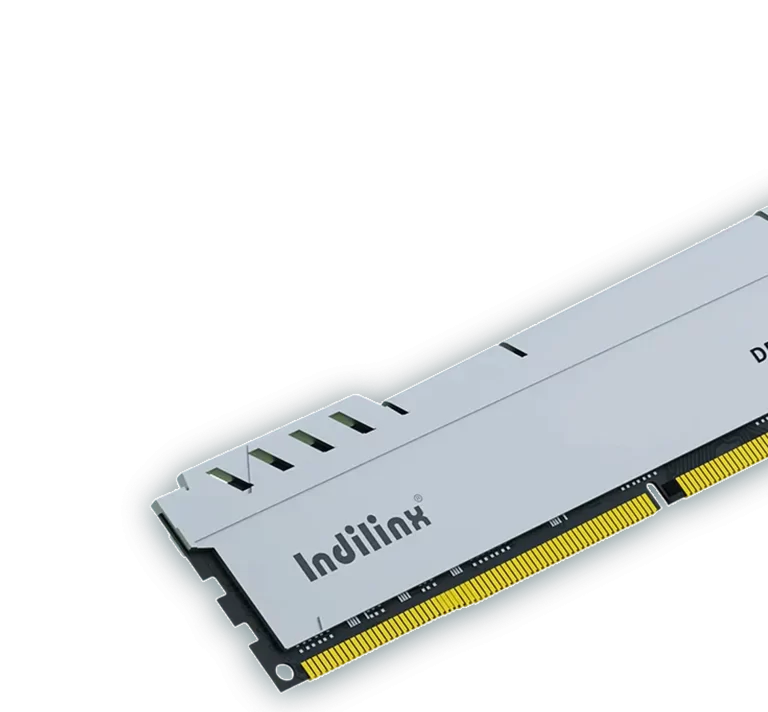
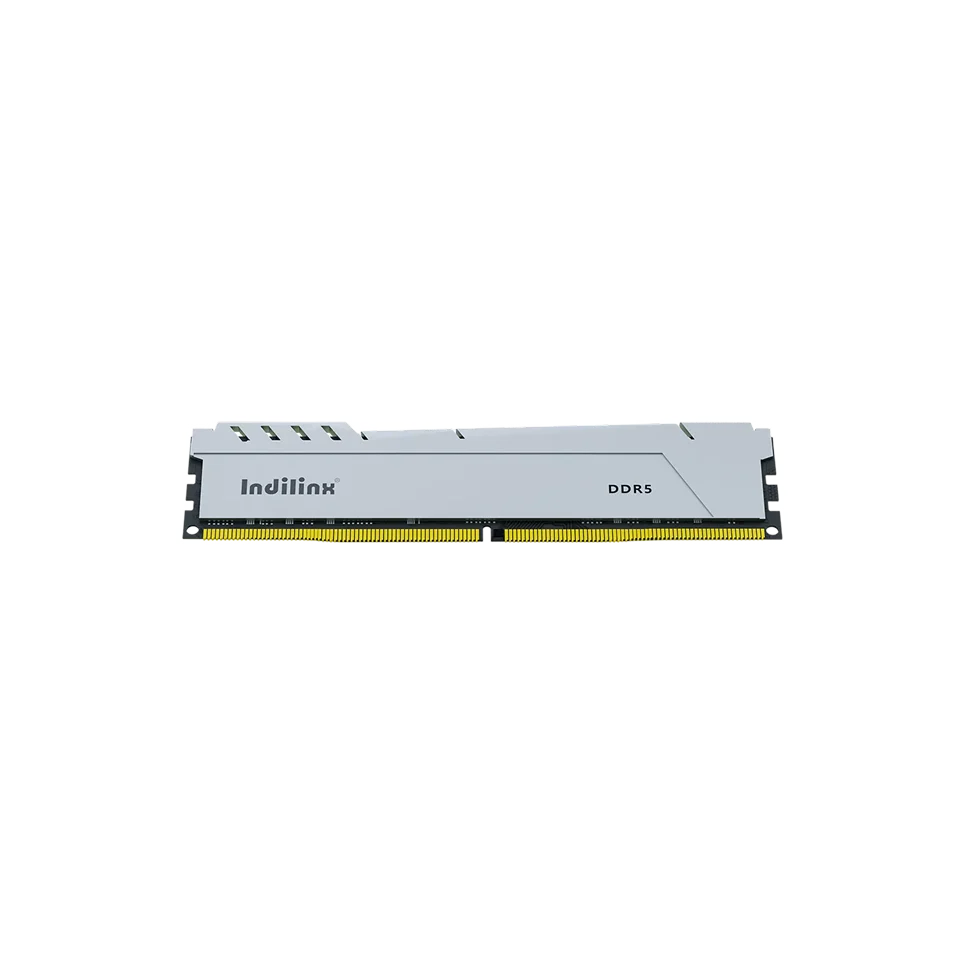
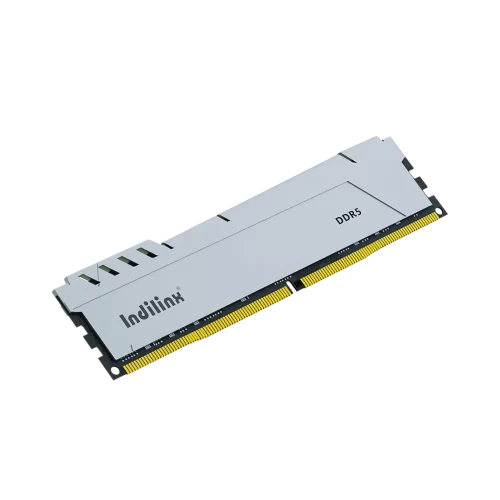
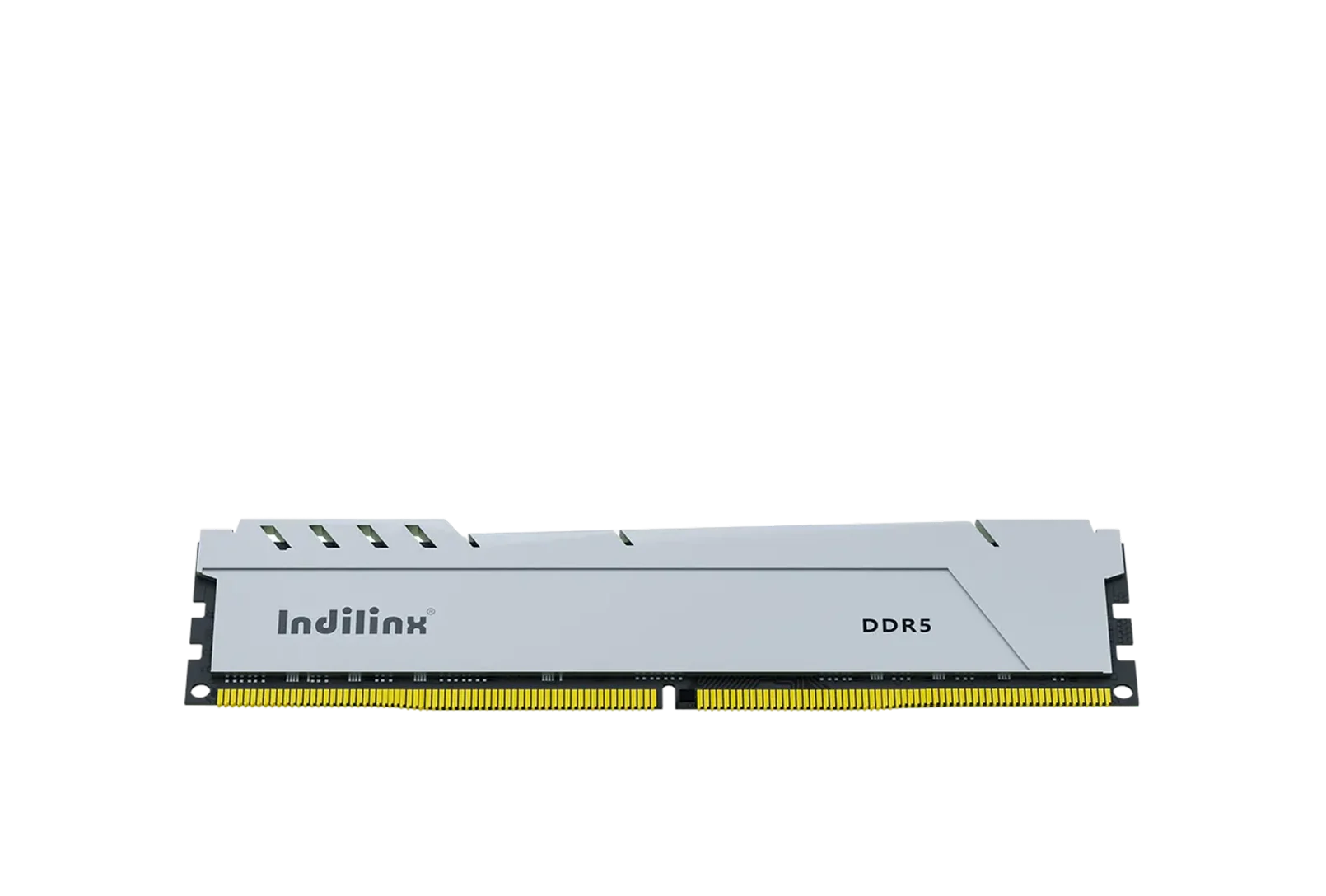
Indilinx DDR5:4800+ MT/s 高速传输,集成 PMIC / ODECC,提供新一代性能表现,适用于游戏、AI 及数据中心应用

成立于 2012 年,英洛迪(Indilinx)是一家专注于存储芯片设计、软件开发、封装测试、生产制造及应用的国家高新技术企业。

中国深圳市宝安区石岩街道坑尾路 44 号白杨工业园 C 栋

Ryan@indilinx.cn

+86 755 28234608

USB-flash-Drive

USB 闪存盘

英洛迪Titan X 固态硬盘:支持 USB 3.2 Gen1,军工级品质,256 位 AES 加密,容量覆盖 128GB–1TB,专为专业用户打造

成立于 2012 年,英洛迪(Indilinx)是一家专注于存储芯片设计、软件开发、封装测试、生产制造及应用的国家高新技术企业。

中国深圳市宝安区石岩街道坑尾路 44 号白杨工业园 C 栋

Ryan@indilinx.cn

+86 755 28234608

Indilinx-Micro-SD

微型存储卡(SD卡)

英洛迪Micro SD 存储卡:小巧便携,实现手机、相机、游戏主机等多设备间数据无缝传输

成立于 2012 年,英洛迪(Indilinx)是一家专注于存储芯片设计、软件开发、封装测试、生产制造及应用的国家高新技术企业。

中国深圳市宝安区石岩街道坑尾路 44 号白杨工业园 C 栋

Ryan@indilinx.cn

+86 755 28234608

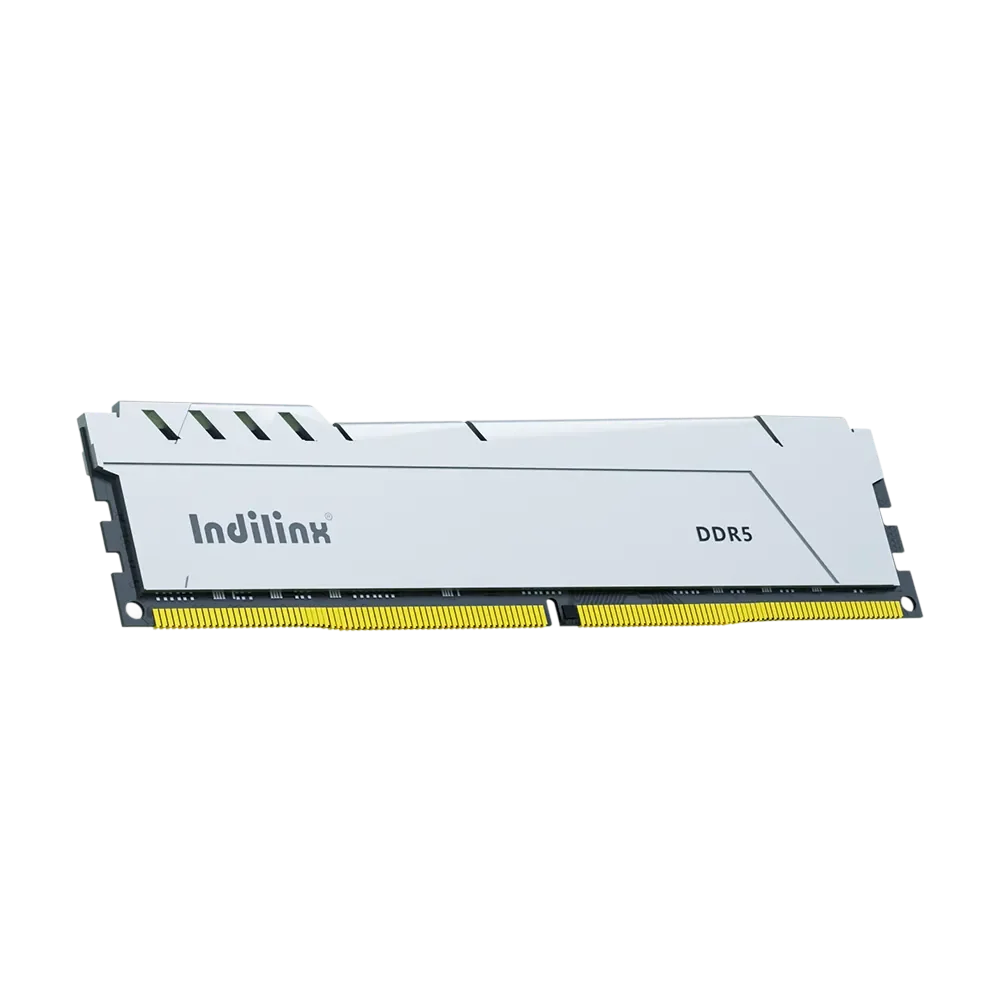
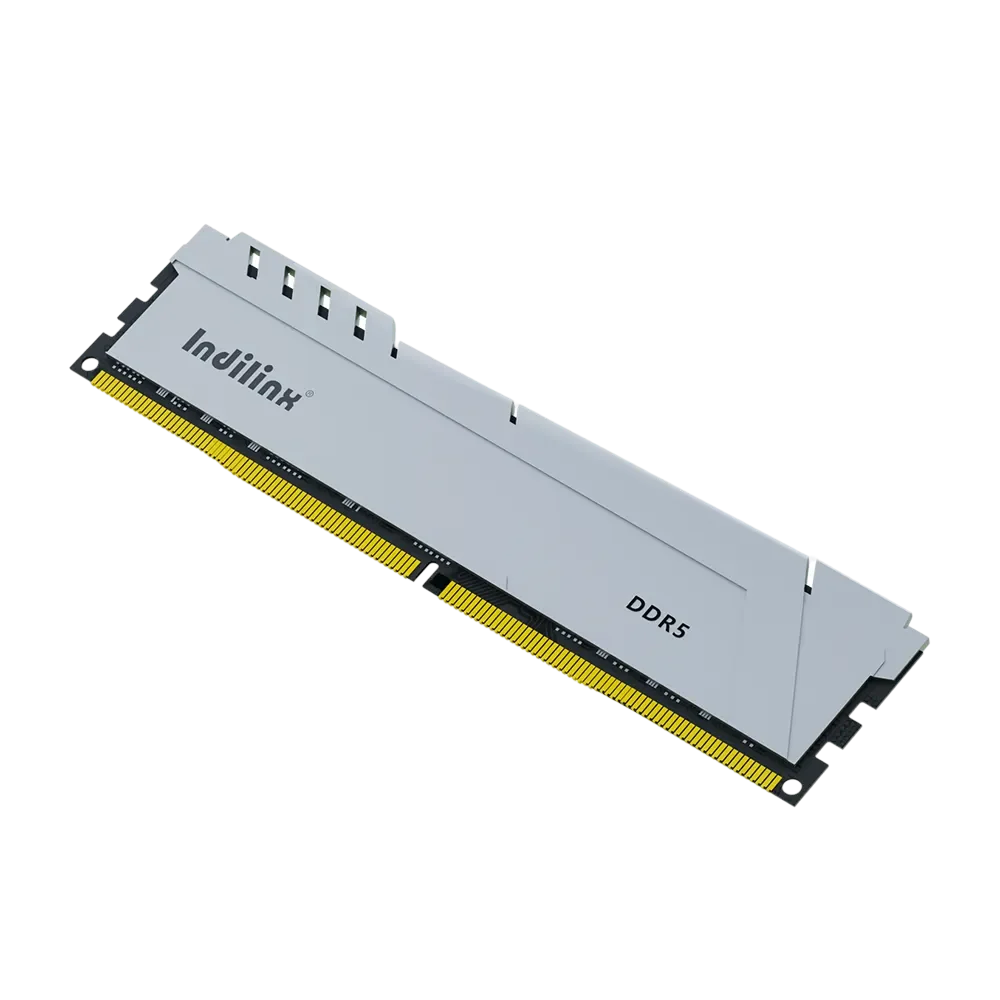
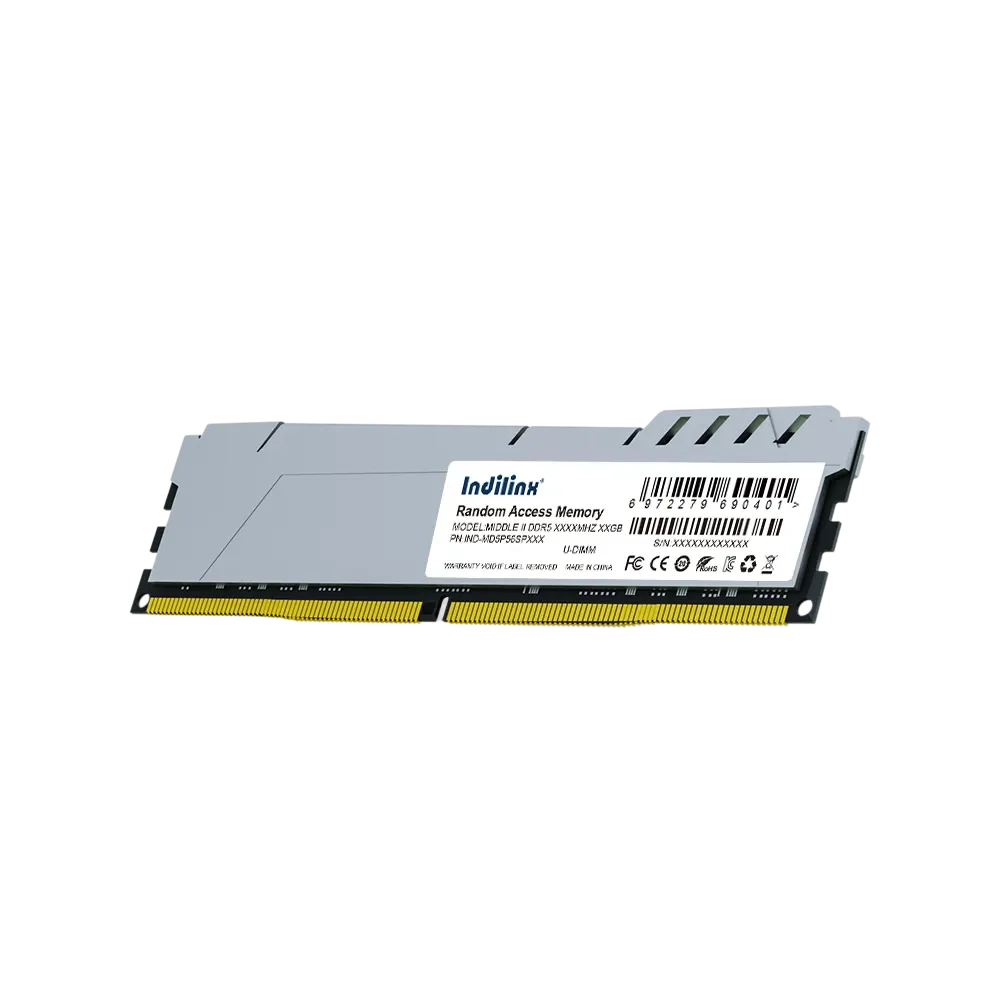
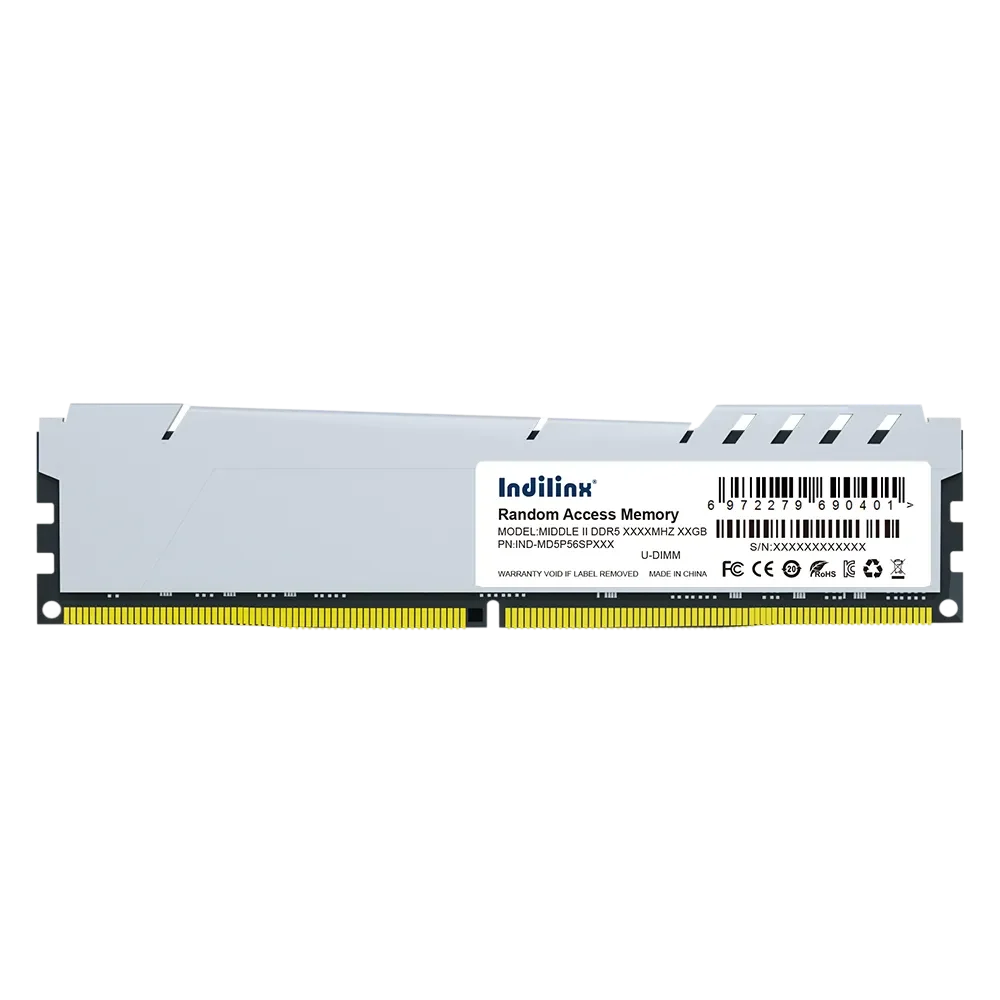
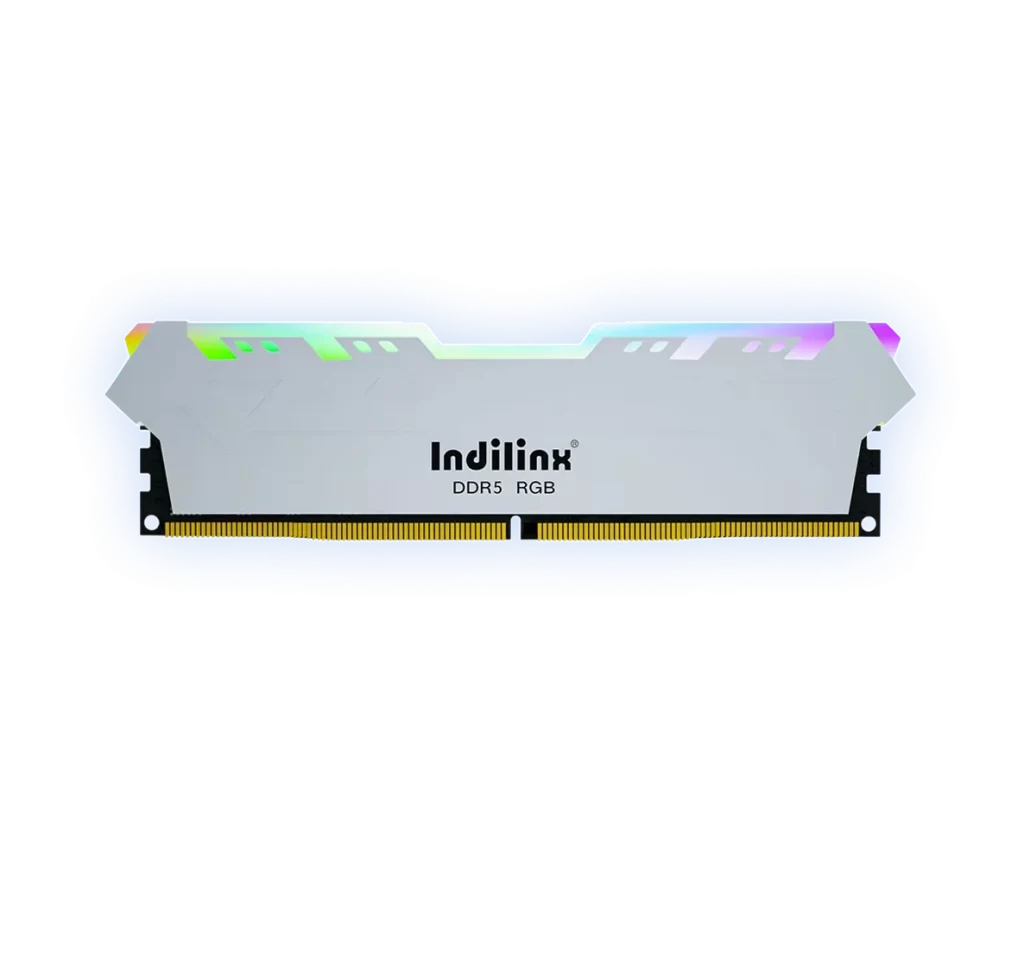
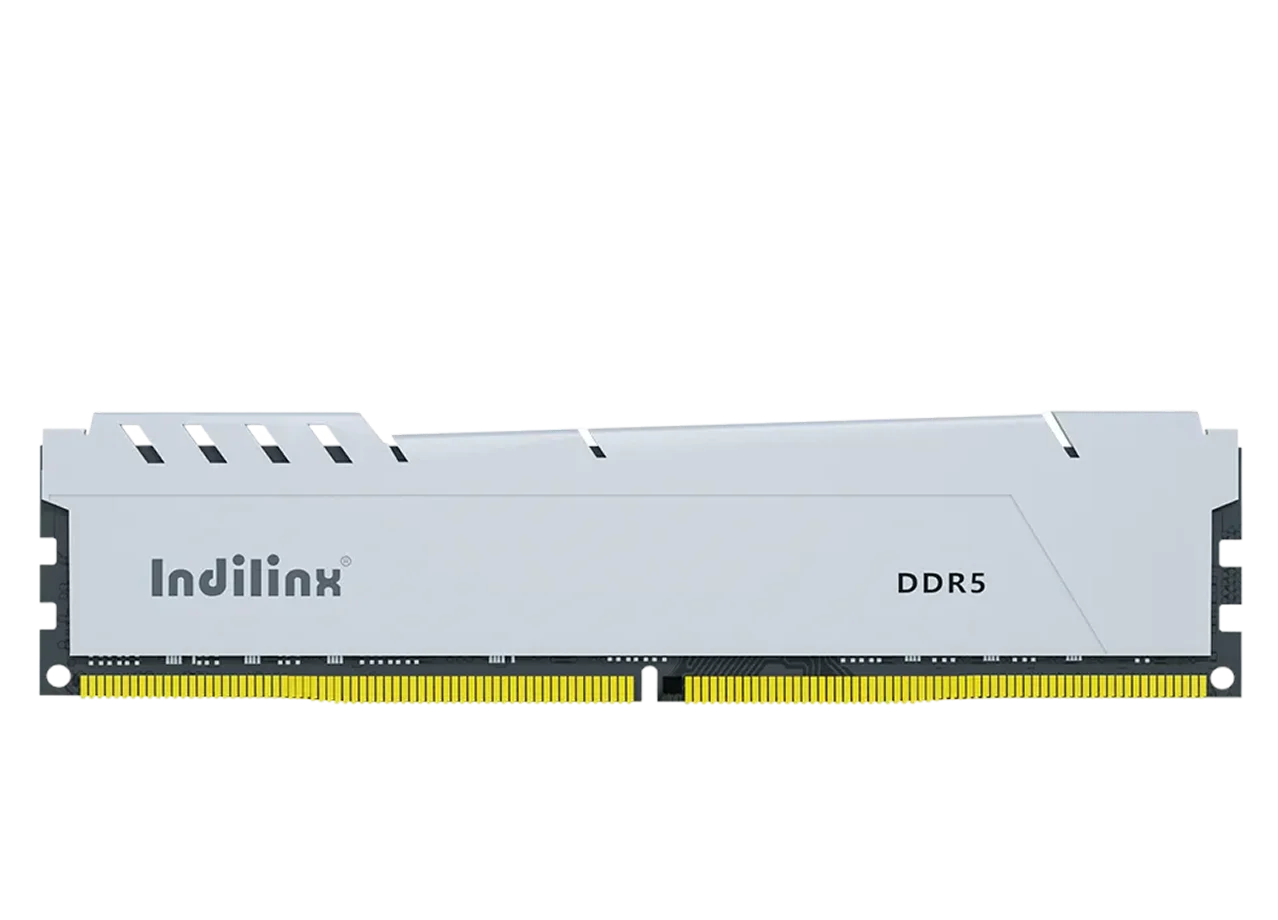
High-Performance DDR5 RAM UDIMM(MAGIC Series) 8G/16G/32G

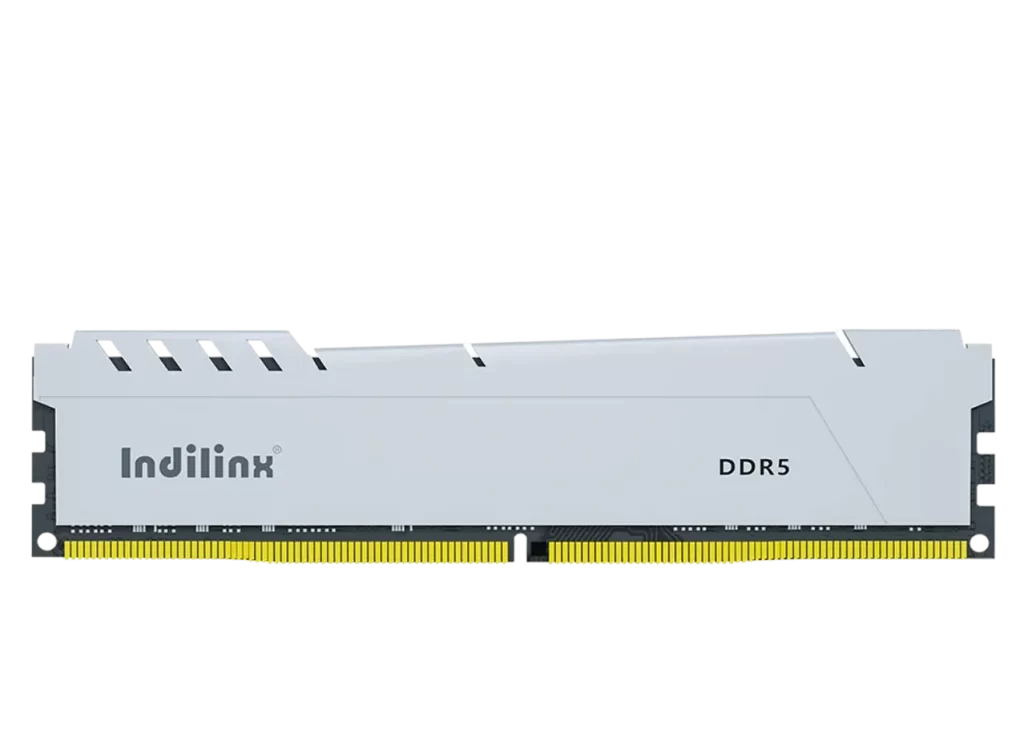
The MAGIC Series DDR5 UDIMM memory, model IND-MD5P, is engineered to deliver the next generation of desktop performance. Built with cutting-edge technology, it provides exceptional data transfer speeds, reduced latency, and superior bandwidth compared to DDR4. These modules are ideal for gamers, content creators, and professionals who demand the highest levels of system responsiveness and multitasking capability, ensuring smooth operation for intensive applications and immersive gaming experiences.

MAGIC II DDR5台式机内存

型号

Unmatched Speed & Bandwidth

Advanced On-Die ECC Reliability

Unmatched Speed & Bandwidth

Advanced On-Die ECC Reliability

DDR5 UDIMM(MAGIC Series) Product Specifications

Elevate your system’s performance with the Indilinx-MAGIC Series DDR5 UDIMM. Designed for next-generation desktop platforms, this memory series delivers a significant leap in speed, efficiency, and reliability. It is the perfect upgrade for gamers, enthusiasts, and professionals seeking to unlock the full potential of their systems, ensuring smoother multitasking, faster load times, and enhanced stability for demanding applications and intensive workloads.

产品规格

Product Model

MAGIC II DDR5台式机内存

Available Capacities

8GB, 16GB, 32GB

Memory Type

DDR5 UDIMM

Operating Voltage

1.1V

Data Rate

5600 MT/s

Timing (CL)

CL46

Error Correction

On-Die ECC (ODECC)

Operating Temperature

0°C to 85°C

质保

Limited Lifetime Warranty

Core Performance of DDR5 UDIMM(MAGIC Series)

High-Speed Data Transfer

Unlocks next-gen bandwidth with 5600 MT/s data rates, dramatically accelerating application loading and system responsiveness.

ADVANCED ON-DIE ECC

Integrated error correction ensures data integrity and system stability, ideal for mission-critical computing and continuous operation.

OPTIMIZED POWER EFFICIENCY

Runs at a low 1.1V operating voltage, reducing overall system power consumption and heat generation for cooler, more sustainable performance.

ULTRA-LOW LATENCY PROFILE

Tight CL46 timing ensures reduced delay in data access, providing snappier performance for gaming and real-time professional applications.

HIGH-CAPACITY OPTIONS

Available in 8GB, 16GB, and 32GB modules to meet diverse needs, from mainstream multitasking to high-end content creation workloads.

PLATFORM READINESS & COMPATIBILITY

Designed for next-generation Intel and AMD platforms, ensuring seamless integration and optimized performance out of the box.

High-Speed & High-Bandwidth Data Transfer

The Indilinx–MAGIC Series DDR5 UDIMM achieves data rates of 5600 MT/s, significantly surpassing previous generations. This breakthrough in bandwidth accelerates data access for gaming, content creation, and multitasking, ensuring smoother system responsiveness and faster load times across demanding applications.

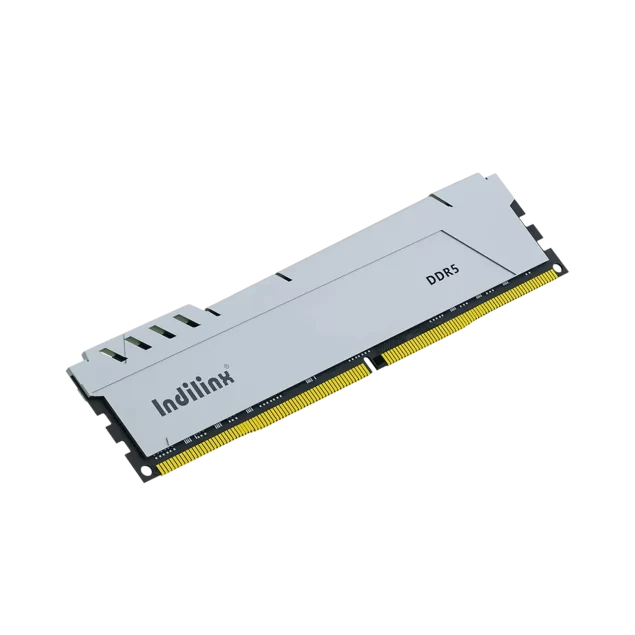
magic-ddr5-udimm-rotate-img

Enhanced Reliability & Efficient Operation

Featuring On-Die ECC and a reduced operating voltage of 1.1V, these modules deliver robust stability and improved power efficiency. This design minimizes the risk of data errors during continuous operation while generating less heat, contributing to a cooler, more reliable, and energy-conscious system performance.

Error Correction

On-Die ECC ensures data integrity.

Low Power Design

1.1V operation reduces energy consumption.

Installation of DDR5 UDIMM(MAGIC Series)

Installing your Indilinx-MAGIC Series DDR5 UDIMM memory is a simple process that can significantly boost your desktop’s performance. Before starting, ensure your system is powered down and disconnected from all power sources. Identify the correct DDR5 slots on your motherboard, typically located near the CPU. By carefully aligning the module’s notch with the slot’s key and applying firm, even pressure, you can securely seat the module until the side clips click into place automatically, completing the physical installation.

Standard Desktop Motherboard Installation

Dual-Channel Configuration Setup

Post-Installation BIOS Verification

Standard Desktop Motherboard Installation

即插即用的媒体访问体验

This is the most common method. After powering down the device and removing the battery (if removable), unscrew and carefully detach the bottom panel. The SODIMM slots are then directly accessible on the motherboard. Handle the module by its edges, align it correctly at a 30-degree angle, press down firmly until it seats flat, and the retaining clips snap into place automatically.

Dual-Channel Configuration Setup

即插即用的媒体访问体验

To maximize performance, install two identical modules in the correct slots to enable dual-channel mode. Consult your motherboard manual to identify the recommended slot pair, usually color-coded or labeled (e.g., A2 and B2). Install the first module in the primary slot, then repeat the process for the second module in its corresponding slot, ensuring both are firmly locked in place by the side clips.

Post-Installation BIOS Verification

即插即用的媒体访问体验

After physically installing the RAM and reassembling your system, power it on and enter the BIOS/UEFI setup (typically by pressing Del or F2 during boot). Navigate to the memory information section to verify that the system correctly recognizes the total installed capacity, the speed (e.g., 5600 MT/s), and that the modules are running in dual-channel mode, confirming a successful installation.

Standard Desktop Motherboard Installation

即插即用的媒体访问体验

This is the most common method. After powering down the device and removing the battery (if removable), unscrew and carefully detach the bottom panel. The SODIMM slots are then directly accessible on the motherboard. Handle the module by its edges, align it correctly at a 30-degree angle, press down firmly until it seats flat, and the retaining clips snap into place automatically.

Dual-Channel Configuration Setup

即插即用的媒体访问体验

To maximize performance, install two identical modules in the correct slots to enable dual-channel mode. Consult your motherboard manual to identify the recommended slot pair, usually color-coded or labeled (e.g., A2 and B2). Install the first module in the primary slot, then repeat the process for the second module in its corresponding slot, ensuring both are firmly locked in place by the side clips.

Post-Installation BIOS Verification

即插即用的媒体访问体验

After physically installing the RAM and reassembling your system, power it on and enter the BIOS/UEFI setup (typically by pressing Del or F2 during boot). Navigate to the memory information section to verify that the system correctly recognizes the total installed capacity, the speed (e.g., 5600 MT/s), and that the modules are running in dual-channel mode, confirming a successful installation.

DDR5 UDIMM(MAGIC Series) Technical Support

We are committed to providing outstanding technical support for the MAGIC Series DDR5 UDIMM, ensuring your system achieves optimal performance and reliability. From seamless installation guidance to long-term warranty services, our structured support framework is designed to deliver prompt assistance and peace of mind throughout the product lifecycle.

Comprehensive Lifetime Warranty

Your investment is protected by our extensive limited lifetime warranty, guaranteeing long-term reliability and support against manufacturing defects.

Full Production Traceability

Every module is linked to its specific manufacturing batch, with detailed records enabling precise tracking of components and testing history for assured quality.

Rapid Technical Diagnostics

Leverage our dedicated support resources for quick troubleshooting, compatibility verification, and resolution of any performance-related inquiries.

Structured After-Sales Service

Our efficient service process ensures professional handling of product evaluations, returns, and replacements, minimizing your downtime.

Continuous Product Enhancement

We systematically incorporate user feedback and field data into our R&D to drive improvements in future memory solutions and firmware updates.