Indilinx-USB-SSD

便携式固态硬盘

便携式固态硬盘系列:高速传输,小巧便携,安全备份,广泛兼容多种设备,满足随时随地使用需求

Indilinx-PSSD

USB 固态硬盘

USB 固态硬盘系列:极速传输,小巧耐用,多设备兼容,轻松实现安全存储

Indilinx-Enterprise

企业级产品

企业级固态硬盘系列:专为数据中心打造,高性能、低延迟,提供安全且可扩展的存储解决方案,满足企业级业务需求

成立于 2012 年,英洛迪(Indilinx)是一家专注于存储芯片设计、软件开发、封装测试、生产制造及应用的国家高新技术企业。
中国深圳市宝安区石岩街道坑尾路 44 号白杨工业园 C 栋

Ryan@indilinx.cn

+86 755 28234608

Indilinx-DDR3-Memory

DDR3内存

Indilinx DDR3:1.5V / 1.35V 低电压设计,高性价比,适用于老旧系统升级,广泛兼容 Intel / AMD 平台,性能稳定可靠

Indilinx-DDR4-Memory

DDR4内存

Indilinx DDR4:1.2V 低功耗设计,频率覆盖 2666–4800MHz+,全面兼容 Intel / AMD 平台,满足各类计算需求

Indilinx-DDR5-Memory

DDR5内存

Indilinx DDR5:4800+ MT/s 高速传输,集成 PMIC / ODECC,提供新一代性能表现,适用于游戏、AI 及数据中心应用

成立于 2012 年,英洛迪(Indilinx)是一家专注于存储芯片设计、软件开发、封装测试、生产制造及应用的国家高新技术企业。

中国深圳市宝安区石岩街道坑尾路 44 号白杨工业园 C 栋

Ryan@indilinx.cn

+86 755 28234608

USB-flash-Drive

USB 闪存盘

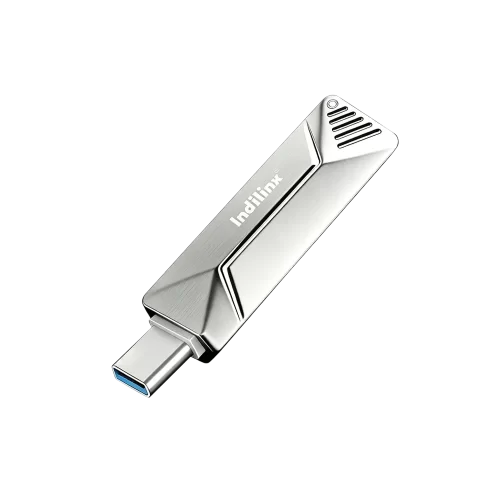
英洛迪Titan X 固态硬盘:支持 USB 3.2 Gen1,军工级品质,256 位 AES 加密,容量覆盖 128GB–1TB,专为专业用户打造

成立于 2012 年,英洛迪(Indilinx)是一家专注于存储芯片设计、软件开发、封装测试、生产制造及应用的国家高新技术企业。

中国深圳市宝安区石岩街道坑尾路 44 号白杨工业园 C 栋

Ryan@indilinx.cn

+86 755 28234608

Indilinx-Micro-SD

微型存储卡(SD卡)

英洛迪Micro SD 存储卡:小巧便携,实现手机、相机、游戏主机等多设备间数据无缝传输

成立于 2012 年,英洛迪(Indilinx)是一家专注于存储芯片设计、软件开发、封装测试、生产制造及应用的国家高新技术企业。

中国深圳市宝安区石岩街道坑尾路 44 号白杨工业园 C 栋

Ryan@indilinx.cn

+86 755 28234608

USB Solid State Drive Available in Various Capacities

Business and Mobile Office: The Memostone USB SSD is perfect for business professionals who need portable storage, offering fast data access and enabling file sharing anytime, anywhere.

Personal Data Backup: Ideal for personal users to back up important files, photos, and videos on a daily basis, without the hassle of cables, making it more convenient to use. Multi-Device File Management: With its multi-interface design, the Memostone USB SSD makes it easy to manage files across devices, helping users efficiently handle cross-platform data storage needs.

IND-US2

型号

Ultra-Fast Data Transfer

Large Capacity, Reliable Storage

Ultra-Fast Data Transfer

Large Capacity, Reliable Storage

USB SSD(US2) Product Specifications

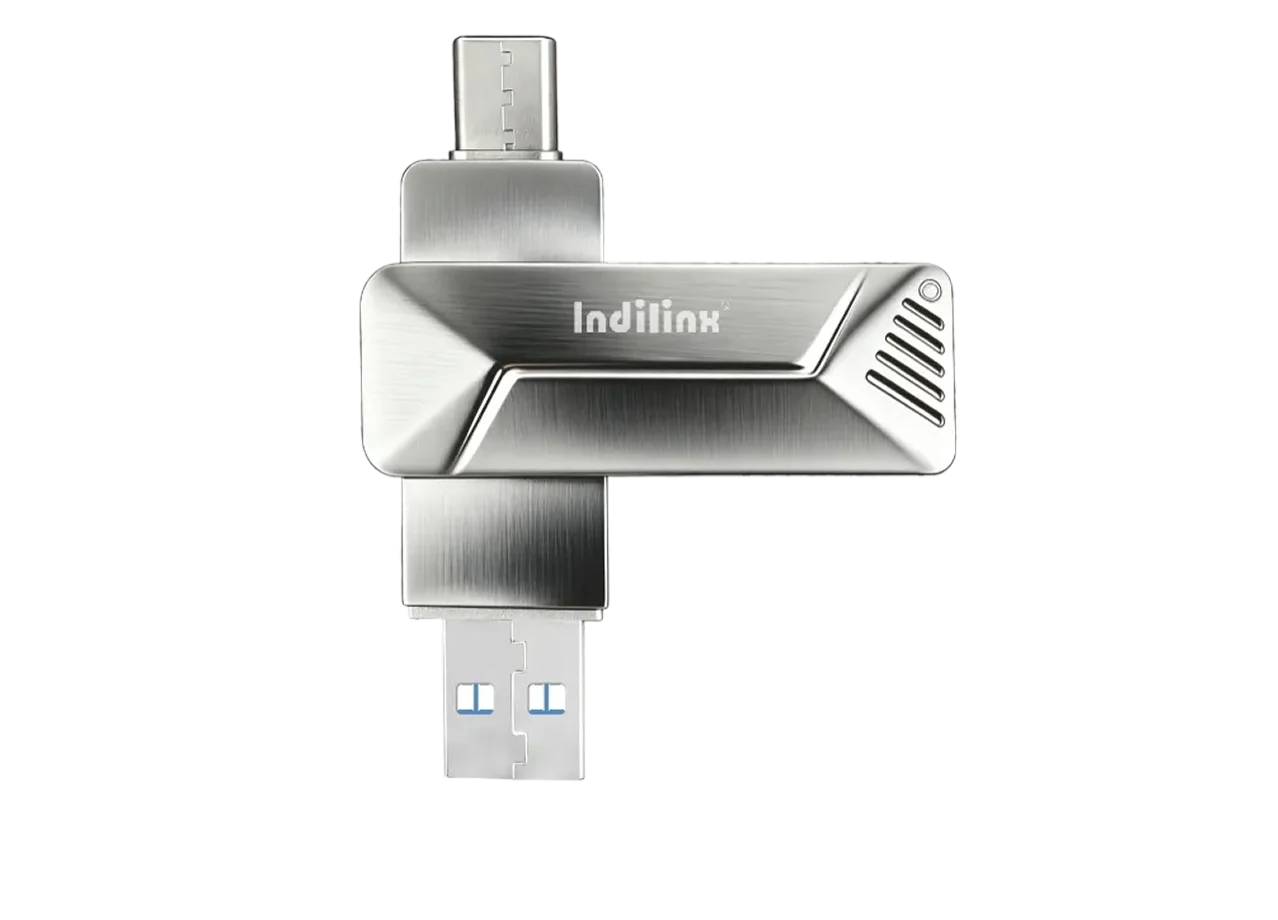
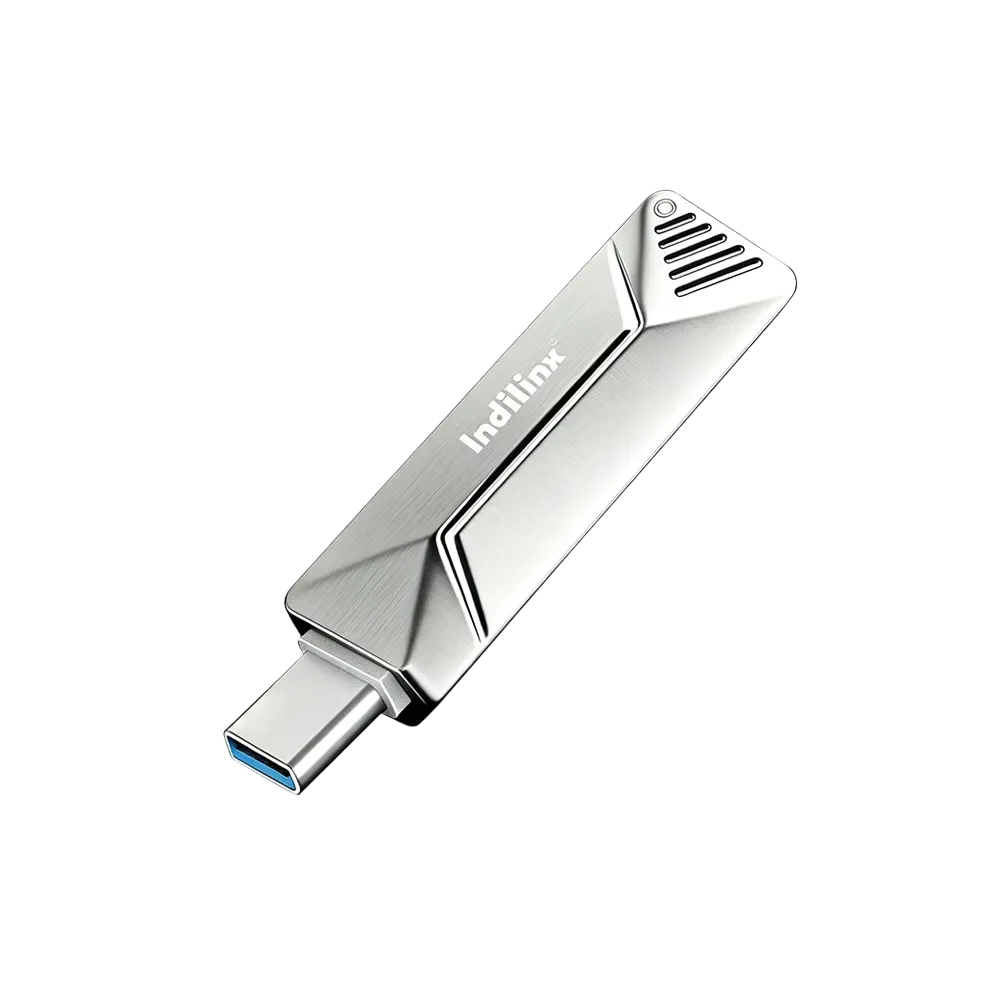
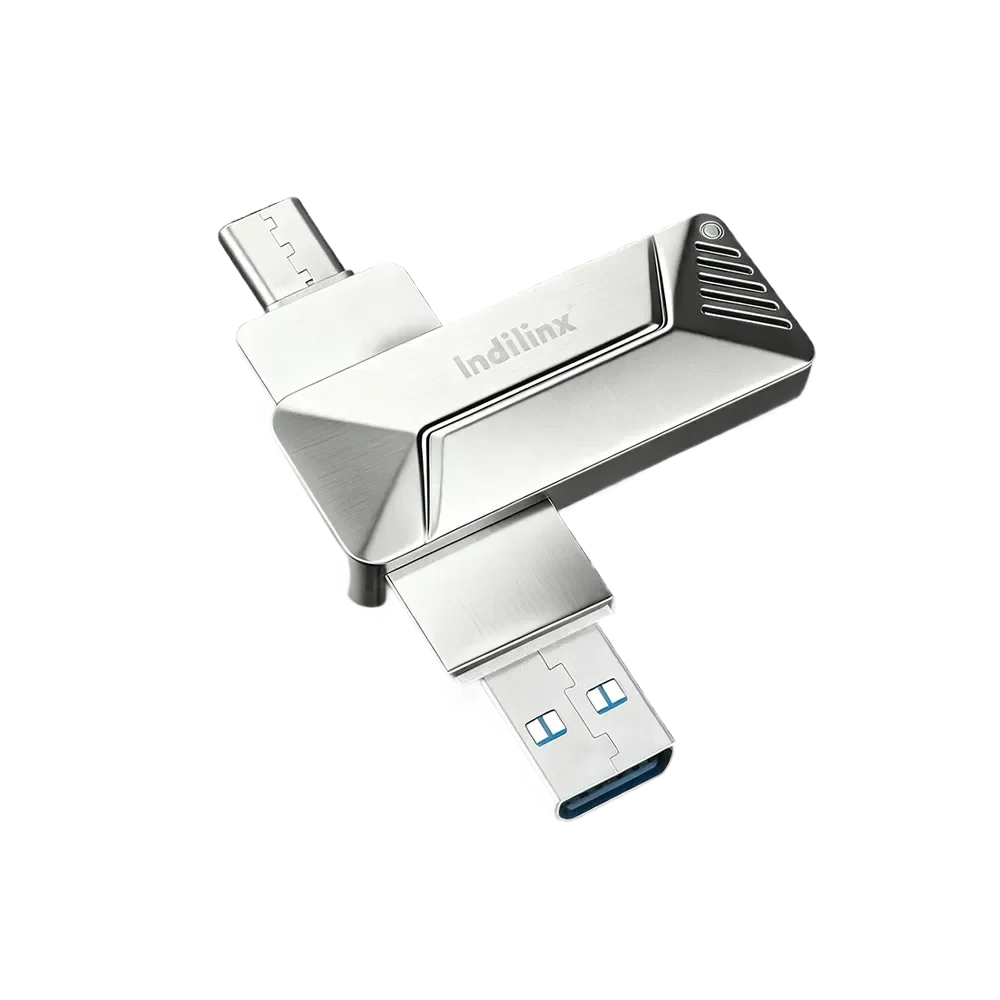
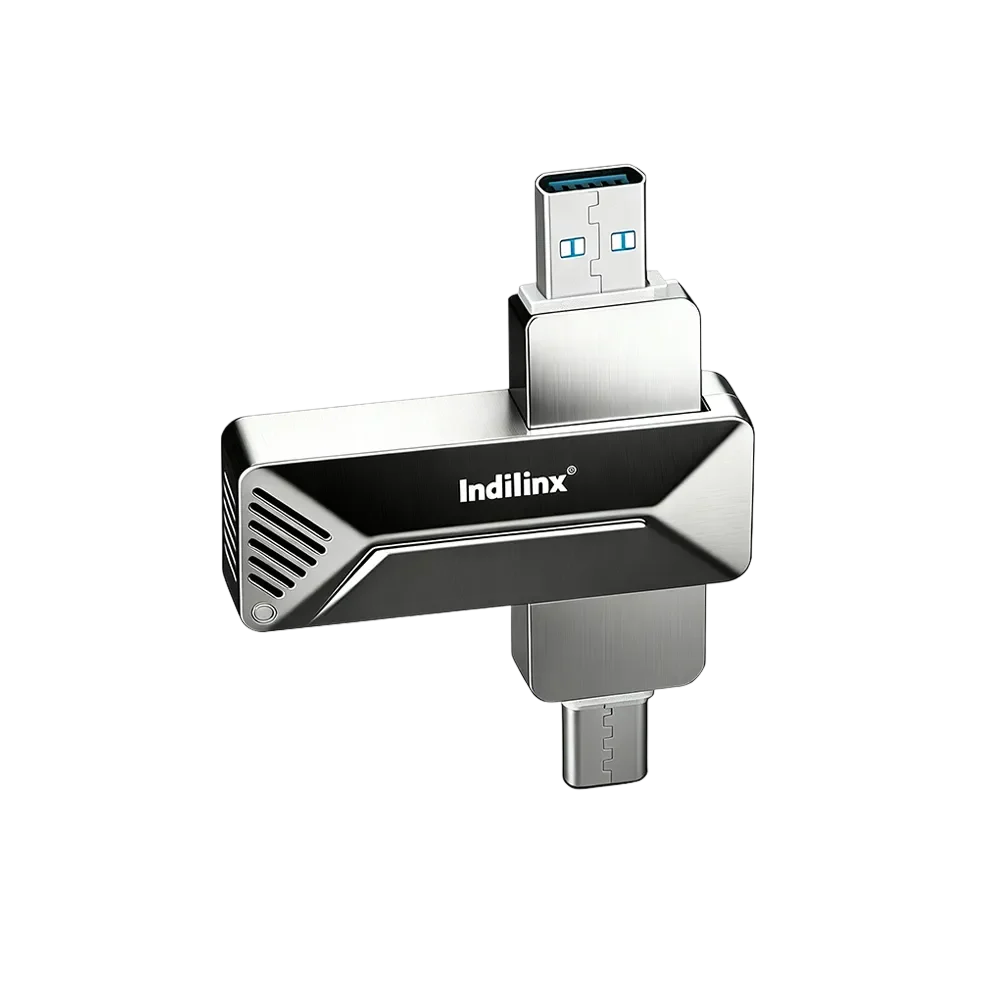
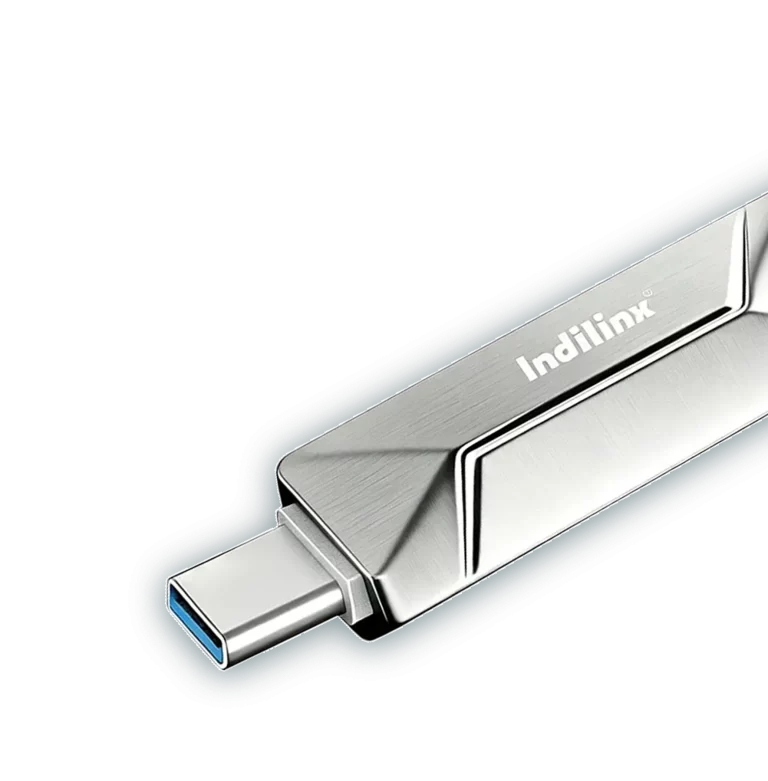
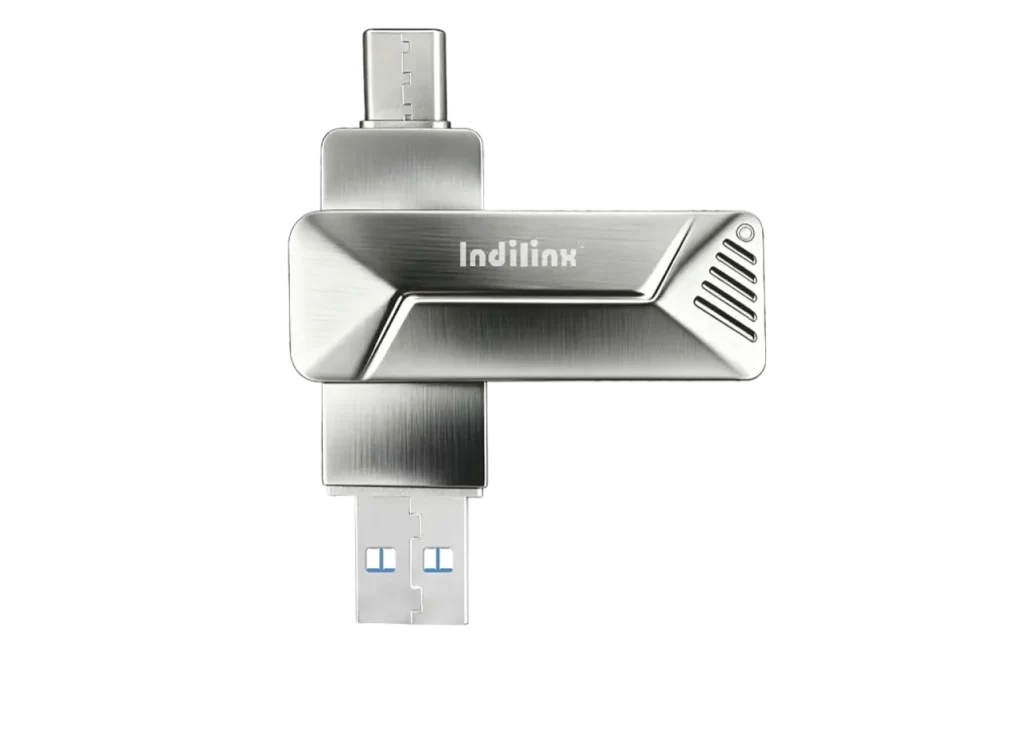
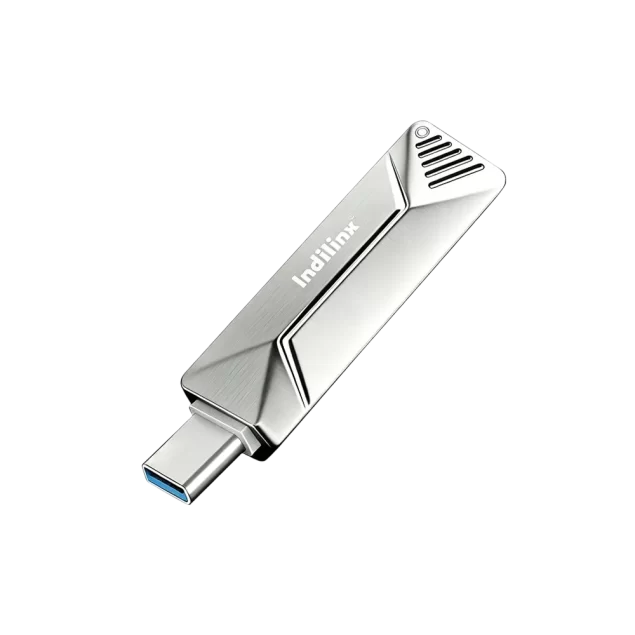
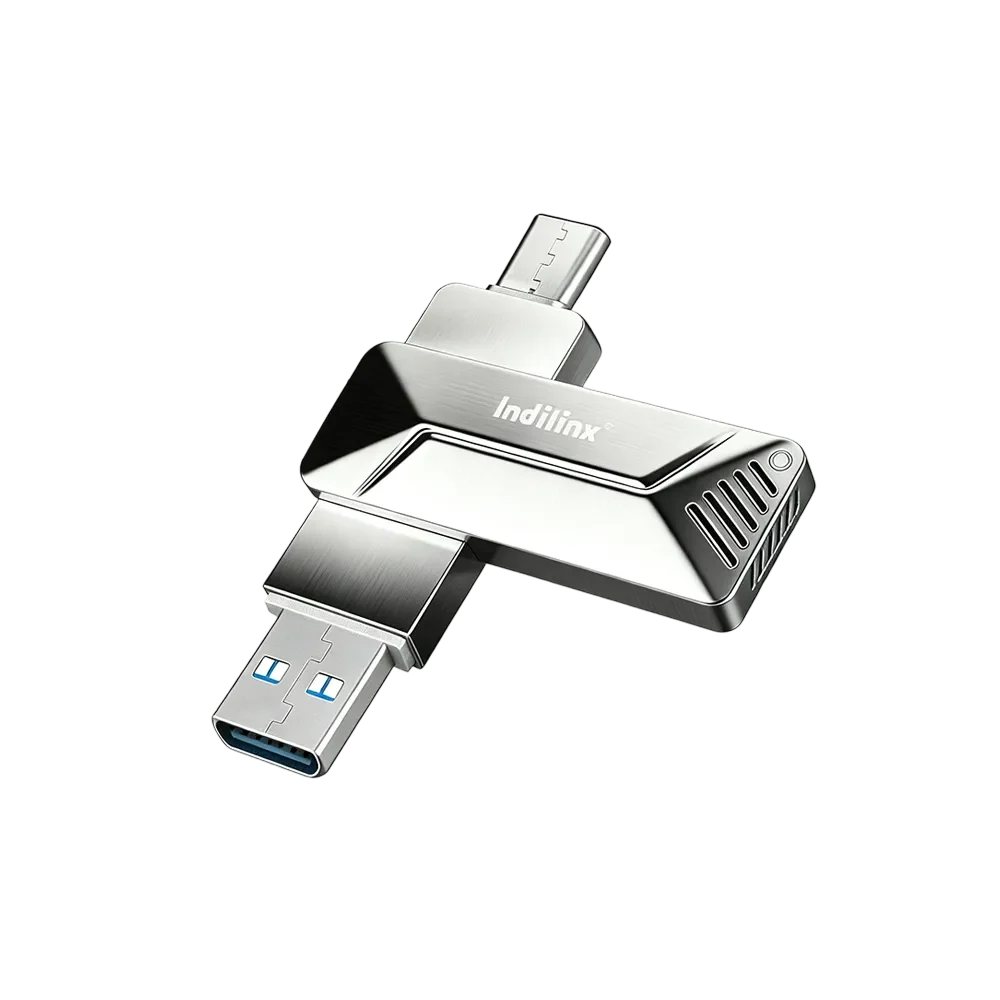
The Indilinx USB SSD (US2) is designed to deliver high-speed data transfer and reliable storage performance in a compact form factor. It supports USB high-speed interfaces for fast read and write operations, making it suitable for large file transfers, backups, and multimedia applications. Built with advanced solid-state technology, the US2 offers enhanced durability, shock resistance, and stable performance without moving parts. It features broad compatibility with major operating systems, enabling plug-and-play use across computers, TVs, and mobile devices. With optimized power efficiency and consistent performance, the Indilinx USB SSD (US2) is ideal for both professional and everyday storage needs.

产品规格

接口

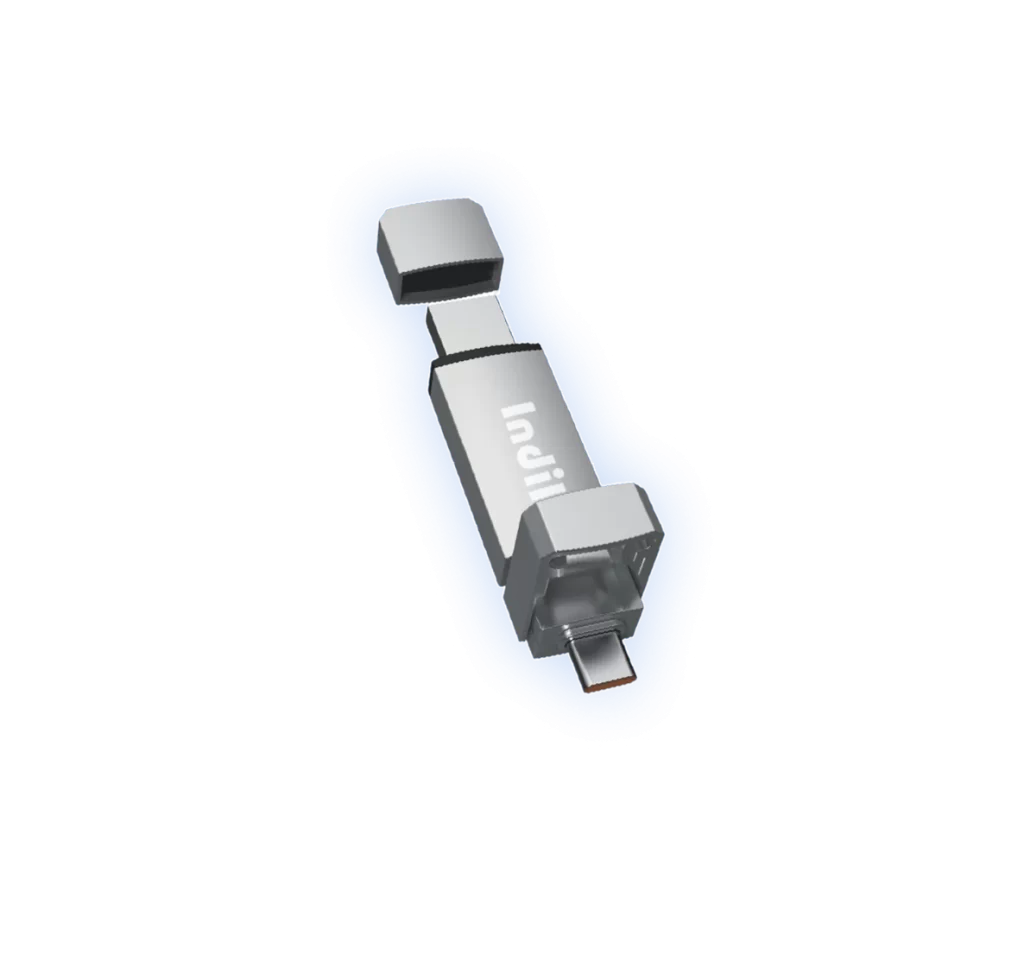
Type-c 3.0+ USB 3.0

Model

IND-US2

容量

128GB/ 256GB /512GB /1TB

Size

68 x18.5x 9 mm

Authentication

CE / FCC / ROHS

Temperature

-5 ~ 75°C

Appearance

 Silvery

质保

 5年

Core Performance of USB SSD(US2)

HIGH-SPEED TRANSFER

Type-C interface enables fast and stable data transfer for efficient daily and large-file operations.

STABLE PERFORMANCE

Optimized controller and
firmware ensure consistent
read and write performance under continuous workloads.

COMPACT DESIGN

Lightweight and compact form factor supports easy portability for mobile and flexible working scenarios.

PLUG&PLAY

Instant storage expansion with plug-and-play support,no drivers or configuration required.

wide compatibility

Supports USB 3.0 and Type-C devices, compatible with
mainstream computers and
mobile platforms.

RELIABLE QUALITY

Built for long-term use and backed by a five-year
warranty for dependable performance.

Ultra-Fast Data Transfer for USSD

enables quick and efficient movement of large files, reducing wait times and improving productivity. High-speed performance ensures smooth backups, rapid access, and reliable operation for daily and professional use.

us2-ssd-img-3
us2-ssd-img-3

Large Capacity, Reliable Storage for USSD

provides ample space for videos, photos, and important data while ensuring stable performance. Solid-state design enhances durability, data security, and long-term reliability for everyday and professional storage needs.

Ultra-Fast Data Transfer

Large Capacity, Reliable Storage

Installation of USB SSD(US2)

Installation of USB SSD (US2) is quick and simple. Insert the drive into an available USB port, allow the system to recognize it automatically, and follow any on-screen instructions. No additional drivers are required, and the device is ready to use within seconds.

Connect to the Computer

Connect to the Phone/Tablet

Connect to the TV

CONNECT TO THE COMPUTER

高效扩展外部存储:

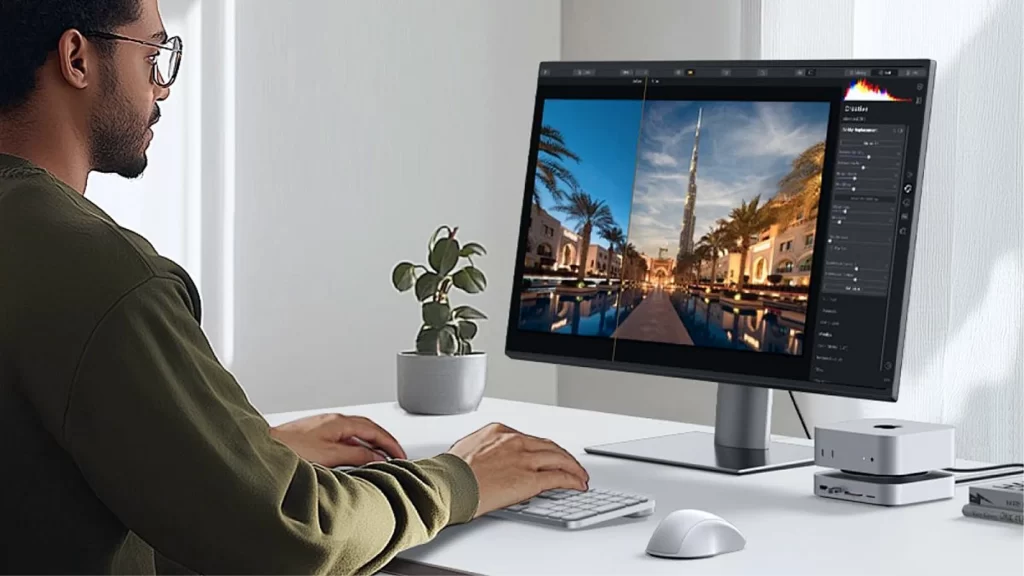
To use a USB device with a computer, insert the USB connector into an available port. The system will automatically detect it. Open File Explorer or Finder to access the drive, transfer files as needed, and safely eject the device before unplugging.

Connect to the Phone/Tablet

移动数据备份与迁移:

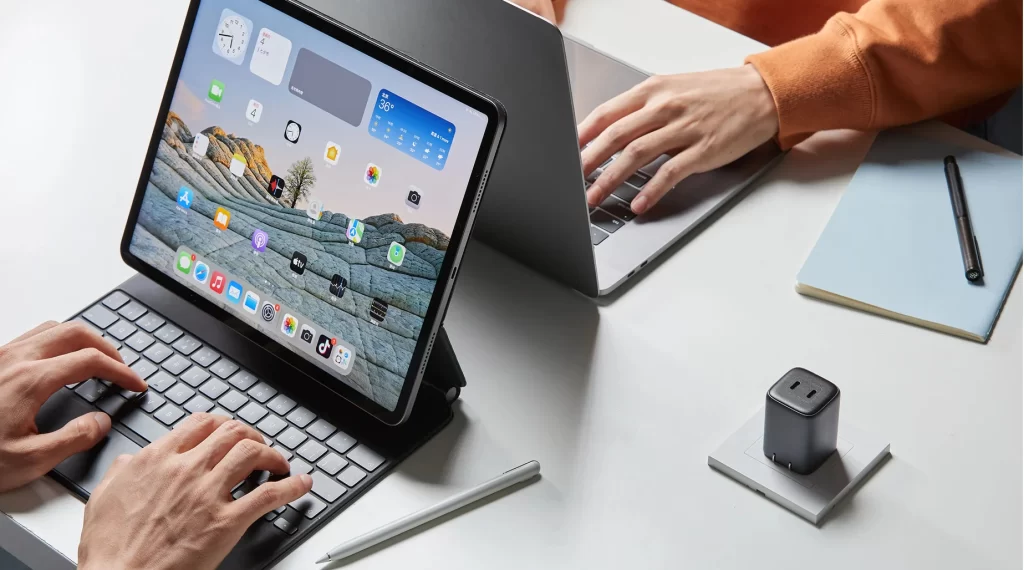
To connect a USB device to a phone or tablet, use a compatible USB or OTG adapter. Plug the device into the adapter, then connect it to the phone or tablet. The system will detect the storage automatically, allowing file access through a file manager app.

Connect to the TV

即插即用的媒体访问体验

To use USB to connect to the TV, insert the USB device into the TV’s USB port. Turn on the TV and open the input or media menu. Select the USB source to browse, open, and play supported files using the remote control.

CONNECT TO THE COMPUTER

高效扩展外部存储:

To use a USB device with a computer, insert the USB connector into an available port. The system will automatically detect it. Open File Explorer or Finder to access the drive, transfer files as needed, and safely eject the device before unplugging.

Connect to the Phone/Tablet

移动数据备份与迁移:

To connect a USB device to a phone or tablet, use a compatible USB or OTG adapter. Plug the device into the adapter, then connect it to the phone or tablet. The system will detect the storage automatically, allowing file access through a file manager app.

Connect to the TV

即插即用的媒体访问体验

To use USB to connect to the TV, insert the USB device into the TV’s USB port. Turn on the TV and open the input or media menu. Select the USB source to browse, open, and play supported files using the remote control.

USB SSD(US2) Technical Support

USB SSD (US2) Technical Support offers professional assistance for setup, compatibility, performance optimization, and troubleshooting. Our team ensures stable operation, data security, and timely solutions to support efficient and reliable daily use.

5-YEARS warranty USE IT SAFELY

in accordance with strict qualitystandards to build reliable and durable,enjoy 5-years warranty.

批次级追溯管理

每个生产批次均记录详细的制造与测试数据,实现精准追溯。

问题识别与分析

Traceability data enables fast issue identification and root cause analysis when quality concerns arise.

售后技术支持

规范化售后流程,提供高效技术支持、产品评估及问题解决。

持续质量改进

Collected data and feedback are used torefine processes, improve reliability, andenhance future products.