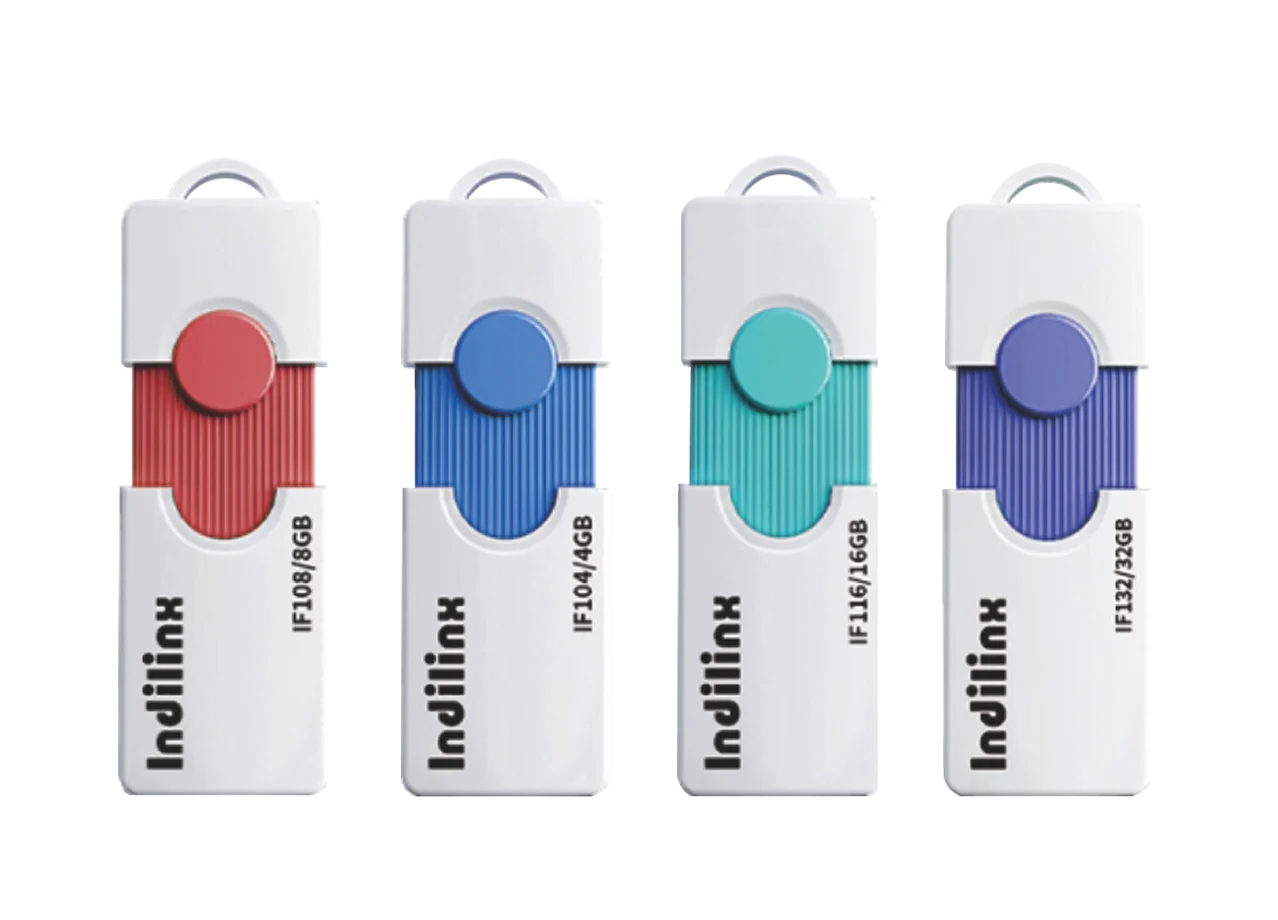
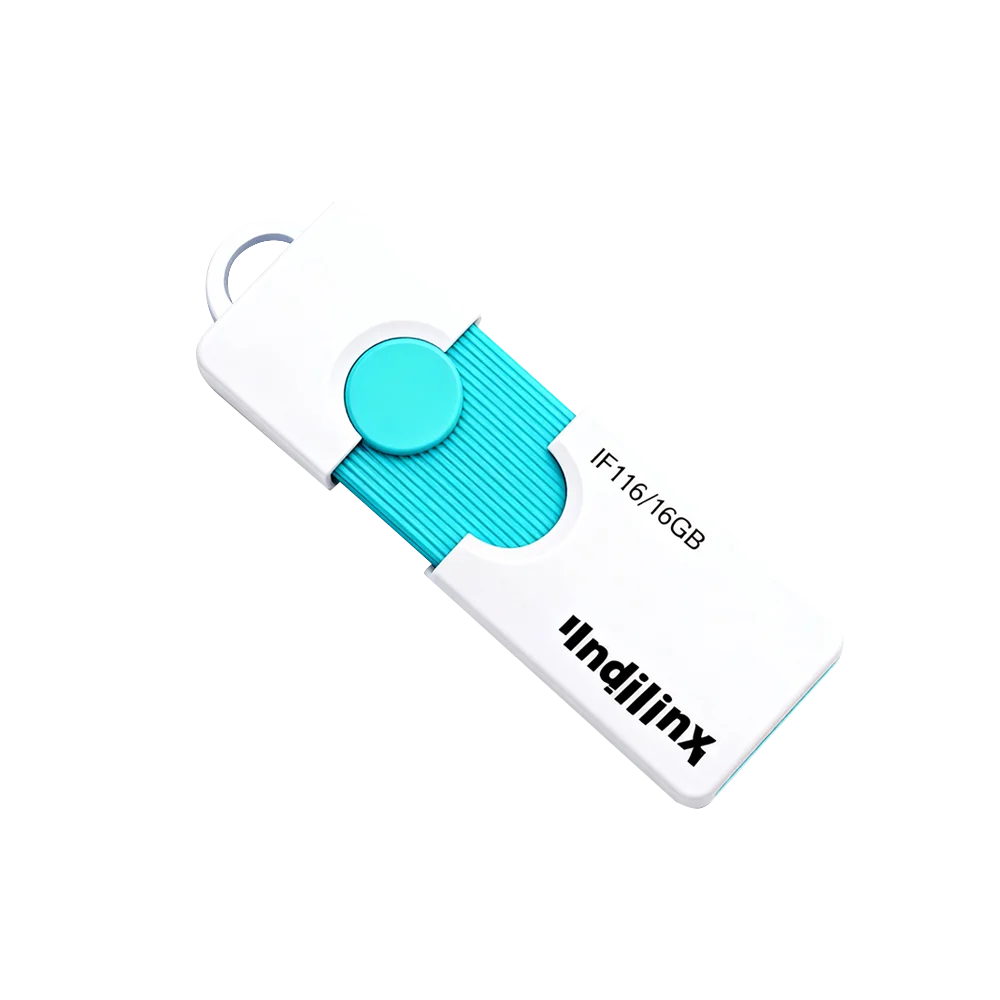
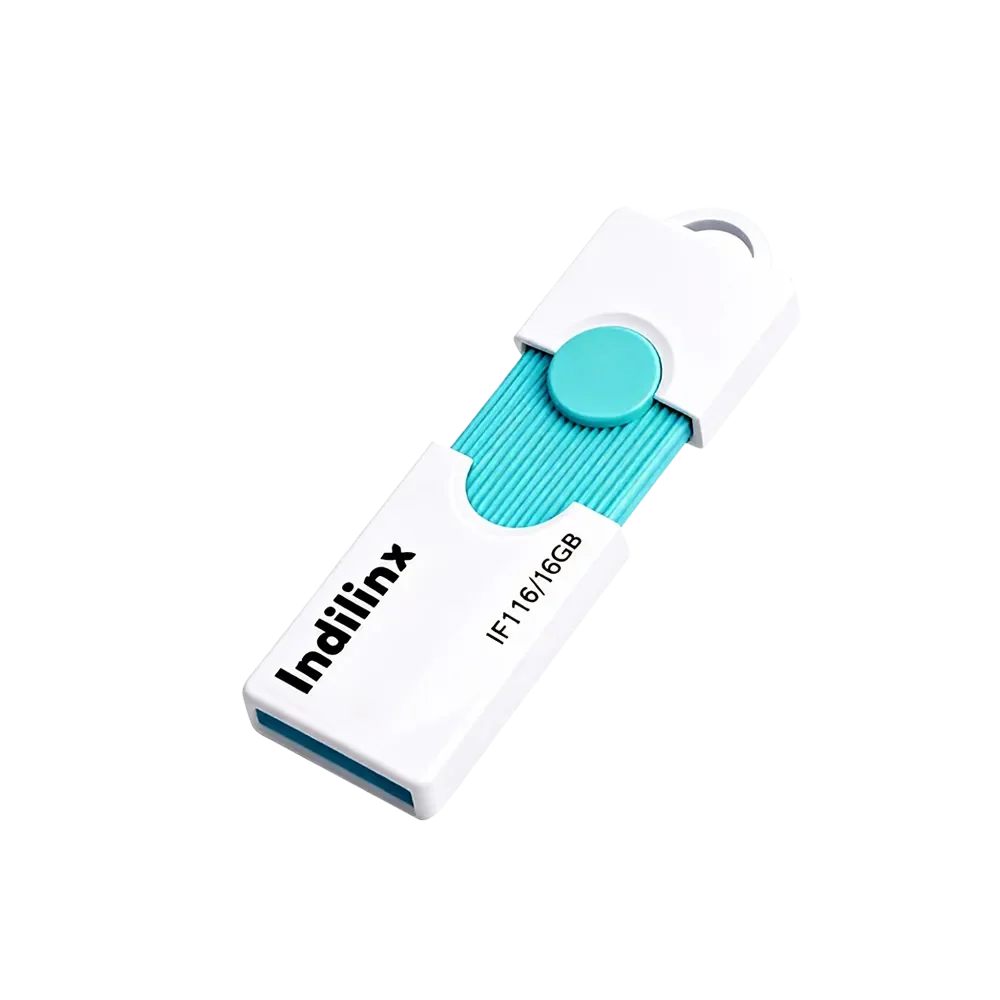
Indilinx-USB-SSD

便携式固态硬盘

便携式固态硬盘系列:高速传输,小巧便携,安全备份,广泛兼容多种设备,满足随时随地使用需求

Indilinx-PSSD

USB 固态硬盘

USB 固态硬盘系列:极速传输,小巧耐用,多设备兼容,轻松实现安全存储

Indilinx-Enterprise

企业级产品

企业级固态硬盘系列:专为数据中心打造,高性能、低延迟,提供安全且可扩展的存储解决方案,满足企业级业务需求

成立于 2012 年,英洛迪(Indilinx)是一家专注于存储芯片设计、软件开发、封装测试、生产制造及应用的国家高新技术企业。

中国深圳市宝安区石岩街道坑尾路 44 号白杨工业园 C 栋

Ryan@indilinx.cn

+86 755 28234608

Indilinx-DDR3-Memory

DDR3内存

Indilinx DDR3:1.5V / 1.35V 低电压设计,高性价比,适用于老旧系统升级,广泛兼容 Intel / AMD 平台,性能稳定可靠

Indilinx-DDR4-Memory

DDR4内存

Indilinx DDR4:1.2V 低功耗设计,频率覆盖 2666–4800MHz+,全面兼容 Intel / AMD 平台,满足各类计算需求

Indilinx-DDR5-Memory

DDR5内存

Indilinx DDR5:4800+ MT/s 高速传输,集成 PMIC / ODECC,提供新一代性能表现,适用于游戏、AI 及数据中心应用

成立于 2012 年,英洛迪(Indilinx)是一家专注于存储芯片设计、软件开发、封装测试、生产制造及应用的国家高新技术企业。

中国深圳市宝安区石岩街道坑尾路 44 号白杨工业园 C 栋

Ryan@indilinx.cn

+86 755 28234608

USB-flash-Drive

USB 闪存盘

英洛迪Titan X 固态硬盘:支持 USB 3.2 Gen1,军工级品质,256 位 AES 加密,容量覆盖 128GB–1TB,专为专业用户打造

成立于 2012 年,英洛迪(Indilinx)是一家专注于存储芯片设计、软件开发、封装测试、生产制造及应用的国家高新技术企业。

中国深圳市宝安区石岩街道坑尾路 44 号白杨工业园 C 栋

Ryan@indilinx.cn

+86 755 28234608

Indilinx-Micro-SD

微型存储卡(SD卡)

英洛迪Micro SD 存储卡:小巧便携,实现手机、相机、游戏主机等多设备间数据无缝传输

成立于 2012 年,英洛迪(Indilinx)是一家专注于存储芯片设计、软件开发、封装测试、生产制造及应用的国家高新技术企业。

中国深圳市宝安区石岩街道坑尾路 44 号白杨工业园 C 栋

Ryan@indilinx.cn

+86 755 28234608

Type-C 3.0 + USB 3.0 Flash Drive (16GB–128GB) – IF1

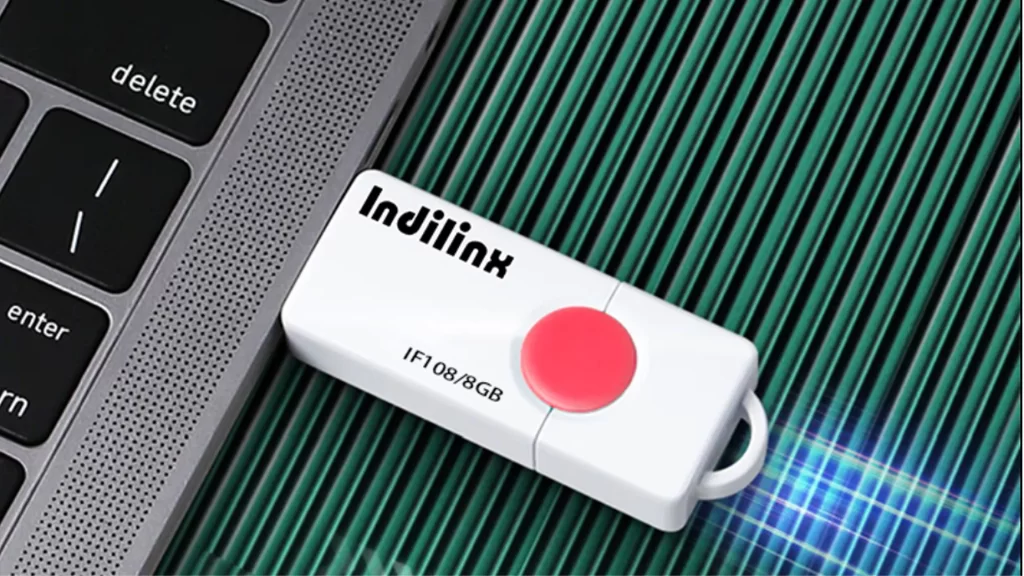
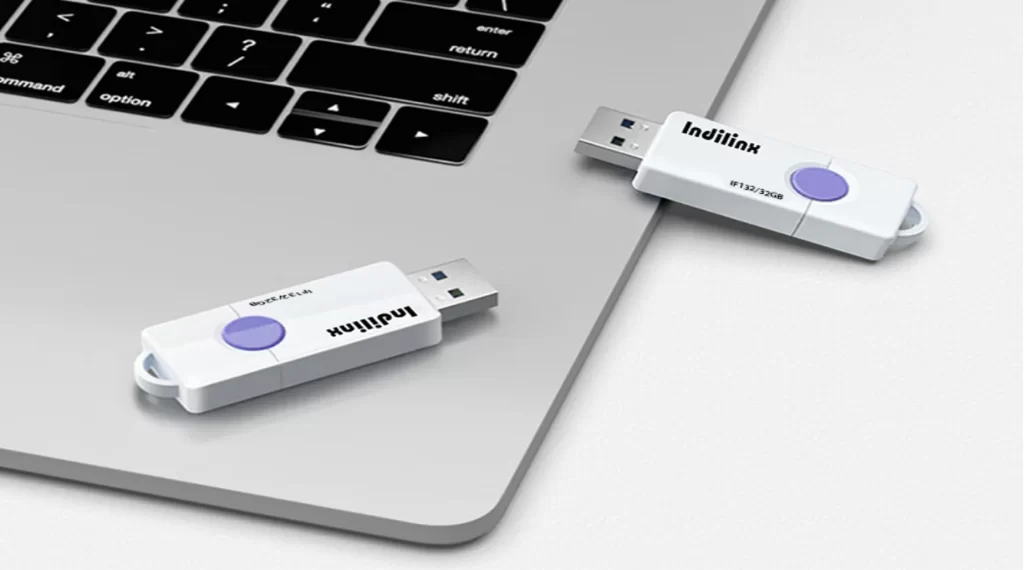
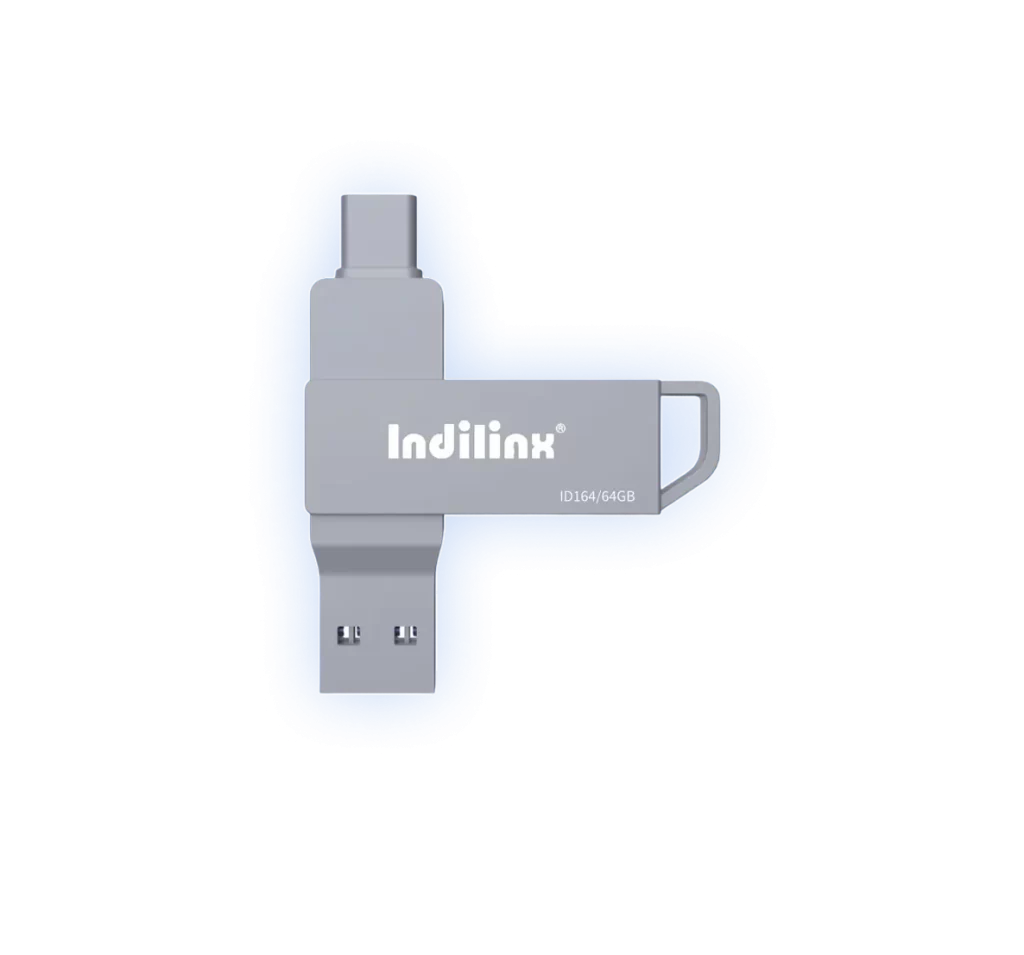
The Indilinx—IF1 dual-interface flash drive combines a USB 3.0 Type-A connector and a USB 3.0 Type-C connector in one compact device, offering seamless data transfer across laptops, tablets, smartphones, and desktop PCs. With capacities ranging from 16GB to 128GB, it provides a reliable and versatile storage solution for documents, photos, music, and more. Its plug-and-play design requires no software installation, making file sharing and backup effortless in any scenario.

IF1

型号

Dual-Interface Universal Compatibility

Compact & Reliable Portable Storage

Dual-Interface Universal Compatibility

Compact & Reliable Portable Storage

Flash Disk Drive Product Specifications

The Indilinx–IF1 dual-interface flash drive is engineered for universal connectivity and reliable daily storage. Featuring both a USB 3.0 Type-A and a USB 3.0 Type-C connector on a single device, it ensures seamless file transfer between modern laptops, tablets, smartphones, and traditional computers. Built with a durable, compact casing, it supports a wide range of capacities to suit different needs, from document storage to media backup. Its plug-and-play operation requires no additional drivers, offering a straightforward and efficient solution for users on the go.

产品规格

Product Model

ID116, ID132, ID164, ID1128

Available Capacities

16GB, 32GB, 64GB, 128GB

接口

USB 3.0 Type-A & USB 3.0 Type-C

读取速度

Up to 150 MB/s

Write Speed

Up to 60 MB/s

Compatibility

Windows, macOS, Android, Chrome OS, Linux

尺寸

62mm x 20mm x 10mm

Weight

8g

Operating Temperature

0°C to 60°C

质保

3-Year Limited Warranty

Core Performance of Flash Disk Drive

DUAL-INTERFACE CONVENIENCE

Features both USB Type-A and Type-C connectors for universal connectivity across modern and traditional devices.

COMPACT & PORTABLE DESIGN

Ultra-slim and lightweight form factor ensures easy carrying in pockets, bags, or on keychains for everyday mobility.

BROAD DEVICE COMPATIBILITY

Works seamlessly with laptops, tablets, smartphones, and desktop PCs running Windows, macOS, Android, and more.

RELIABLE DATA TRANSFER SPEED

Delivers fast file transfers with read speeds up to 150MB/s, ideal for documents, photos, music, and videos.

PLUG-AND-PLAY SIMPLICITY

Ready to use immediately without installing drivers—just connect and start transferring or accessing files.

DURABLE & BACKED BY WARRANTY

Built with robust materials and supported by a 3-year limited warranty for dependable, long-term use.

Dual-Interface Universal Compatibility

The Indilinx–IF1 flash drive features both USB 3.0 Type-A and Type-C connectors on a single compact device. This intelligent design allows effortless file transfer between modern laptops, tablets, smartphones, and traditional desktop computers without the need for any adapters or special software.

if1-flash-disk-drive-img-4

Robust Construction & Reliable Performance

Encased in durable, anodized aluminum alloy, the drive offers enhanced resistance to physical shock and everyday wear. Coupled with stable controller firmware, it ensures consistent data transfer speeds and dependable long-term operation for your essential documents and media.

Shock-Resistant Housing

Anodized aluminum alloy casing.

Stable Data Transfer

Maintains consistent read/write speeds.

Installation of Flash Disk Drive

The indilinx– IF1 Flash Disk Drive is designed for effortless, plug-and-play operation across all your devices. Simply connect the appropriate interface—USB Type-A or Type-C—directly into an available port on your computer, smartphone, tablet, or compatible TV. No software installation or driver configuration is required; the device will be automatically recognized, allowing you to immediately drag, drop, and manage your files with ease.

CONNECT TO

Mobile Phone or Tablet

CONNECT TO

Mobile Phone or Tablet

CONNECT TO

 Smart TV or Media Player

CONNECT to Computer or Laptop

高效扩展外部存储:

Plug the USB Type-A connector into a standard USB port on your desktop or laptop, or use the Type-C end for modern laptops and MacBooks. The operating system will automatically detect the drive and assign it a letter (Windows) or mount it on the desktop (macOS), enabling immediate file transfers, backups, and media access without any setup.

CONNECT TO THE PHONE / TABLET

移动数据备份与迁移:

Using the Type-C connector, insert the flash drive directly into your Android phone, tablet, or iPad (with a USB-C port). Your device will typically prompt you to allow access to the USB drive. Once enabled, you can free up phone storage by moving photos and videos to the drive or directly play media files from it using your device’s file manager or media player app.

CONNECT TO THE TV

即插即用的媒体访问体验

Insert the flash drive into an available USB port on your Smart TV, gaming console, or set-top media player. The device will usually recognize the storage and allow you to browse and play supported photo, music, and video files directly on your TV screen, turning the flash drive into a convenient portable media library for your home entertainment system.

CONNECT to Computer or Laptop

高效扩展外部存储:

Plug the USB Type-A connector into a standard USB port on your desktop or laptop, or use the Type-C end for modern laptops and MacBooks. The operating system will automatically detect the drive and assign it a letter (Windows) or mount it on the desktop (macOS), enabling immediate file transfers, backups, and media access without any setup.

CONNECT TO THE PHONE / TABLET

移动数据备份与迁移:

Using the Type-C connector, insert the flash drive directly into your Android phone, tablet, or iPad (with a USB-C port). Your device will typically prompt you to allow access to the USB drive. Once enabled, you can free up phone storage by moving photos and videos to the drive or directly play media files from it using your device’s file manager or media player app.

CONNECT TO THE TV

即插即用的媒体访问体验

Insert the flash drive into an available USB port on your Smart TV, gaming console, or set-top media player. The device will usually recognize the storage and allow you to browse and play supported photo, music, and video files directly on your TV screen, turning the flash drive into a convenient portable media library for your home entertainment system.

Flash Disk Drive Technical Support

We provide dedicated technical support to ensure your flash disk drive delivers reliable performance. From setup guidance to warranty services, our team is here to assist you with quick solutions, product verification, and continuous support throughout your drive’s lifespan.

Extended Warranty Coverage

Backed by a multi-year limited warranty that safeguards your drive against defects and ensures long-term reliability.

Full Production Traceability

Each drive is tracked at the batch level, ensuring complete transparency in manufacturing and testing history.

Prompt Issue Diagnosis

Using traceability data, we swiftly identify and address performance or compatibility issues to minimize downtime.

Direct After-Sales Assistance

Easily reach our support team for installation help, troubleshooting, and product evaluation through structured channels.

Continuous Improvement Process

Your feedback is analyzed and used to refine product design, enhance quality, and develop future storage solutions.