Indilinx-USB-SSD

便携式固态硬盘

便携式固态硬盘系列:高速传输,小巧便携,安全备份,广泛兼容多种设备,满足随时随地使用需求

Indilinx-PSSD

USB 固态硬盘

USB 固态硬盘系列:极速传输,小巧耐用,多设备兼容,轻松实现安全存储

Indilinx-Enterprise

企业级产品

企业级固态硬盘系列:专为数据中心打造,高性能、低延迟,提供安全且可扩展的存储解决方案,满足企业级业务需求

成立于 2012 年,英洛迪(Indilinx)是一家专注于存储芯片设计、软件开发、封装测试、生产制造及应用的国家高新技术企业。
中国深圳市宝安区石岩街道坑尾路 44 号白杨工业园 C 栋

Ryan@indilinx.cn

+86 755 28234608

Indilinx-DDR3-Memory

DDR3内存

Indilinx DDR3:1.5V / 1.35V 低电压设计,高性价比,适用于老旧系统升级,广泛兼容 Intel / AMD 平台,性能稳定可靠

Indilinx-DDR4-Memory

DDR4内存

Indilinx DDR4:1.2V 低功耗设计,频率覆盖 2666–4800MHz+,全面兼容 Intel / AMD 平台,满足各类计算需求

Indilinx-DDR5-Memory

DDR5内存

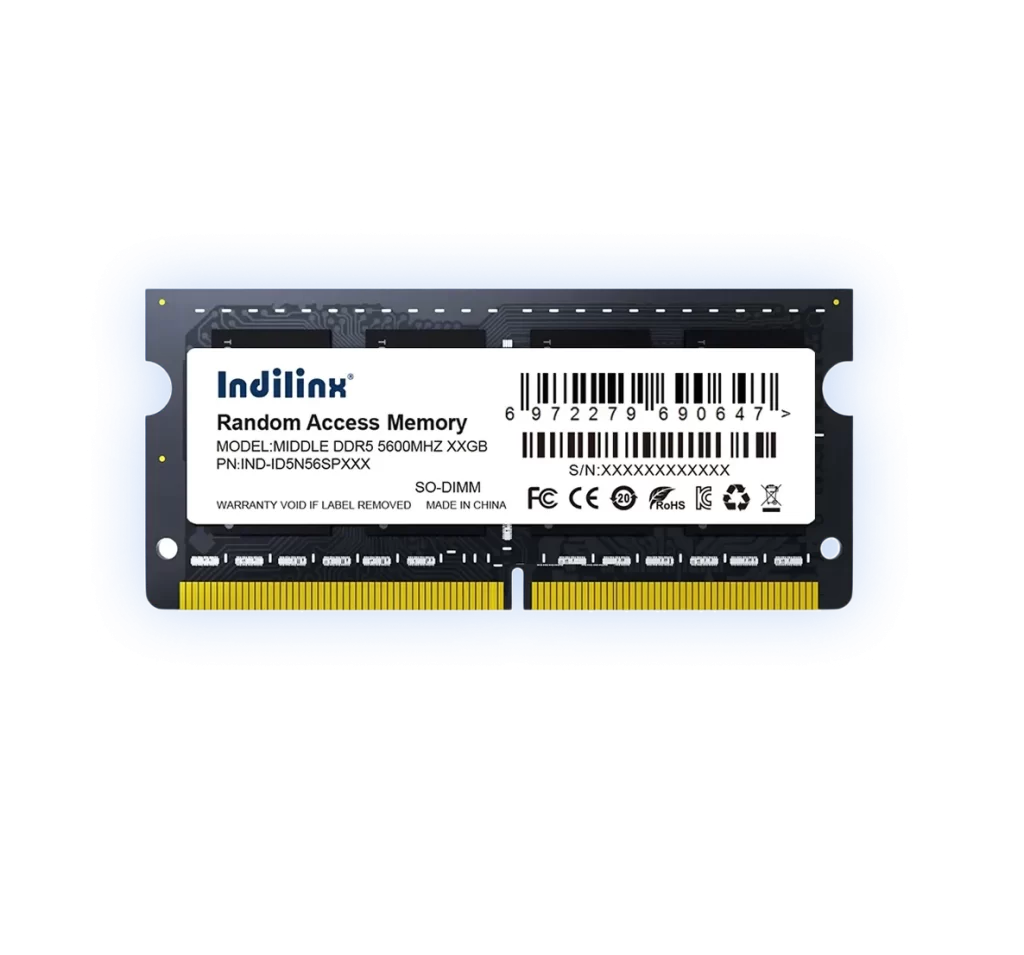
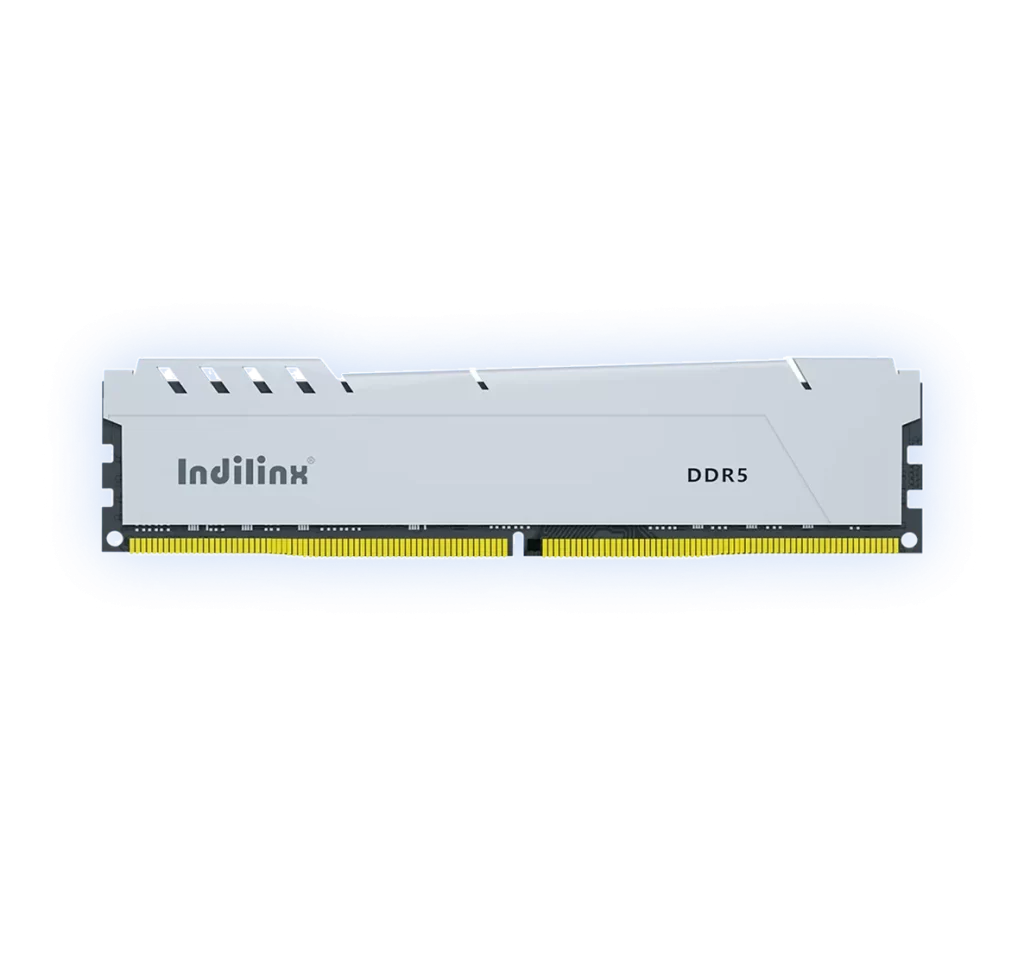
Indilinx DDR5:4800+ MT/s 高速传输,集成 PMIC / ODECC,提供新一代性能表现,适用于游戏、AI 及数据中心应用

成立于 2012 年,英洛迪(Indilinx)是一家专注于存储芯片设计、软件开发、封装测试、生产制造及应用的国家高新技术企业。

中国深圳市宝安区石岩街道坑尾路 44 号白杨工业园 C 栋

Ryan@indilinx.cn

+86 755 28234608

USB-flash-Drive

USB 闪存盘

英洛迪Titan X 固态硬盘:支持 USB 3.2 Gen1,军工级品质,256 位 AES 加密,容量覆盖 128GB–1TB,专为专业用户打造

成立于 2012 年,英洛迪(Indilinx)是一家专注于存储芯片设计、软件开发、封装测试、生产制造及应用的国家高新技术企业。

中国深圳市宝安区石岩街道坑尾路 44 号白杨工业园 C 栋

Ryan@indilinx.cn

+86 755 28234608

Indilinx-Micro-SD

微型存储卡(SD卡)

英洛迪Micro SD 存储卡:小巧便携,实现手机、相机、游戏主机等多设备间数据无缝传输

成立于 2012 年,英洛迪(Indilinx)是一家专注于存储芯片设计、软件开发、封装测试、生产制造及应用的国家高新技术企业。

中国深圳市宝安区石岩街道坑尾路 44 号白杨工业园 C 栋

Ryan@indilinx.cn

+86 755 28234608

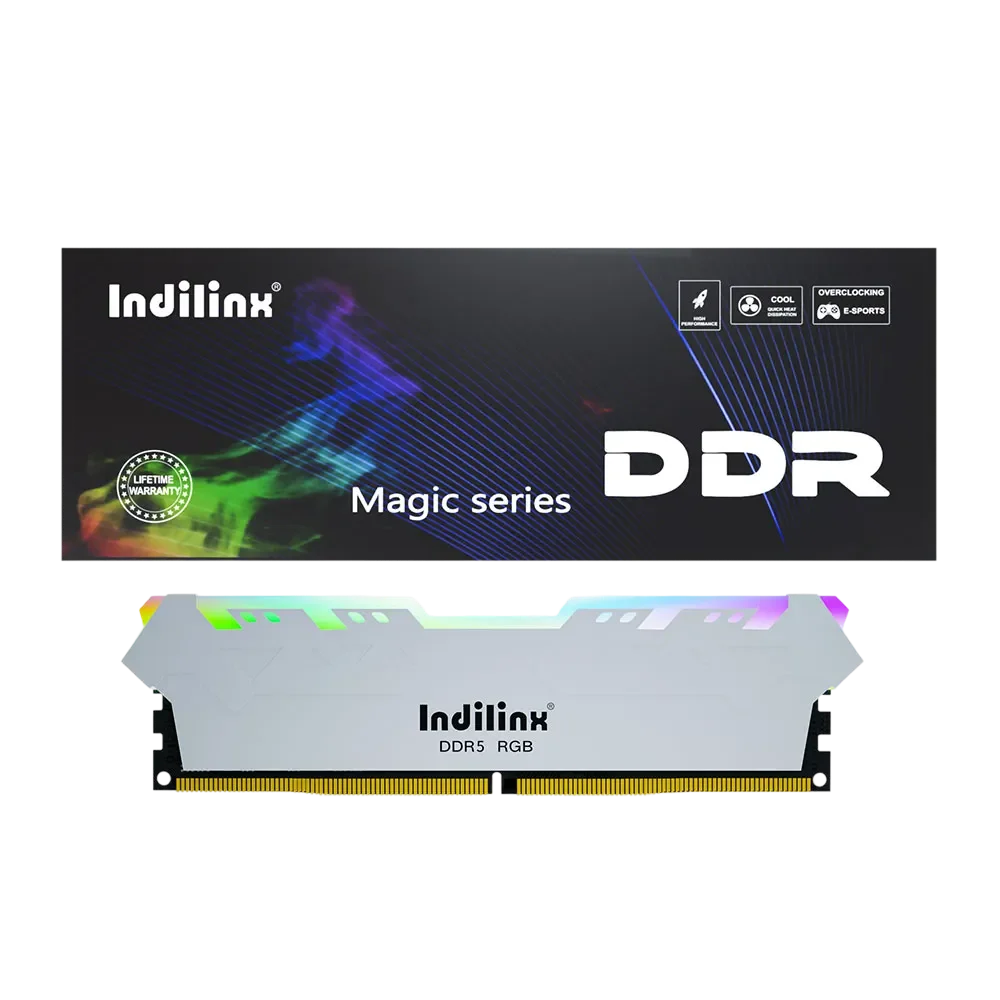
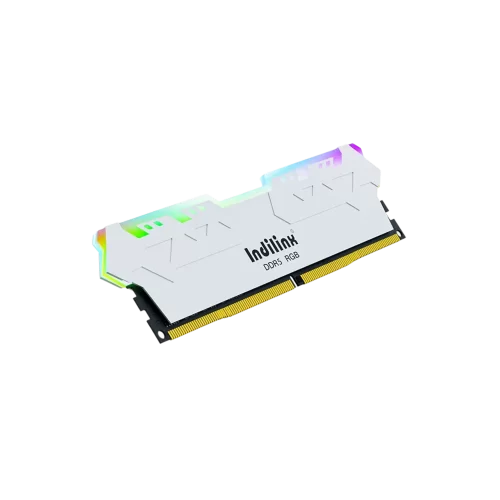
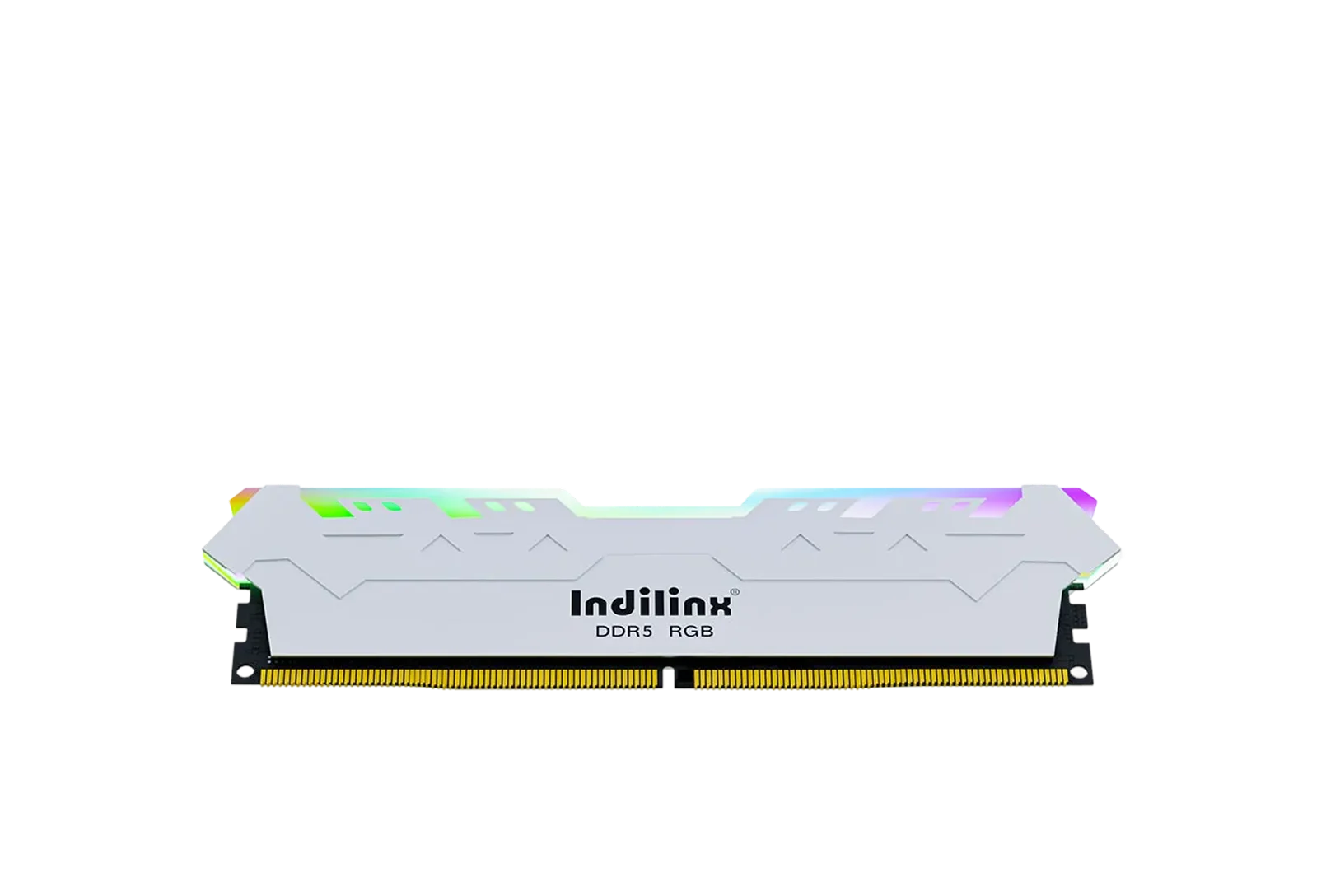
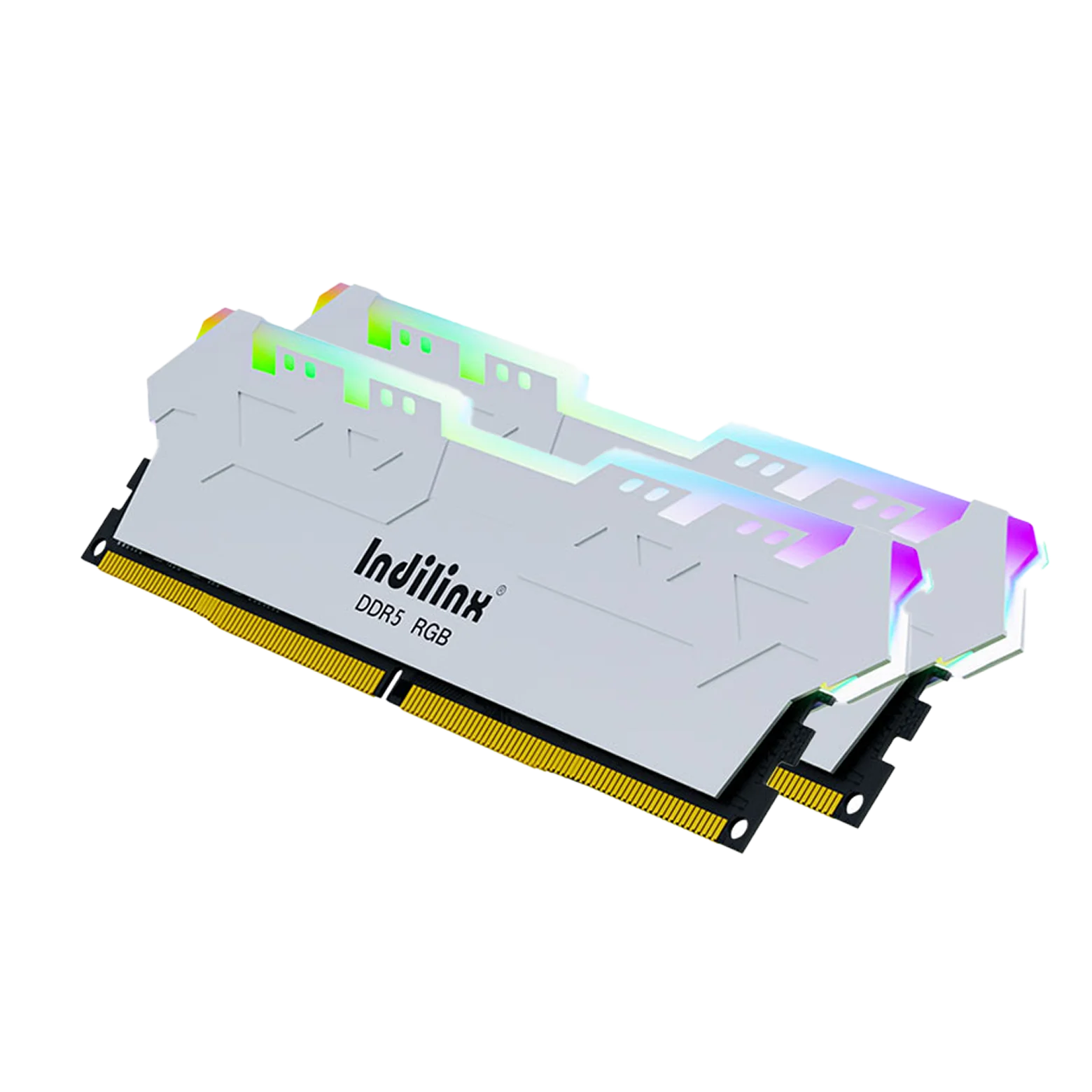
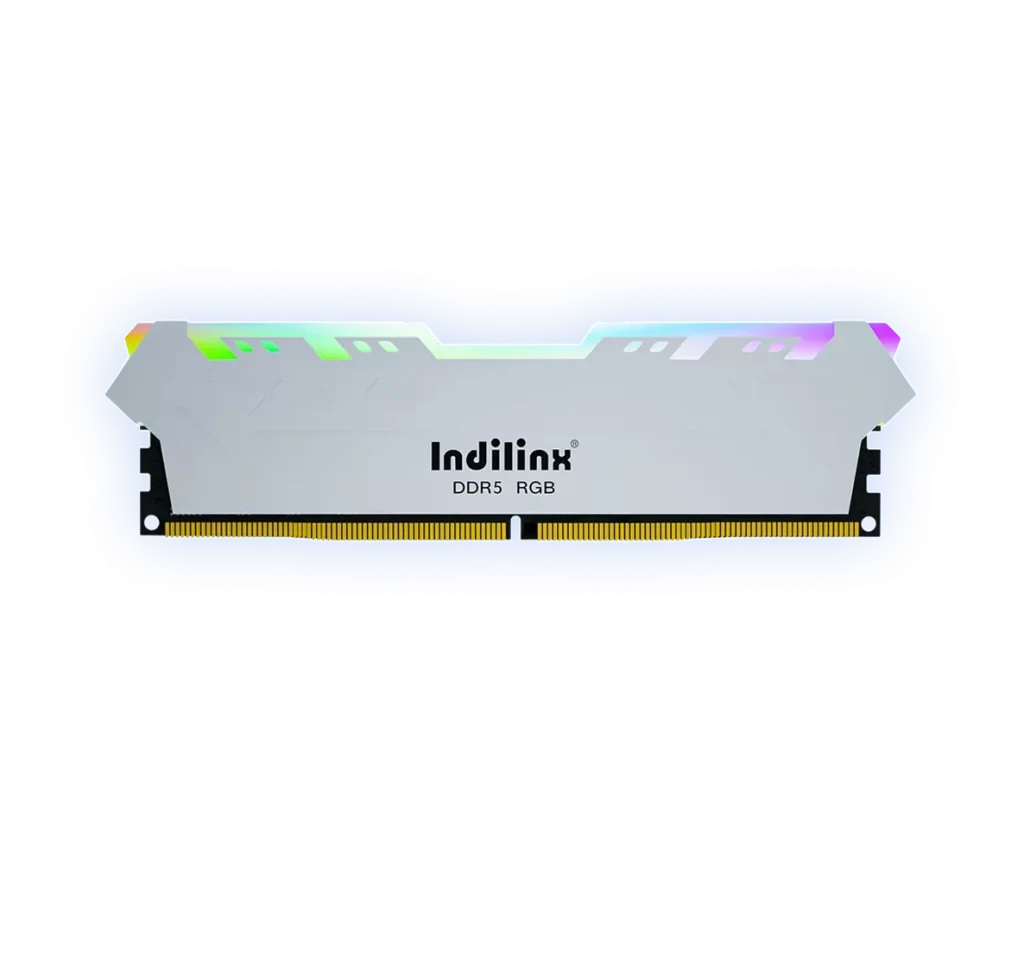
High-Performance DDR5 RAM UDIMM(MAGIC RGB) 8G/16G/32G

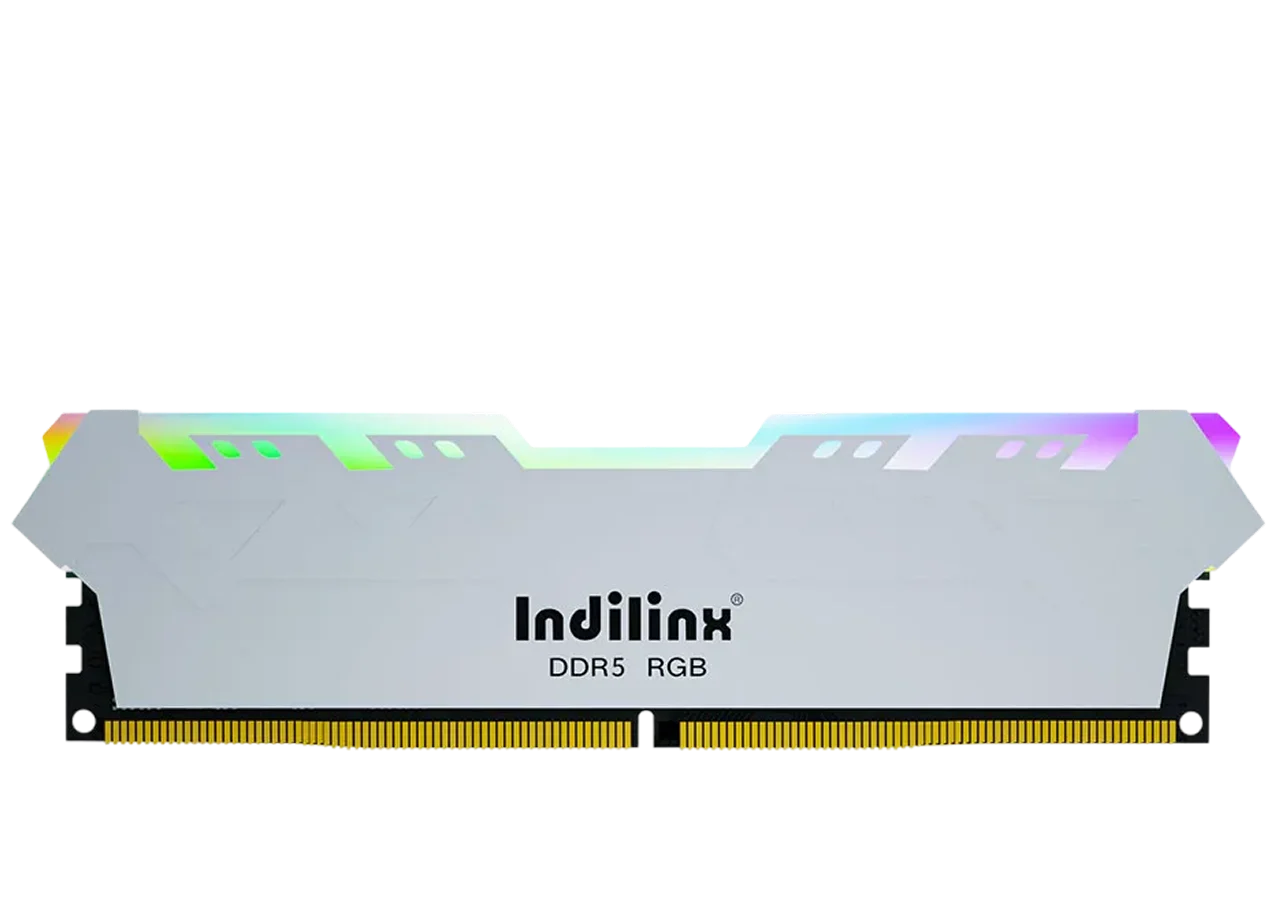
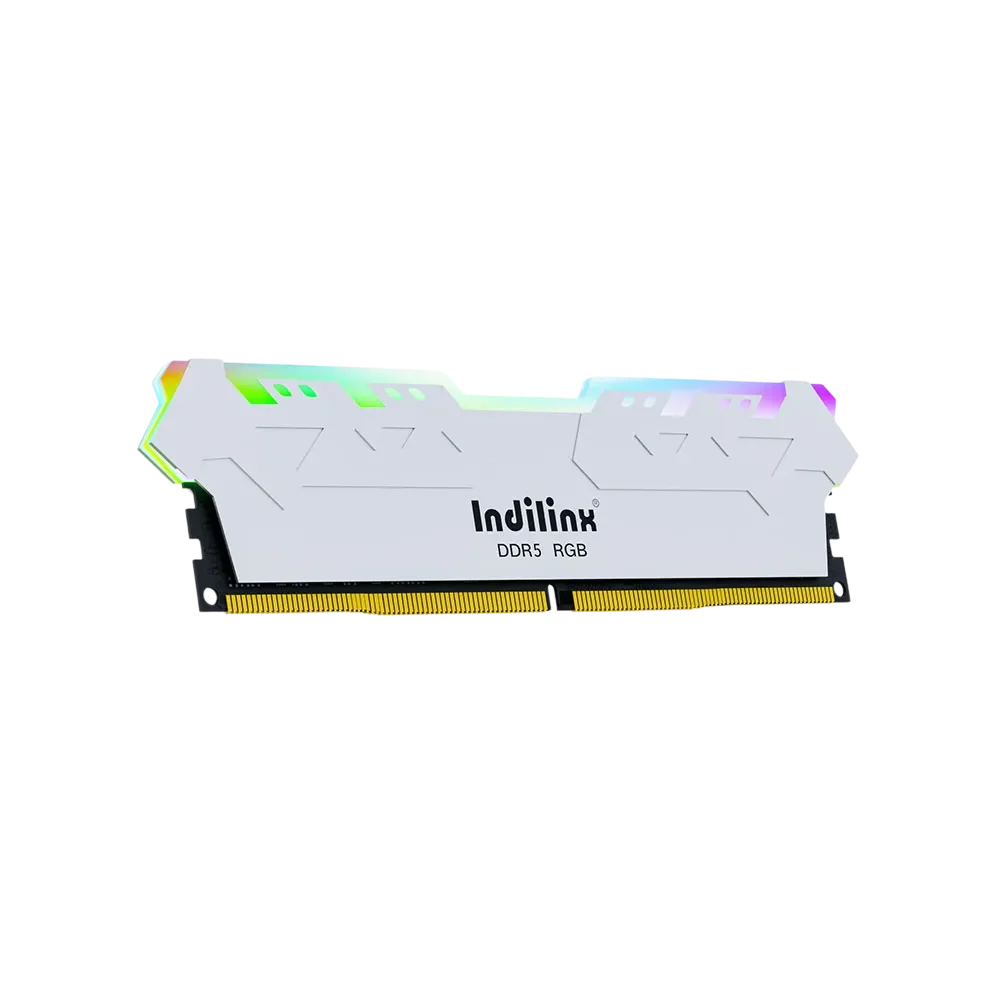
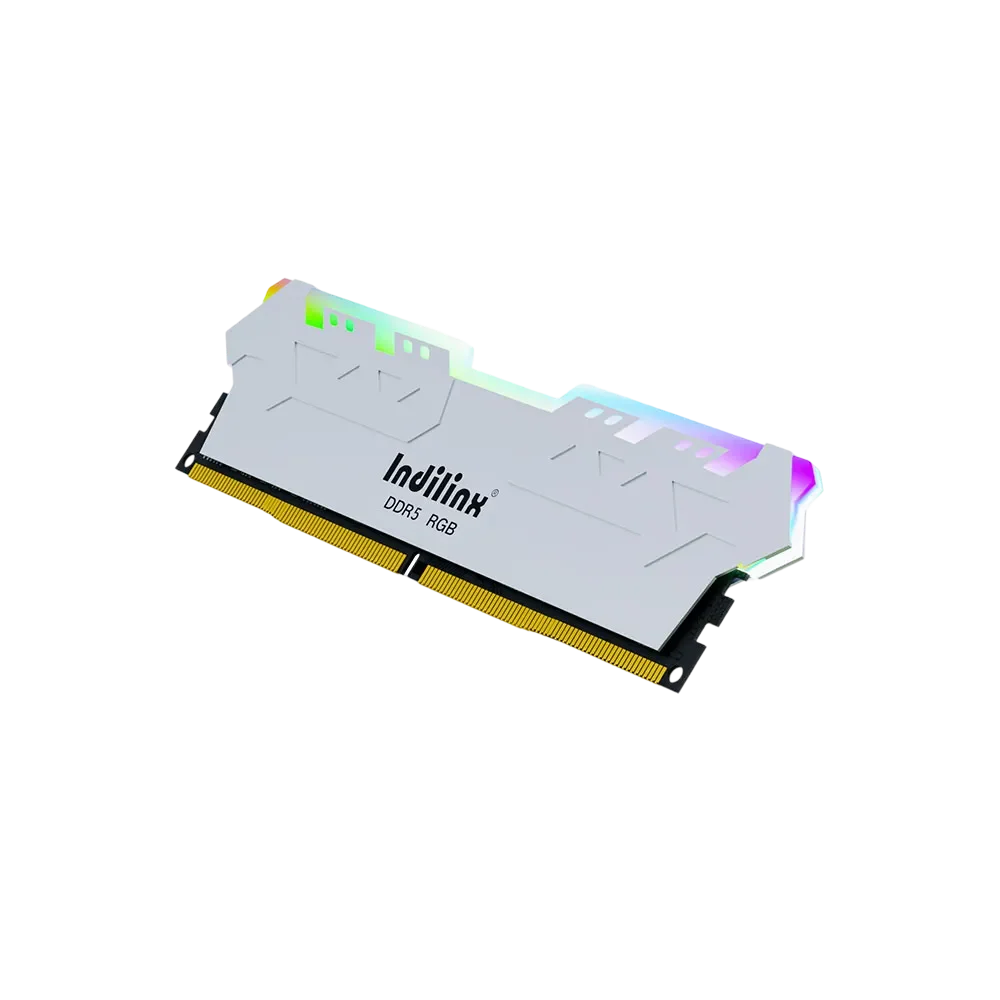
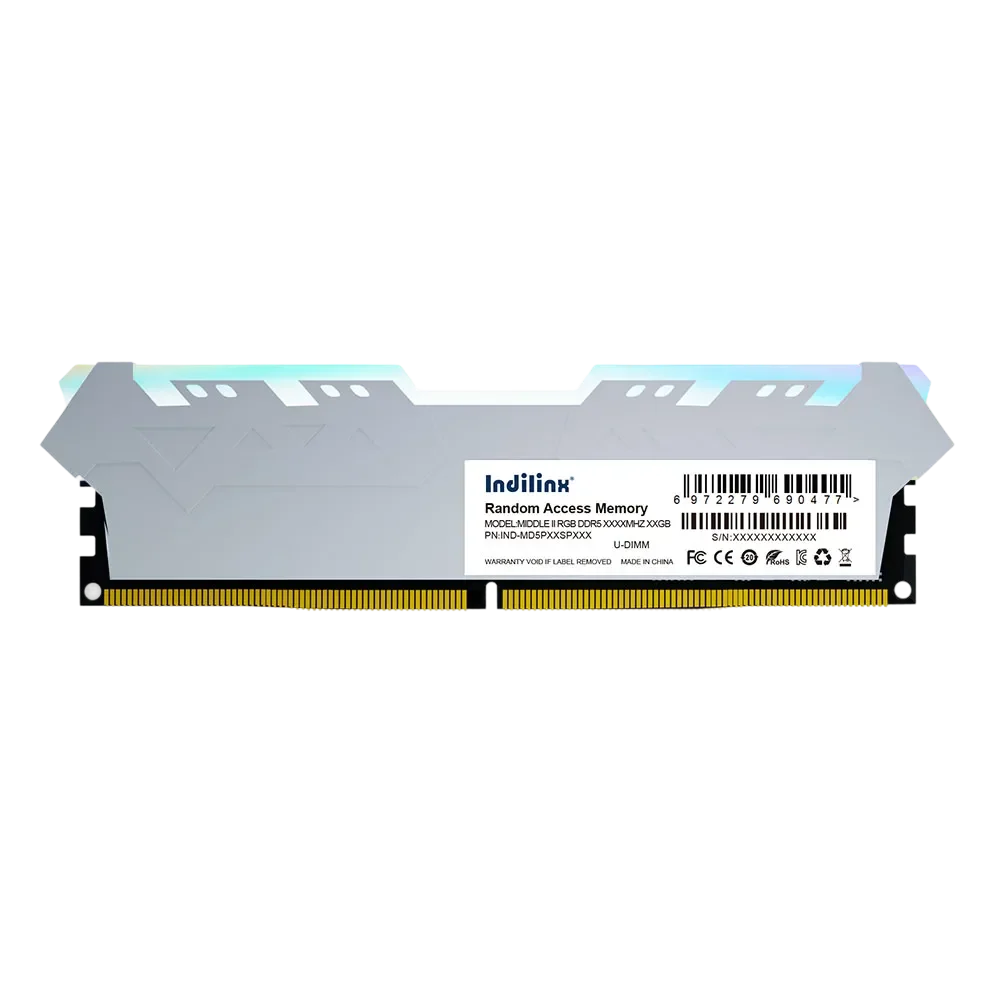
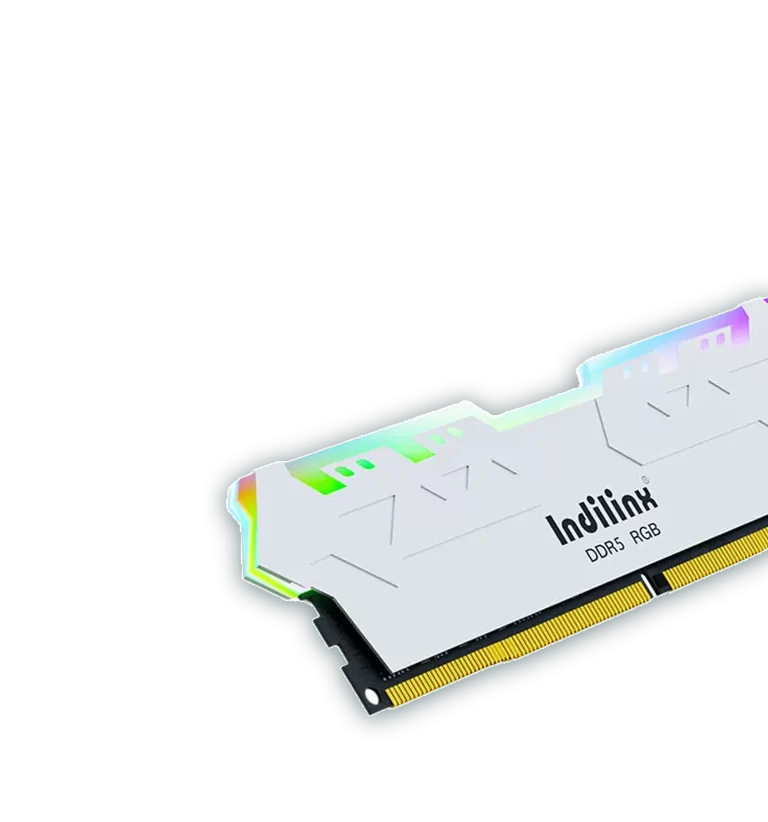
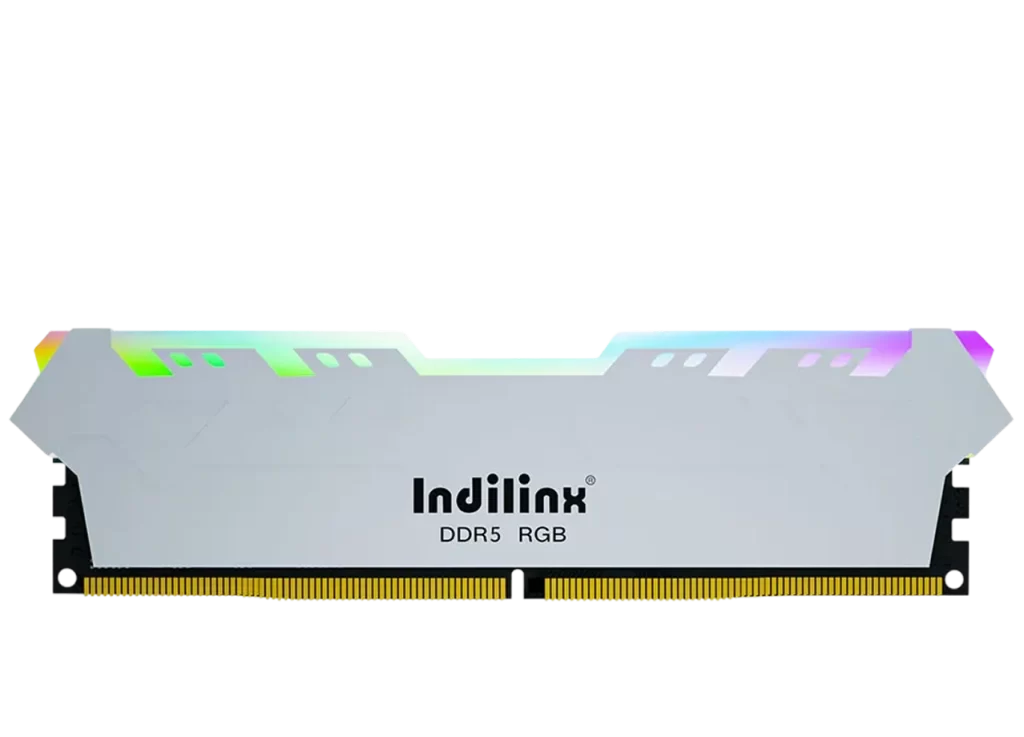
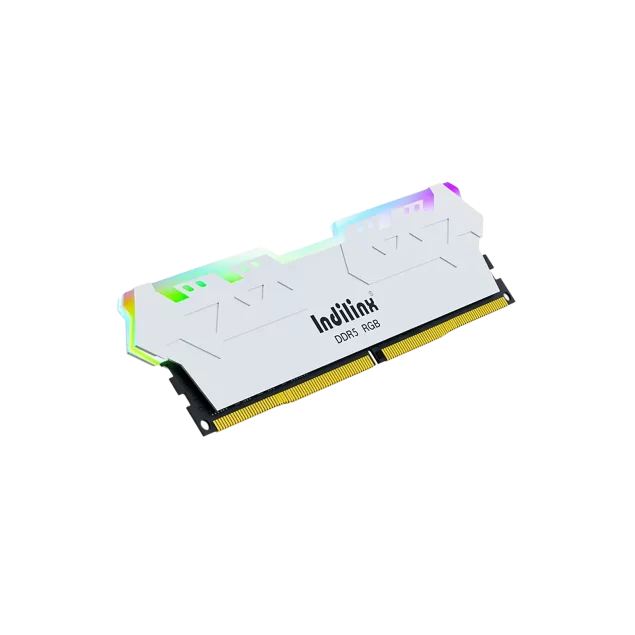
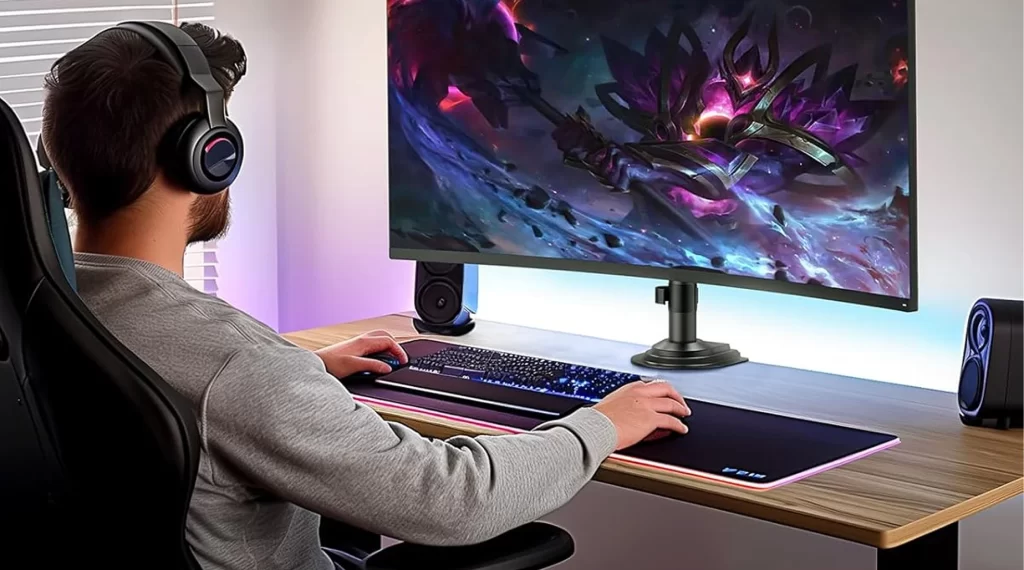
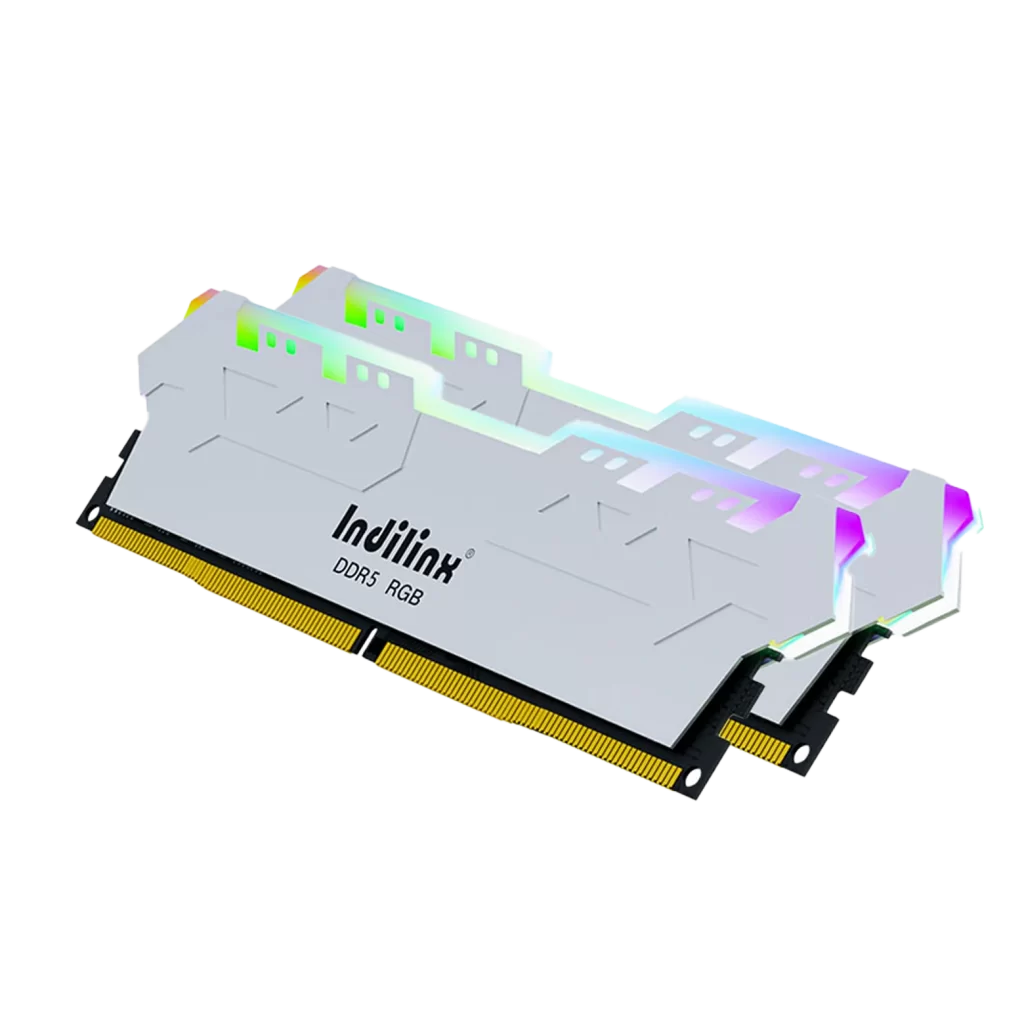
Elevate your system’s aesthetics and performance with the MAGIC RGB DDR5 UDIMM, model IND-GD5P. Designed for gamers and enthusiasts, it combines vibrant, customizable RGB lighting with cutting-edge DDR5 technology. Delivering high data transfer rates and low latency, it ensures smooth gameplay and rapid multitasking, while its synchronized lighting effects enable seamless integration with your build’s theme for a truly immersive desktop experience.

MAGIC II RGB DDR5台式机内存

型号

Extreme Speed with XMP 3.0

Dynamic RGB & Efficient Cooling

Extreme Speed with XMP 3.0

Dynamic RGB & Efficient Cooling

DDR5 UDIMM(MAGIC RGB) Product Specifications

Elevate your desktop with the MAGIC RGB DDR5 UDIMM, where stunning aesthetics meet elite performance. Designed for enthusiasts and gamers, this series combines customizable RGB lighting with the advanced capabilities of DDR5 technology. It delivers high-frequency operation and robust stability for seamless gaming, content creation, and multitasking. The vibrant, synchronized lighting effects allow for complete personalization, transforming your system into a visual showcase without compromising on speed or reliability.

产品规格

Product Model

MAGIC II RGB DDR5台式机内存

Available Capacities

8GB, 16GB, 32GB

Memory Type

DDR5 UDIMM

Operating Voltage

1.1V

Data Rate

6000 MT/s

Timing (CL)

CL40

RGB Lighting

Addressable RGB, Software Sync

Error Correction

On-Die ECC (ODECC)

Height (with heatsink)

45mm

Operating Temperature

0°C to 85°C

质保

Limited Lifetime Warranty

Core Performance of DDR5 UDIMM(MAGIC RGB)

ULTRA-FAST XMP 3.0 READY

Pre-configured XMP 3.0 profiles enable one-click overclocking to 6000 MT/s for instant performance gains.

FULLY CUSTOMIZABLE RGB SYNC

Vibrant addressable RGB lighting seamlessly syncs with major motherboard brands for immersive visual effects.

EFFICIENT THERMAL MANAGEMENT

Integrated aluminum heat spreader effectively dissipates heat, ensuring stable performance during extended sessions.

HIGH-BANDWIDTH LOW-LATENCY

Delivers exceptional data throughput with CL40 timing for snappier responsiveness in games and applications.

SUPPORTS HIGH-DENSITY MODULES

Offers up to 32GB per module, providing ample capacity for demanding workloads and future upgrades.

UNIVERSAL PLATFORM COMPATIBILITY

Designed for Intel 700/600 and AMD AM5 platforms, ensuring broad compatibility and plug-and-play stability.

Extreme Overclocking Performance with XMP 3.0

Engineered for enthusiasts, the Indilinx MAGIC RGB DDR5 UDIMM features pre-configured XMP 3.0 profiles that unlock speeds up to 6000 MT/s with a single click. This delivers a significant boost in bandwidth and reduces latency, providing the responsive performance needed for competitive gaming, 3D rendering, and intensive multitasking without manual tuning.

magic-rgb-rotate-img

Vibrant RGB Lighting with Intelligent Cooling

This module features fully customizable addressable RGB lighting that synchronizes with major motherboard ecosystems for stunning visual effects. It is paired with an optimized aluminum heat spreader that ensures efficient heat dissipation, maintaining stable high-frequency operation and component longevity even during extended gaming or overclocking sessions.

Lighting Technology

Addressable RGB with software sync

Cooling Solution

 Aluminum alloy heat spreader

Installation of DDR5 UDIMM(MAGIC RGB)

Installing the Indilinx MAGIC RGB DDR5 UDIMM is a straightforward process designed to enhance both your system’s performance and its visual appeal. Before starting, ensure your PC is powered off and unplugged. Ground yourself to prevent static discharge. Locate the DDR5 DIMM slots on your motherboard, gently open the side clips, align the module’s notch correctly, and press down firmly until the clips snap shut. Finally, connect the optional RGB sync cable to a compatible header on your motherboard to enable lighting control.

Standard DIMM Slot Installation

Enabling XMP in BIOS/UEFI

RGB Software Setup & Sync

Standard DIMM Slot Installation

即插即用的媒体访问体验

This is the core physical installation step. After powering down your system and opening the case, identify the DDR5 slots (often the second and fourth slots for dual-channel setups). Release the plastic retention clips at both ends of the slot. Align the module’s gold connector notch with the slot’s ridge. Apply even, firm pressure on both ends until the module is fully seated and the clips automatically lock into the upright position with a click.

Enabling XMP in BIOS/UEFI

即插即用的媒体访问体验

To achieve the advertised high performance (e.g., 6000 MT/s), you must enable the Extreme Memory Profile (XMP) in your system’s BIOS or UEFI. After installing the RAM and booting up, press the designated key (often Del or F2) to enter the BIOS. Navigate to the memory or overclocking section, select the pre-configured XMP profile for your MAGIC RGB modules, save the changes, and exit. Your system will then reboot with the optimized speed and timings.

RGB Software Setup & Sync

即插即用的媒体访问体验

To control and synchronize the vibrant lighting effects, you need to install the RGB management software corresponding to your motherboard brand (e.g., ASUS Aura Sync, MSI Mystic Light, Gigabyte RGB Fusion). Launch the software after installation, and the MAGIC RGB modules should be automatically detected. You can then customize the lighting modes, colors, and effects, and sync them with other compatible components in your system for a unified aesthetic.

Standard DIMM Slot Installation

即插即用的媒体访问体验

This is the core physical installation step. After powering down your system and opening the case, identify the DDR5 slots (often the second and fourth slots for dual-channel setups). Release the plastic retention clips at both ends of the slot. Align the module’s gold connector notch with the slot’s ridge. Apply even, firm pressure on both ends until the module is fully seated and the clips automatically lock into the upright position with a click.

Enabling XMP in BIOS/UEFI

即插即用的媒体访问体验

To achieve the advertised high performance (e.g., 6000 MT/s), you must enable the Extreme Memory Profile (XMP) in your system’s BIOS or UEFI. After installing the RAM and booting up, press the designated key (often Del or F2) to enter the BIOS. Navigate to the memory or overclocking section, select the pre-configured XMP profile for your MAGIC RGB modules, save the changes, and exit. Your system will then reboot with the optimized speed and timings.

RGB Software Setup & Sync

即插即用的媒体访问体验

To control and synchronize the vibrant lighting effects, you need to install the RGB management software corresponding to your motherboard brand (e.g., ASUS Aura Sync, MSI Mystic Light, Gigabyte RGB Fusion). Launch the software after installation, and the MAGIC RGB modules should be automatically detected. You can then customize the lighting modes, colors, and effects, and sync them with other compatible components in your system for a unified aesthetic.

DDR5 UDIMM(MAGIC RGB) Technical Support

We provide dedicated technical support for the Indilinx MAGIC RGB DDR5 UDIMM to ensure optimal performance and a seamless user experience. From installation guidance to RGB software setup and long-term reliability, our comprehensive service framework is designed to assist you at every step.

Limited Lifetime Warranty

Your purchase is protected by our robust lifetime warranty, covering defects in materials and workmanship for dependable, long-term use.

Dedicated Technical Assistance

Access expert support for installation, XMP enabling, compatibility checks, and general troubleshooting through our online portal or hotline.

RGB Software & Sync Support

Get guidance on installing and using motherboard RGB control software to customize and synchronize your module’s lighting effects.

Performance Optimization Service

Receive assistance with BIOS settings, memory overclocking, and system tuning to achieve stable performance at advertised speeds.

RMA & Replacement Process

Benefit from a streamlined return/replacement procedure for quick resolution in the unlikely event of a product issue.