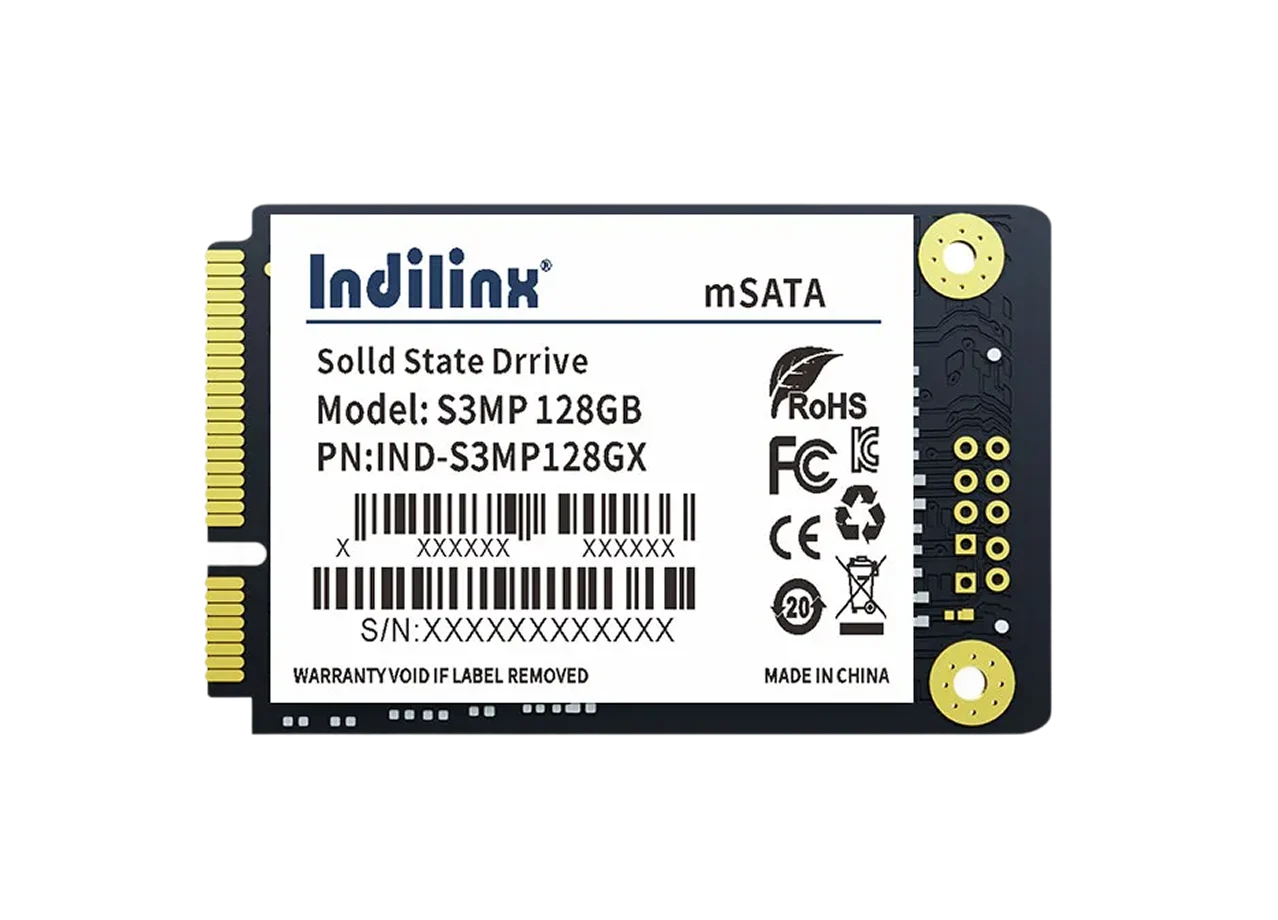
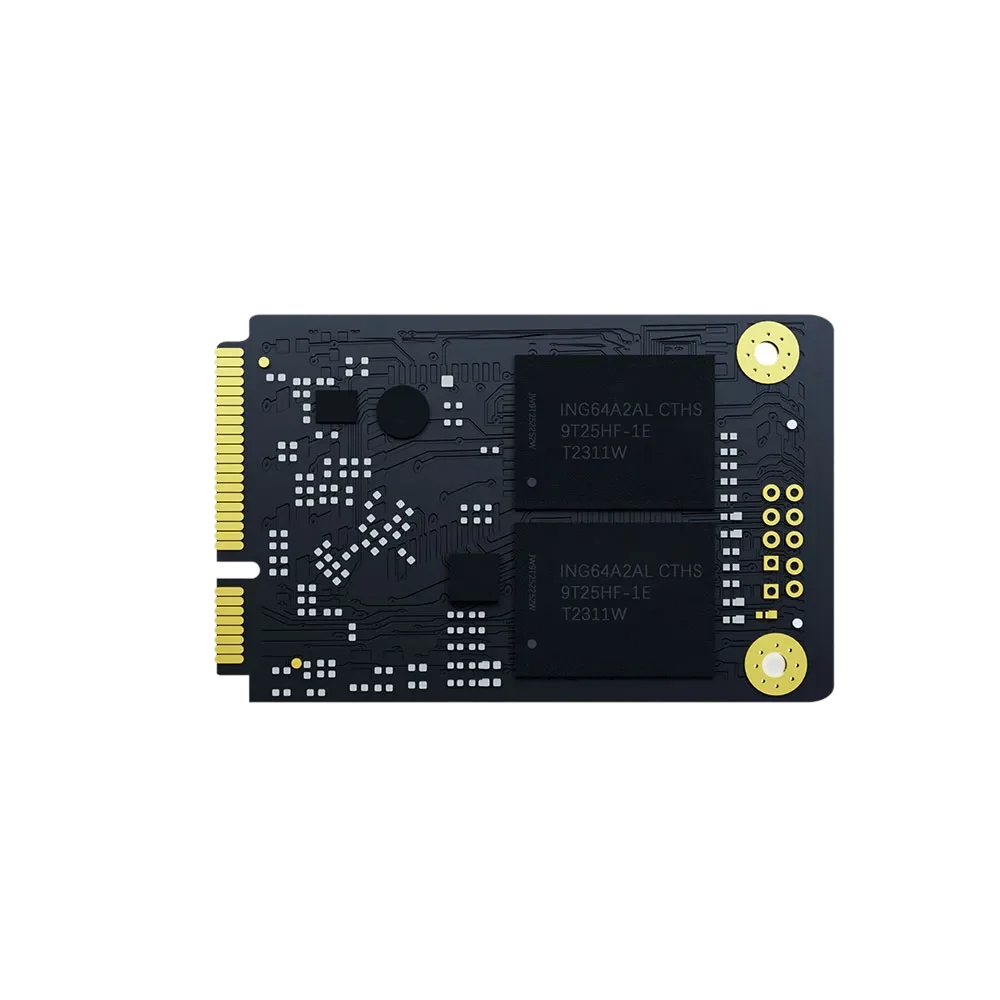
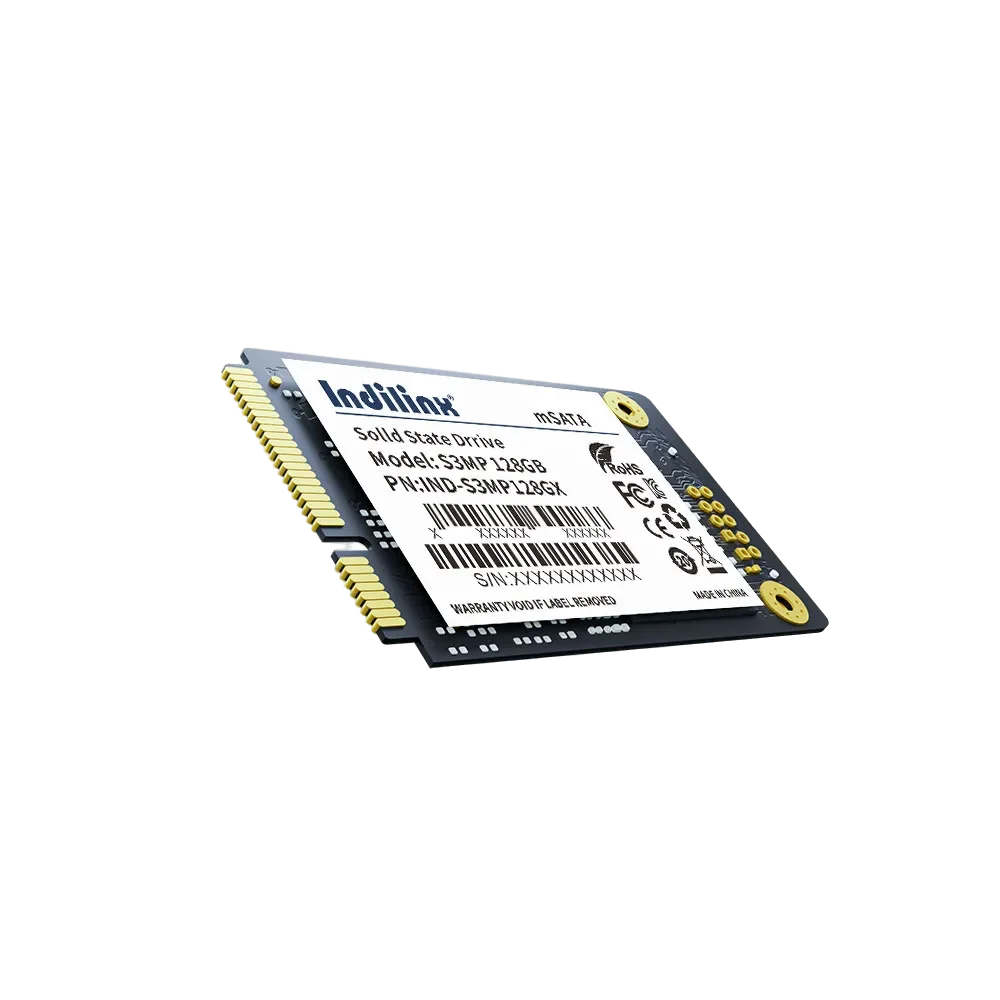
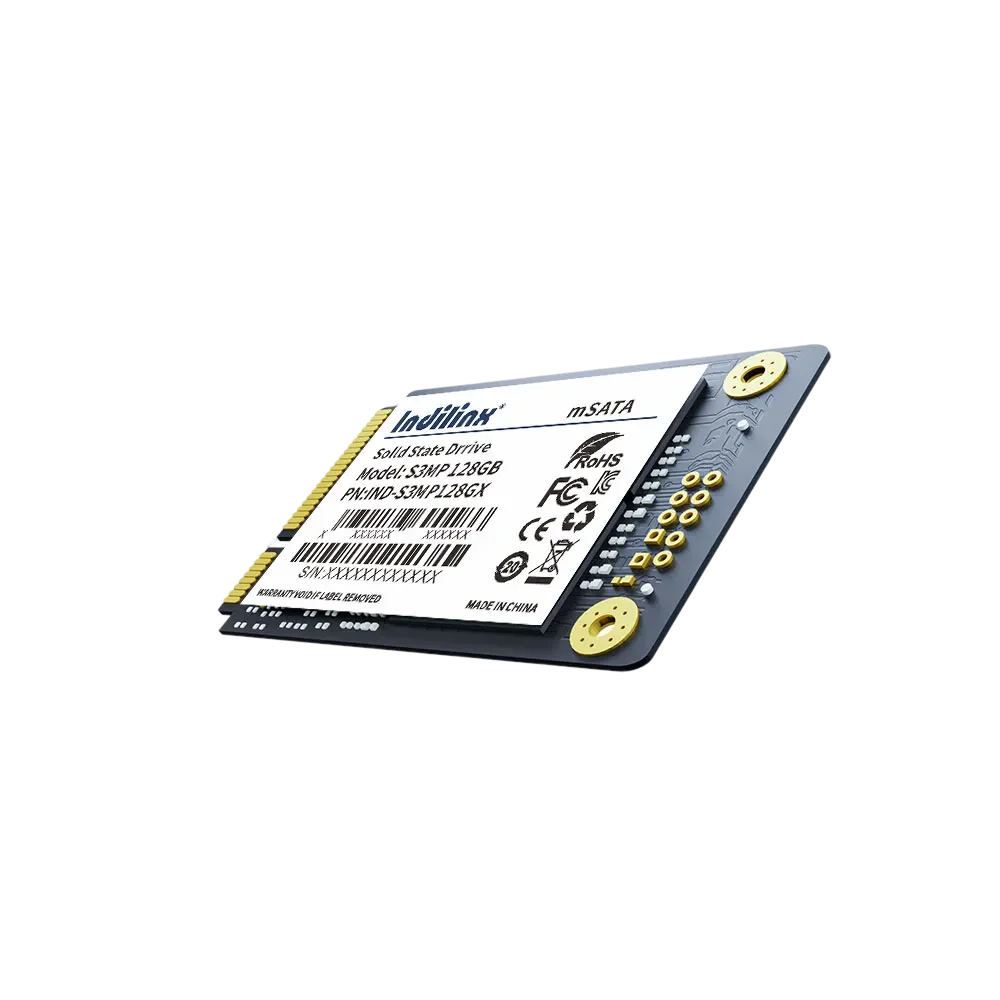
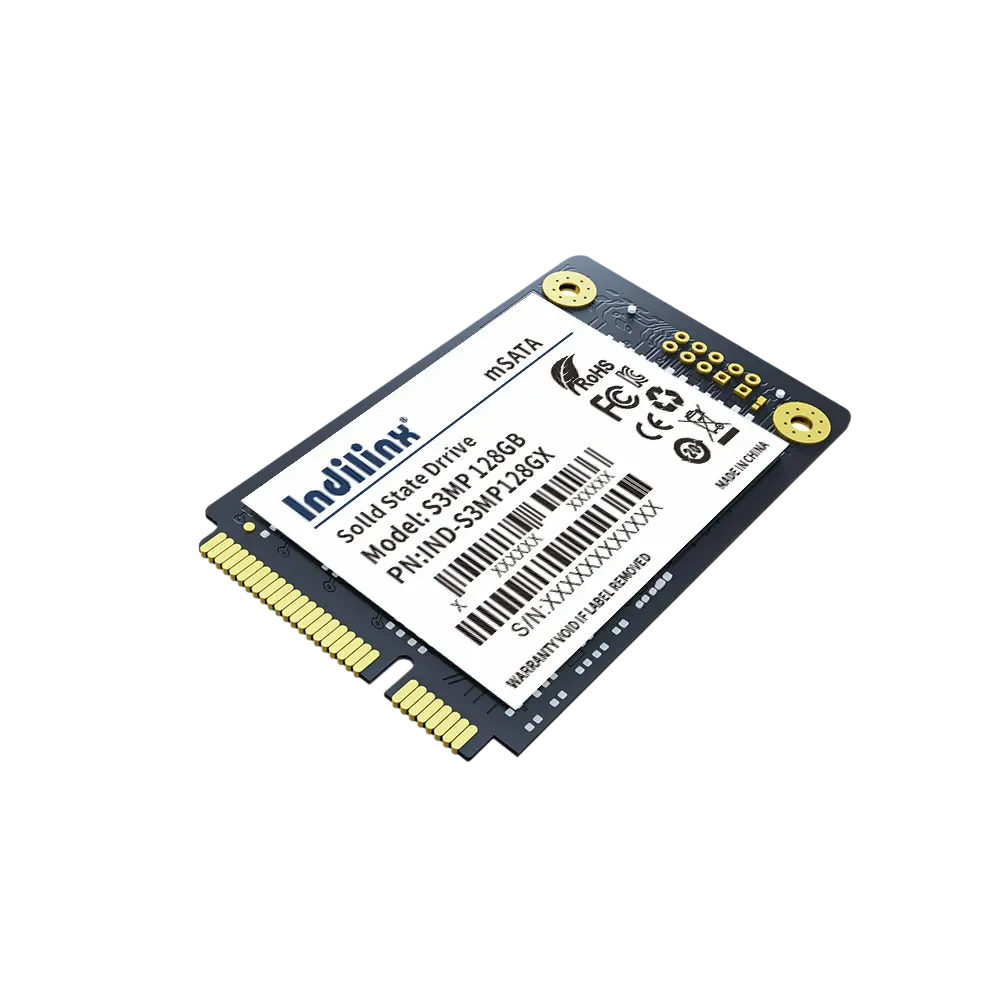
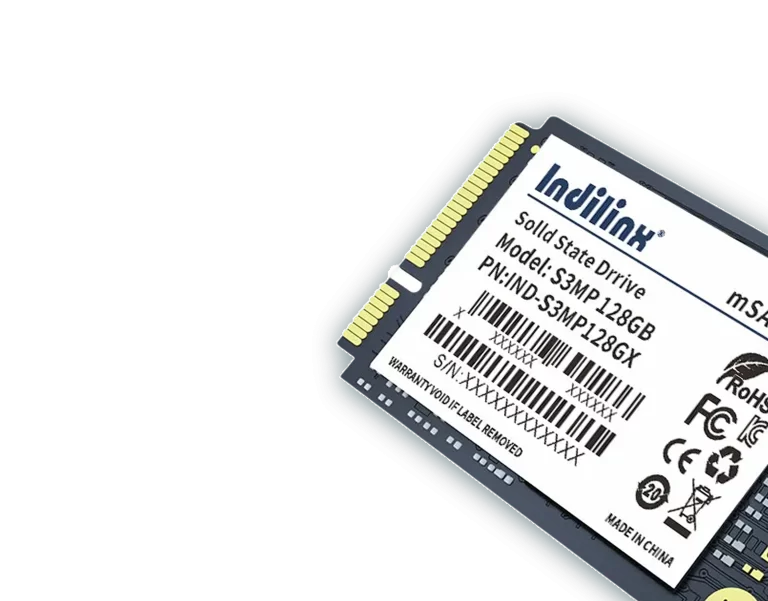
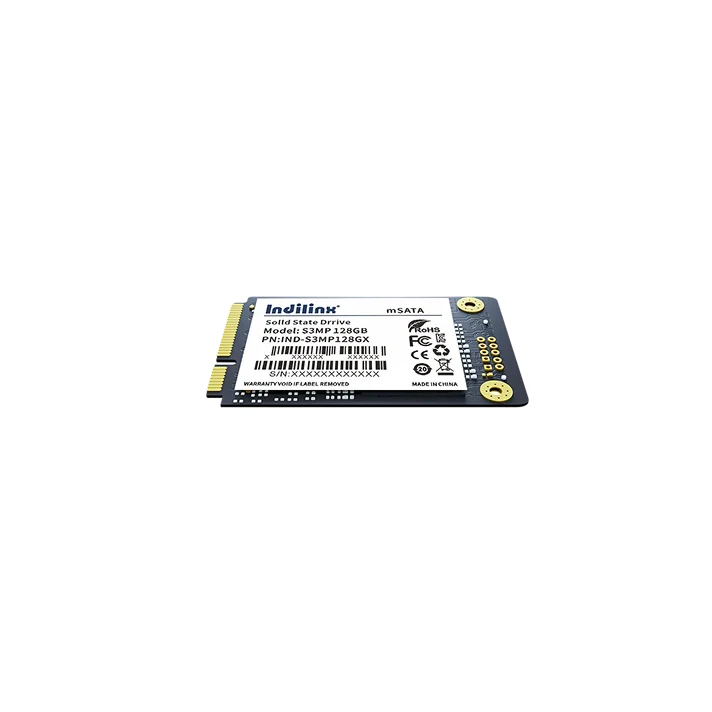
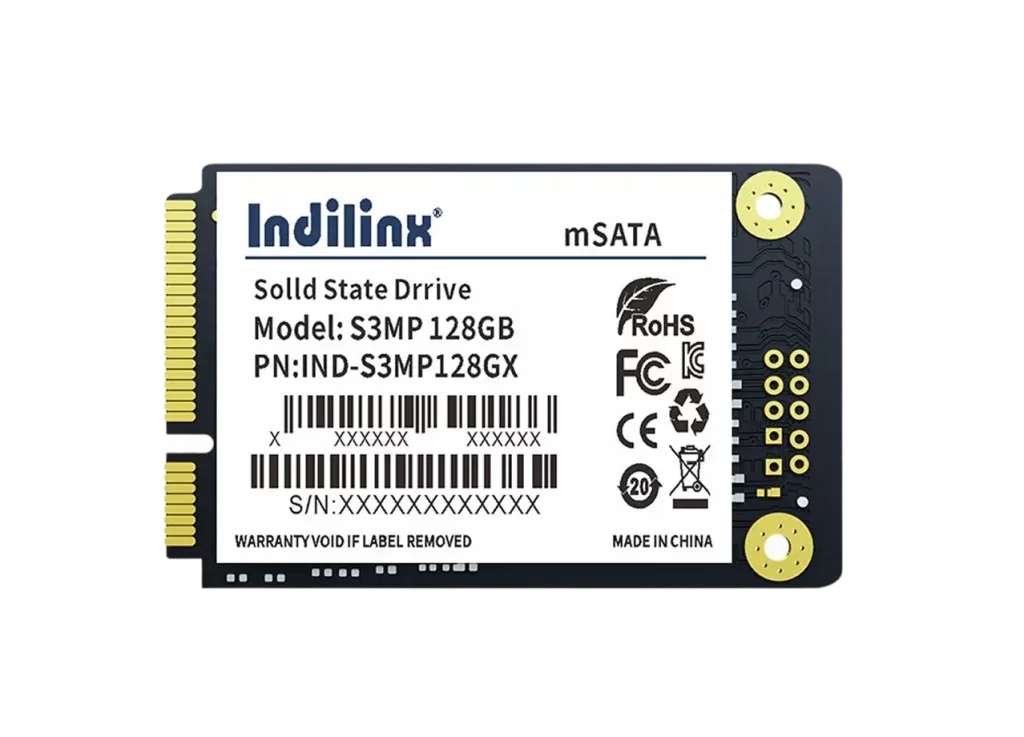
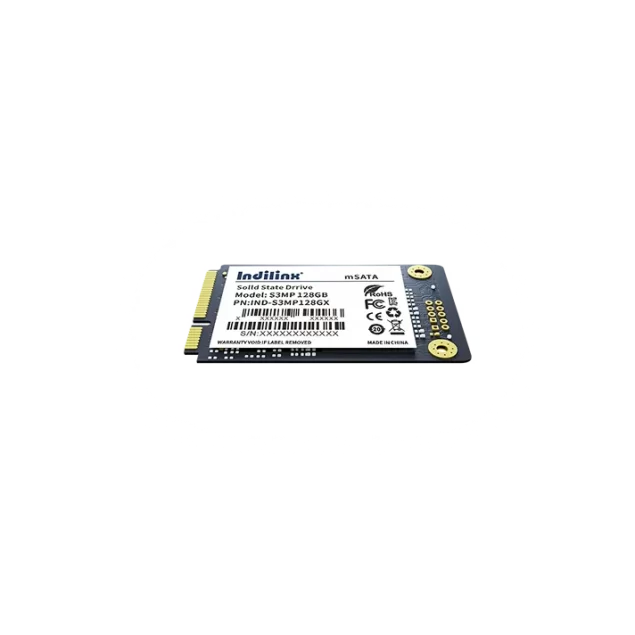
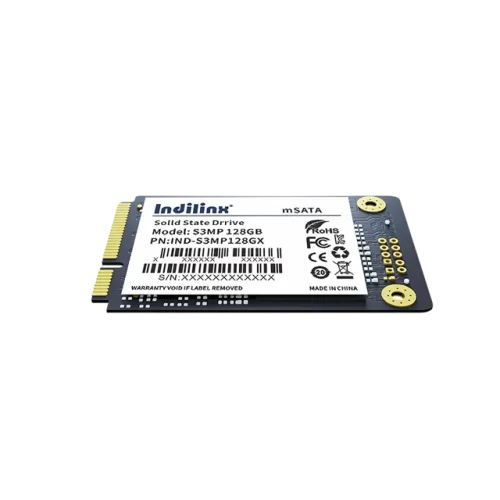
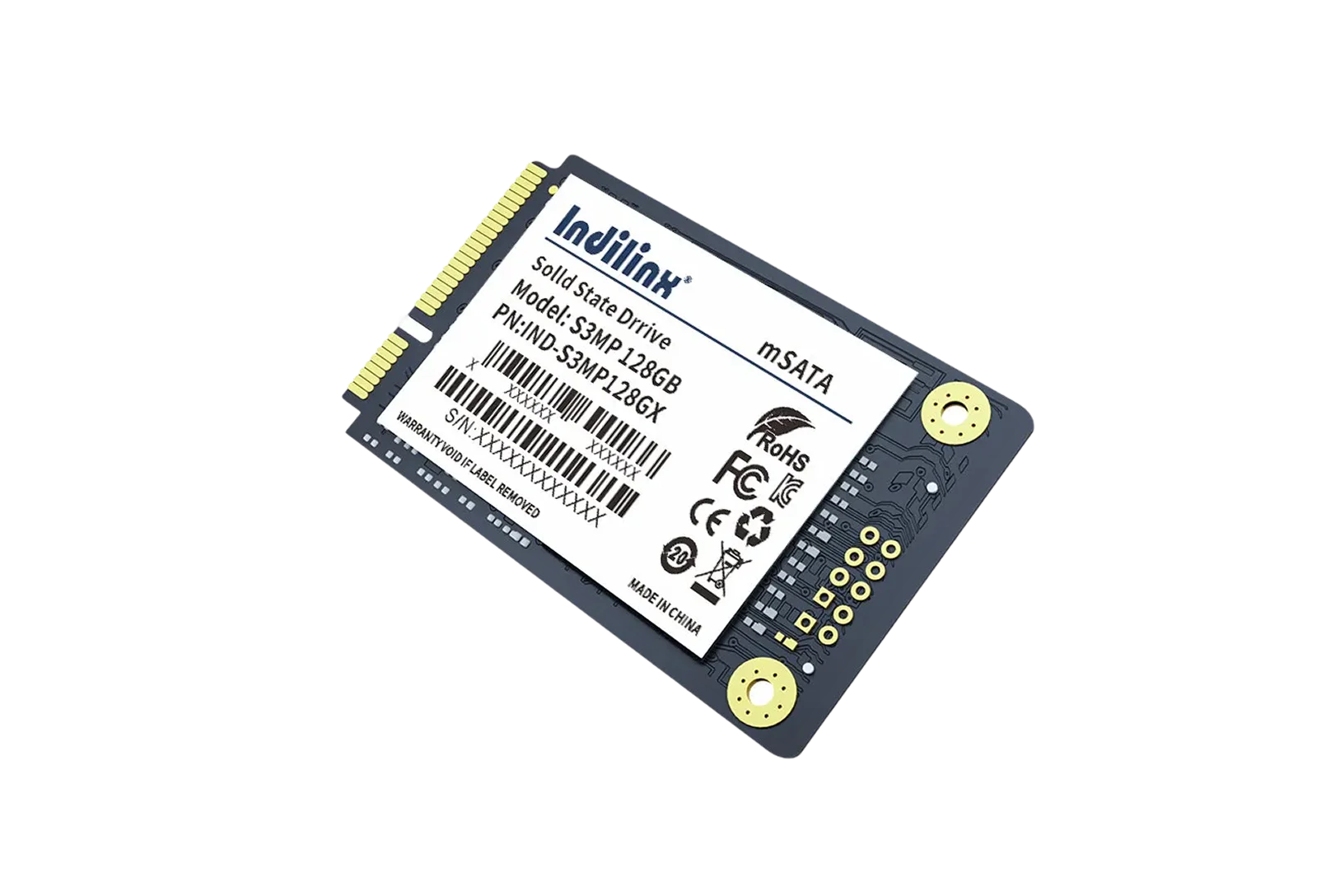
Solid State Drive(mSATA) in Multiple Capacities
Our mSATA Solid State Drive features the SATA3 interface and comes in a range of capacities, catering to both personal and professional storage demands. It delivers swift data transfer speeds, shortening boot and file-loading times for laptops, mini-PCs, and industrial devices. Boasting shockproof and low-power consumption properties, this SSD ensures stable operation and data security, making it suitable for space-constrained and mission-critical scenarios.
IND-S3MP Series
Model No
SATA3 Fast Transfer & Multiple Capacity Choices
Shockproof & Low Power Consumption for Stable Use
SATA3 Fast Transfer & Multiple Capacity Choices
Shockproof & Low Power Consumption for Stable Use
Solid State Drive(mSATA) Product Specifications
The mSATA Solid State Drive is engineered to meet the demands of modern storage with the SATA III (6Gbps) interface, ensuring high-speed data transfer and broad compatibility with SATA II systems for flexible upgrades. Adopting the M.2 2280 form factor, it merges the compact footprint of mSATA with the standardized design of M.2, making it a perfect fit for laptops, ultrabooks, mini-PCs, industrial control devices, and embedded systems where space is at a premium. Its plug-and-play functionality simplifies installation, requiring no additional adapters for seamless integration into existing setups.
In performance, the drive delivers consistent and reliable read/write speeds to handle diverse workloads. Sequential read speeds reach up to 550MB/s, while sequential write speeds peak at 520MB/s, drastically reducing boot times, file transfer delays, and application loading lags. For random access tasks, it achieves up to 90,000 IOPS for 4K random reads and 80,000 IOPS for 4K random writes, ensuring smooth multitasking, responsive browsing, and efficient processing of small-file operations.
Built for durability and longevity, the SSD incorporates advanced wear-leveling algorithms and error correction code (ECC) technology to safeguard data integrity and extend the drive’s service life. With a mean time between failures (MTBF) of 2 million hours, it maintains stable operation even in continuous-use scenarios. It also features shock resistance and low power consumption, consuming just 2.5W during active use and 0.2W in idle mode, balancing performance with energy efficiency for both portable and stationary devices.
Product Specifications
Interface
SATA III (6Gbps), backward compatible with SATA II
Form Factor
M.2 2280 (mSATA Compatible)
Capacity Range
128GB, 256GB, 512GB, 1TB, 2TB
Sequential Read Speed
Up to 550MB/s
Sequential Write Speed
Up to 520MB/s
Random Read (4K)
Up to 90,000 IOPS
Random Write (4K)
Up to 80,000 IOPS
MTBF
2,000,000 Hours
Operating Temperature
0°C ~ 70°C
Power Consumption
Active: 2.5W, Idle: 0.2W
Shock Resistance
1500G/0.5ms
Supported OS
Windows, macOS, Linux, Industrial Embedded OS
NAND Type
3D TLC NAND
Core Performance of Solid State Drive(mSATA)
SATA III 6Gbps High-Speed Transfer
Delivers up to 550MB/s sequential read and 520MB/s write speeds for fast data handling.
Broad Compatibility with Devices & Systems
Works with laptops/industrial devices; supports Windows, macOS, Linux and SATA II backwardly.
High 4K Random IOPS for Multitasking
Achieves 90K read/80K write IOPS, ensuring smooth multitasking and app responsiveness.
Low Power Consumption for Efficiency
Only 2.5W active/0.2W idle power, extending device battery life and reducing energy use.
Superior Durability & Stable Operation
MTBF of 2M hours with shock resistance (1500G) for reliable long-term use.
Advanced Data Protection Technologies
Incorporates wear-leveling and ECC to safeguard data integrity against errors.
Blazing-Fast SATA III Transfer & High 4K IOPS for Seamless Workflows
Equipped with the SATA III (6Gbps) interface, this mSATA SSD delivers sequential read speeds up to 550MB/s and write speeds up to 520MB/s, slashing boot times and large-file transfer delays. Its 4K random read/write IOPS of 90,000/80,000 ensures smooth multitasking, responsive app launches, and efficient handling of small-file operations for both personal and professional use.
Universal Compatibility & Rugged, Low-Power Design for Versatile Deployment
Designed in the M.2 2280 form factor, the SSD is compatible with laptops, ultrabooks, industrial controllers, and embedded systems, supporting Windows, macOS, Linux, and industrial embedded OS. With a 2-million-hour MTBF, 1500G shock resistance, and low power consumption (2.5W active/0.2W idle), it offers reliable, energy-efficient performance in space-constrained or continuous-operation scenarios.
Cross-Device & System Compatibility
Works with SATA II/III devices; supports mainstream and industrial operating systems.
Durable & Stable Operation
Shockproof build and 2M-hour MTBF ensure long-term reliability in harsh environments.
Energy-Saving Efficiency
Minimal power draw extends battery life for portable devices and reduces energy costs.
Installation of Solid State Drive(mSATA)
Installing the mSATA SSD (M.2 2280 SATA3) is a straightforward, user-friendly process that requires no advanced technical skills. Designed for plug-and-play compatibility, the drive fits seamlessly into standard mSATA or M.2 2280 slots, supporting laptops, industrial controllers, embedded systems, and desktop PCs with minimal setup. Follow basic safety precautions and simple steps to complete installation quickly, ensuring stable connectivity and immediate recognition by most operating systems.
Laptop Internal mSATA/M.2 2280 Slot Installation
Industrial Device Embedded Installation
Desktop PC Expansion via mSATA-to-SATA Adapter
Laptop Internal mSATA/M.2 2280 Slot Installation
Efficient External Storage Expansion:
Shut down the laptop, disconnect the power adapter and battery, then remove the bottom cover using a screwdriver. Locate the mSATA or M.2 2280 slot (refer to the laptop manual), align the SSD’s golden contacts with the slot, and insert it at a 30-degree angle until fully seated. Secure the drive with the provided screw, reattach the battery and cover, and power on the laptop—your system will automatically detect the SSD for formatting or cloning.
Industrial Device Embedded Installation
Mobile Data Offloading and Backup
Power off the industrial device and ensure no residual voltage. Identify the dedicated mSATA/M.2 2280 mounting position on the device’s motherboard, align the SSD with the slot, and press firmly to lock it in place. Fasten the SSD with the specified mounting screw to prevent vibration damage. Connect the SATA data cable (if required) and verify the power connection, then restart the device to confirm the SSD is recognized and functioning in industrial operating environments.
Desktop PC Expansion via mSATA-to-SATA Adapter
Instant Media Playback
Obtain a compatible mSATA-to-SATA adapter. Insert the mSATA SSD into the adapter’s slot and secure it with screws. Connect the adapter to the desktop’s SATA III port using a SATA cable and attach the power connector from the PC’s power supply. Mount the adapter in an empty drive bay or secure it with double-sided tape for stability. Power on the PC, enter the BIOS to confirm detection, and proceed to initialize or partition the SSD via the operating system.
Laptop Internal mSATA/M.2 2280 Slot Installation
Efficient External Storage Expansion:
Shut down the laptop, disconnect the power adapter and battery, then remove the bottom cover using a screwdriver. Locate the mSATA or M.2 2280 slot (refer to the laptop manual), align the SSD’s golden contacts with the slot, and insert it at a 30-degree angle until fully seated. Secure the drive with the provided screw, reattach the battery and cover, and power on the laptop—your system will automatically detect the SSD for formatting or cloning.
Industrial Device Embedded Installation
Mobile Data Offloading and Backup
Power off the industrial device and ensure no residual voltage. Identify the dedicated mSATA/M.2 2280 mounting position on the device’s motherboard, align the SSD with the slot, and press firmly to lock it in place. Fasten the SSD with the specified mounting screw to prevent vibration damage. Connect the SATA data cable (if required) and verify the power connection, then restart the device to confirm the SSD is recognized and functioning in industrial operating environments.
Desktop PC Expansion via mSATA-to-SATA Adapter
Instant Media Playback
Obtain a compatible mSATA-to-SATA adapter. Insert the mSATA SSD into the adapter’s slot and secure it with screws. Connect the adapter to the desktop’s SATA III port using a SATA cable and attach the power connector from the PC’s power supply. Mount the adapter in an empty drive bay or secure it with double-sided tape for stability. Power on the PC, enter the BIOS to confirm detection, and proceed to initialize or partition the SSD via the operating system.
Solid State Drive(mSATA) Technical Support
We are committed to providing comprehensive technical support and reliable after-sales service for the mSATA SSD (M.2 2280 SATA3). Our professional team offers timely assistance for installation, compatibility, failures, and other issues, ensuring a smooth user experience. Whether you are a personal or industrial user, we strive to resolve your concerns efficiently and safeguard your storage needs.
Compatibility Consultation Service
Offers pre-purchase and post-use compatibility checks for laptops, industrial devices, and systems to ensure seamless SSD integration.
Limited Warranty & Claim Process
Grants 3–5 years of limited warranty (varies by capacity) with a simplified claim process, supporting online applications and fast verification.
More SSD Products
2.5-inch SATA SSD S325S
Engineered for stable high-speed performance and dependable data integrity.
2.5-inch SATA SSD-S325X
Engineered for stable high-speed performance and dependable data integrity.
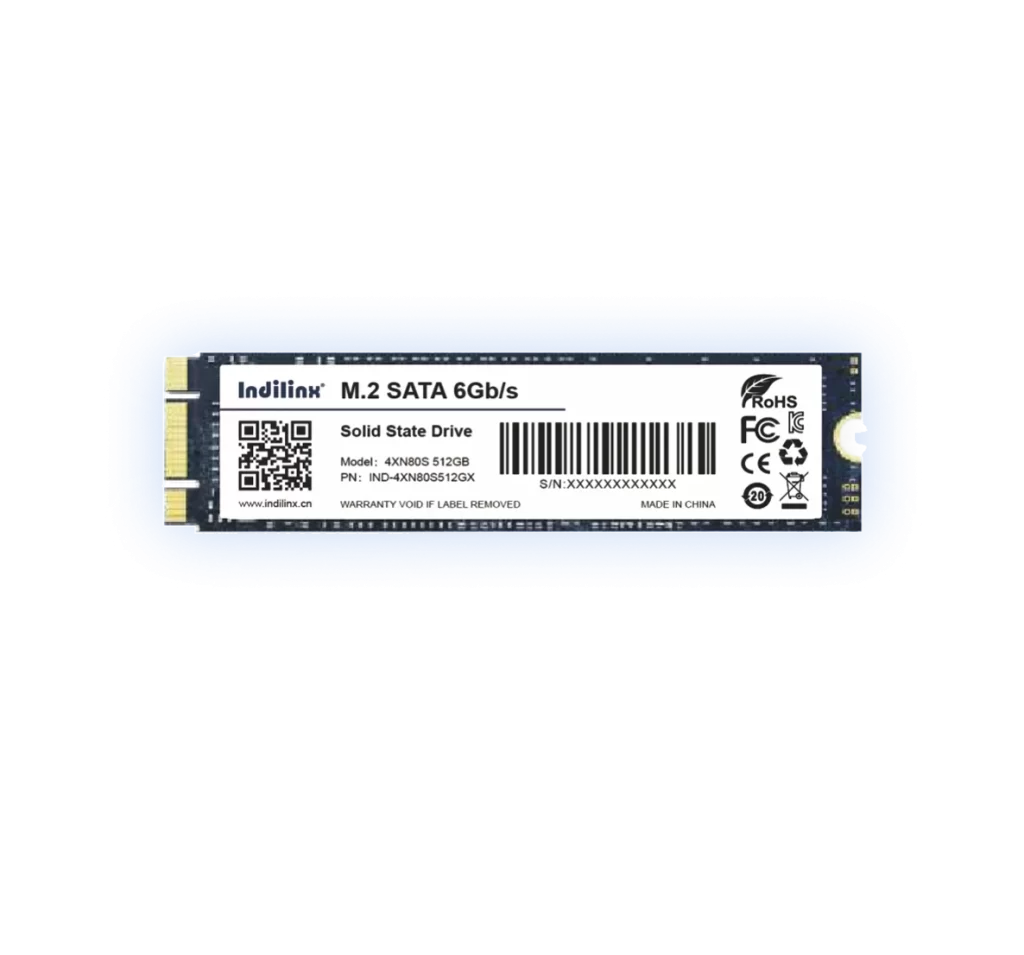
M.2 SSD
Engineered for stable high-speed performance and dependable data integrity.
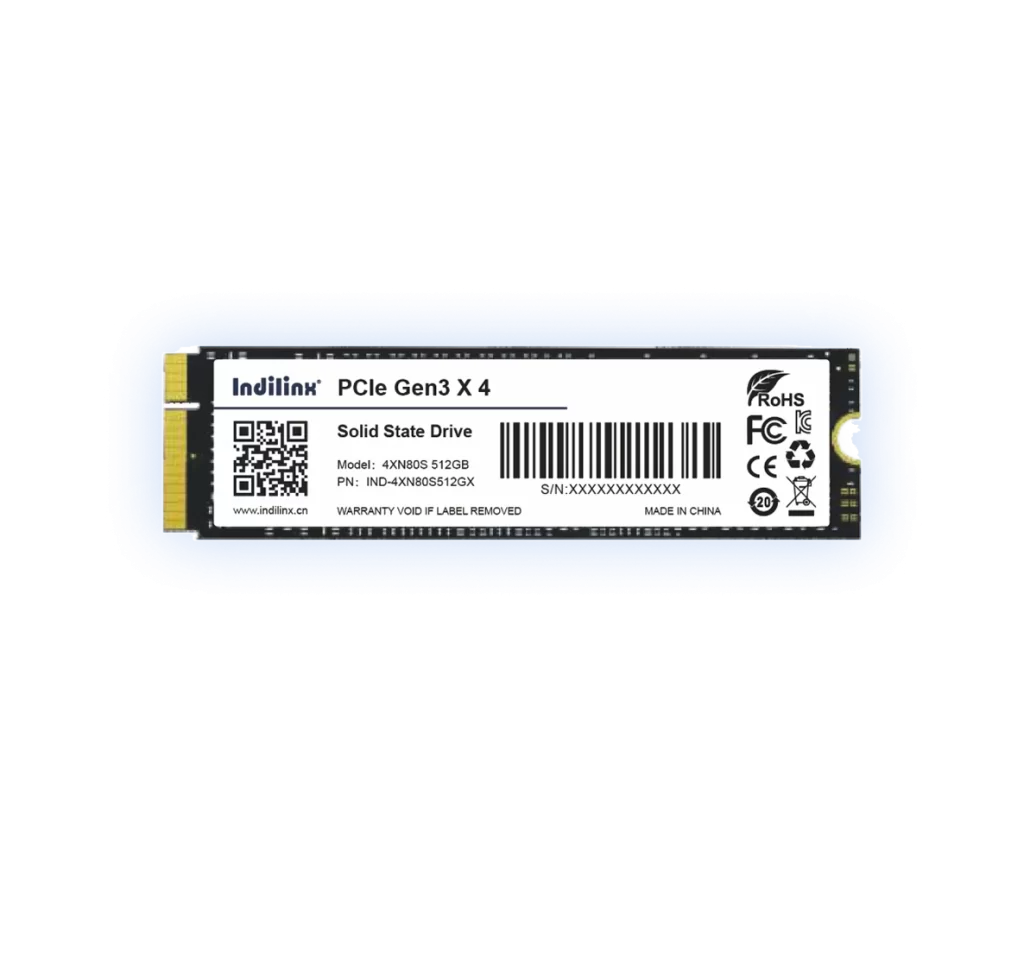
PCIe NVMe SSD-4XN80S
Engineered for stable high-speed performance and dependable data integrity.
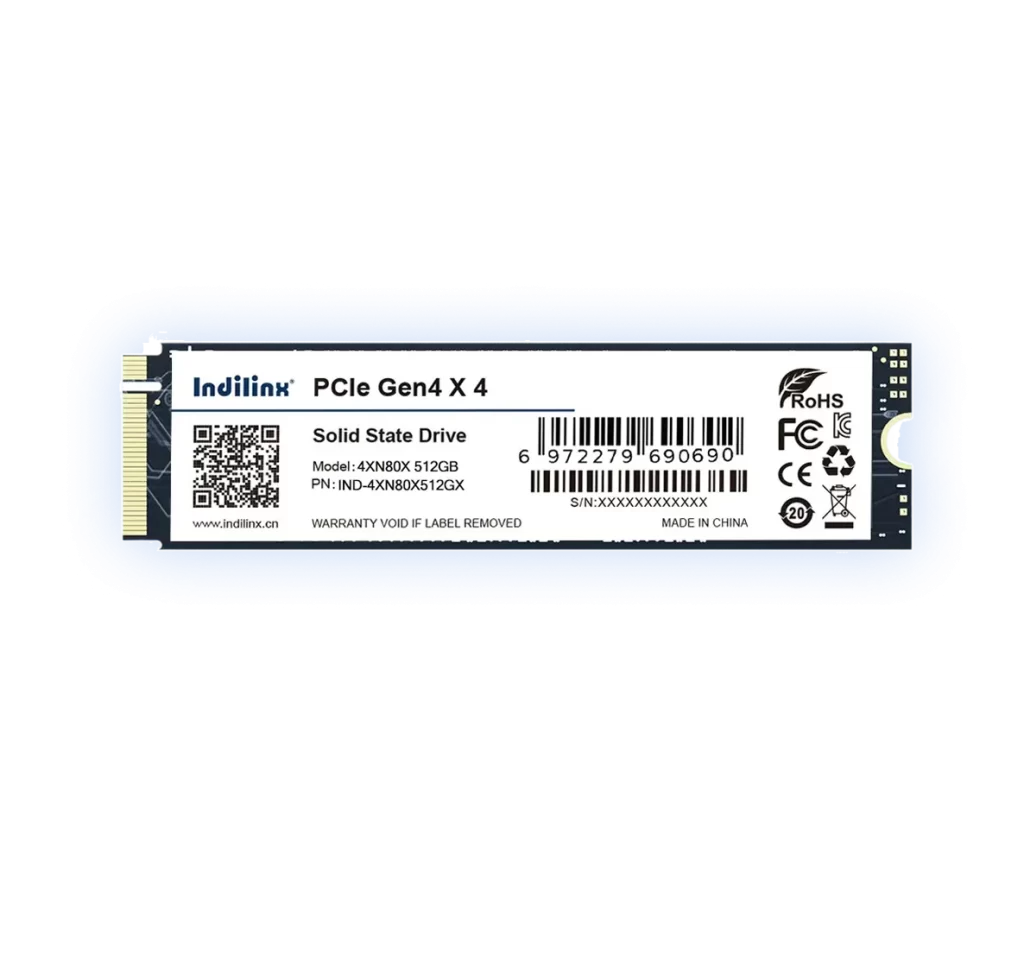
PCIe NVMe SSD-4XN80X
Engineered for stable high-speed performance and dependable data integrity.
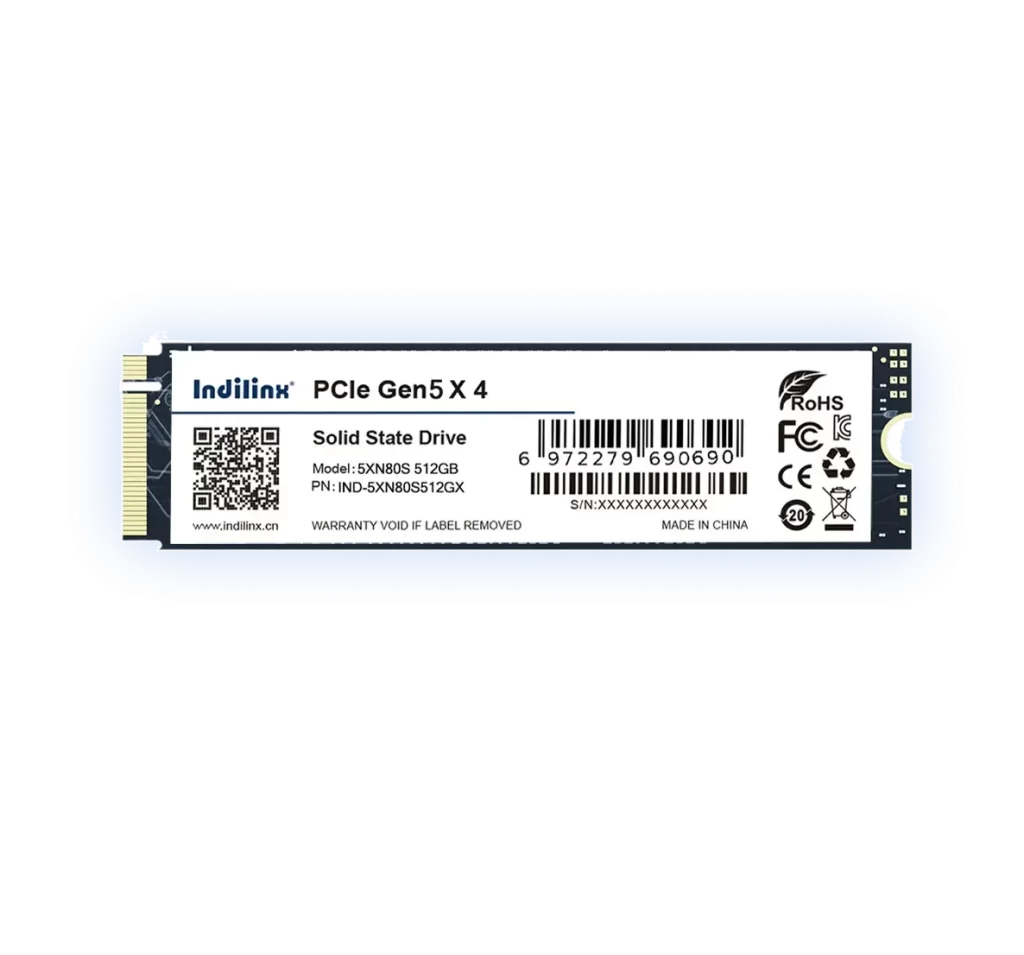
PCIe NVMe SSD-5XN80S
Engineered for stable high-speed performance and dependable data integrity.