Founded in 2012,Indilinx is a natinal high-tech enterprise in the field of design,software development, packaging and testing, manufacturering and application of memory chips.
Building C, BaiYang Industrial Zone, No. 44 KengweiRoad, Shiyan Street, Bao’an District, ShenZhen, china
Founded in 2012,Indilinx is a natinal high-tech enterprise in the field of design,software development, packaging and testing, manufacturering and application of memory chips.
Building C, BaiYang Industrial Zone, No. 44 KengweiRoad, Shiyan Street, Bao’an District, ShenZhen, china
operations@indilinx.cn
+86 17727594880
USB Flash Drive
Indilinx Titan X SSD: USB3.2 Gen1, military-grade, 256-bit AES, 128GB-1TB for professionals
Founded in 2012,Indilinx is a natinal high-tech enterprise in the field of design,software development, packaging and testing, manufacturering and application of memory chips.
Building C, BaiYang Industrial Zone, No. 44 KengweiRoad, Shiyan Street, Bao’an District, ShenZhen, china
operations@indilinx.cn
+86 17727594880
Micro SD
Indilinx Micro SD: compact portable, seamless data flow across phones, cameras, game consoles
Founded in 2012,Indilinx is a natinal high-tech enterprise in the field of design,software development, packaging and testing, manufacturering and application of memory chips.
Building C, BaiYang Industrial Zone, No. 44 KengweiRoad, Shiyan Street, Bao’an District, ShenZhen, china
Founded in 2012,Indilinx is a natinal high-tech enterprise in the field of design,software development, packaging and testing, manufacturering and application of memory chips.
Building C, BaiYang Industrial Zone, No. 44 KengweiRoad, Shiyan Street, Bao’an District, ShenZhen, china
operations@indilinx.cn
+86 17727594880
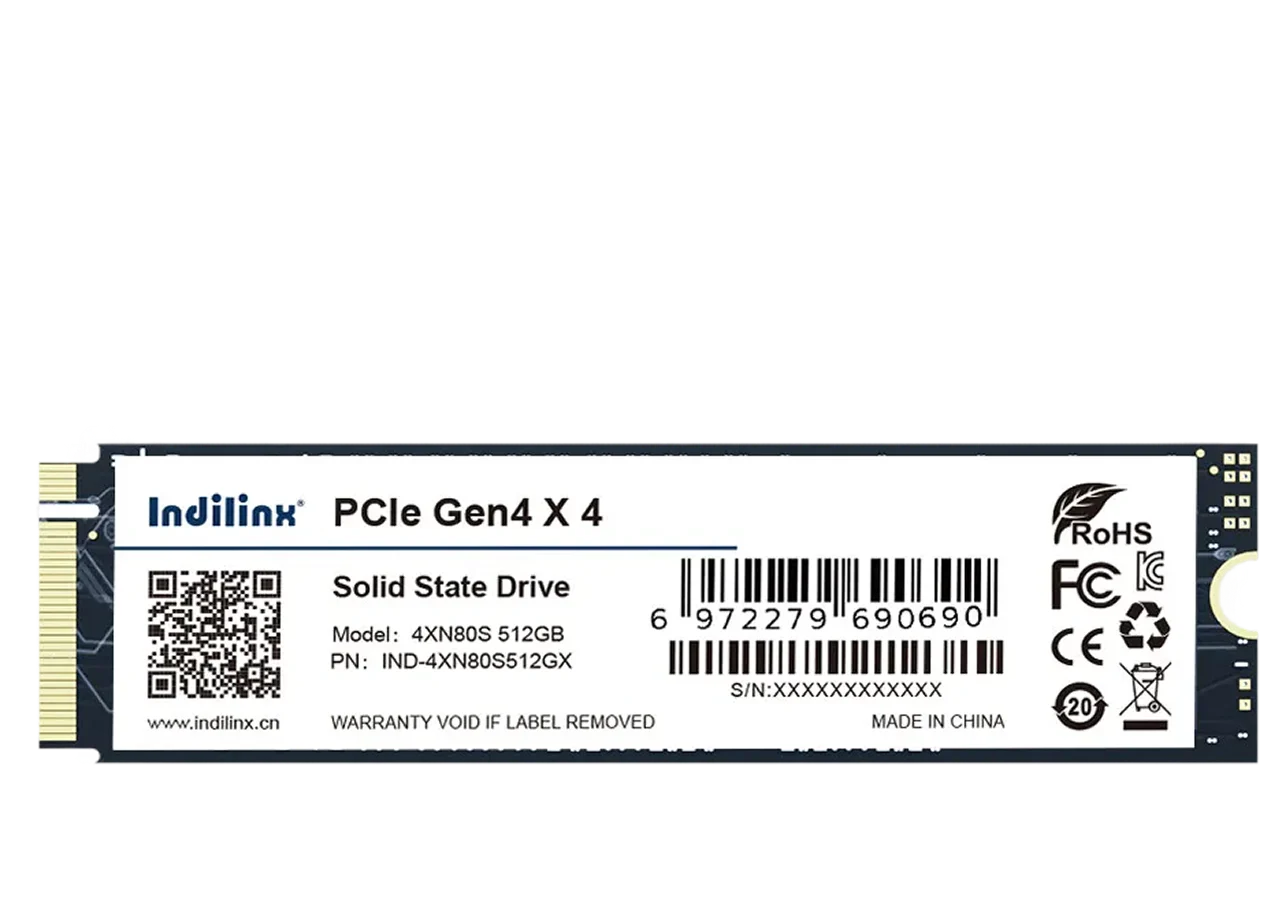
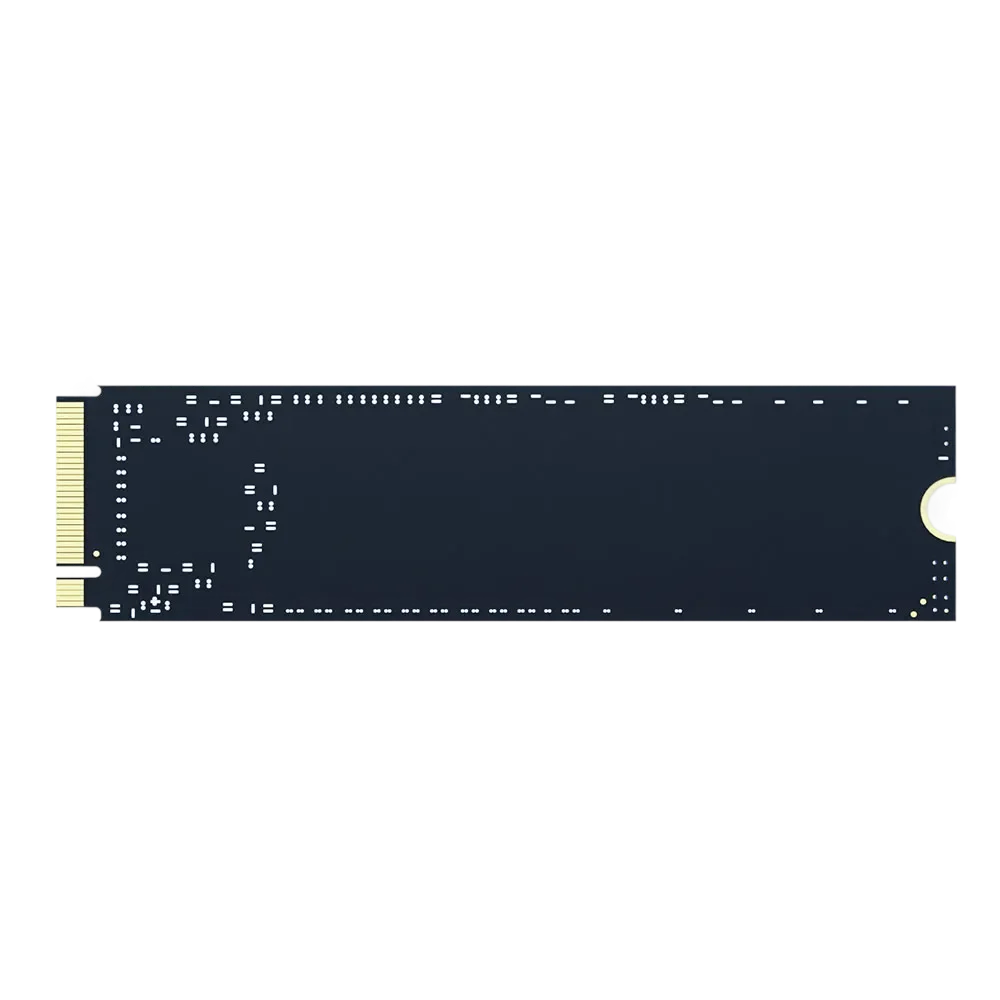
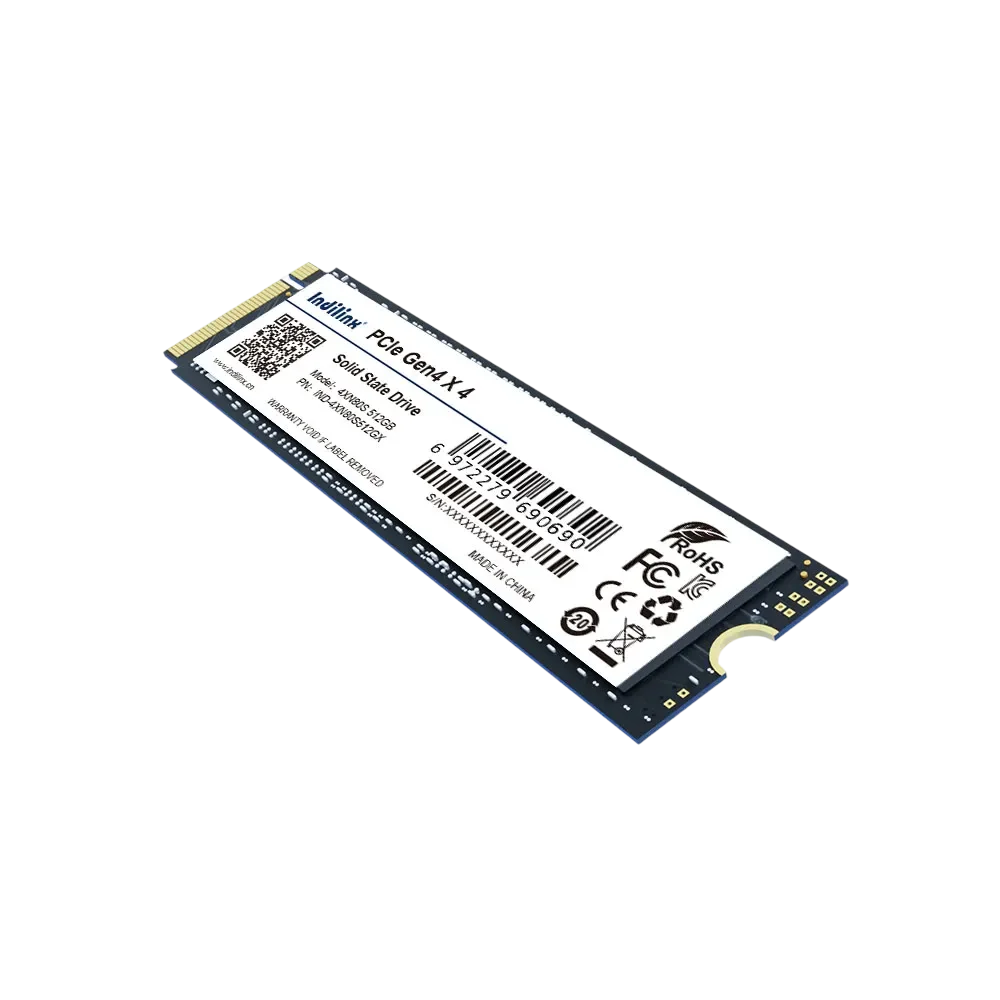
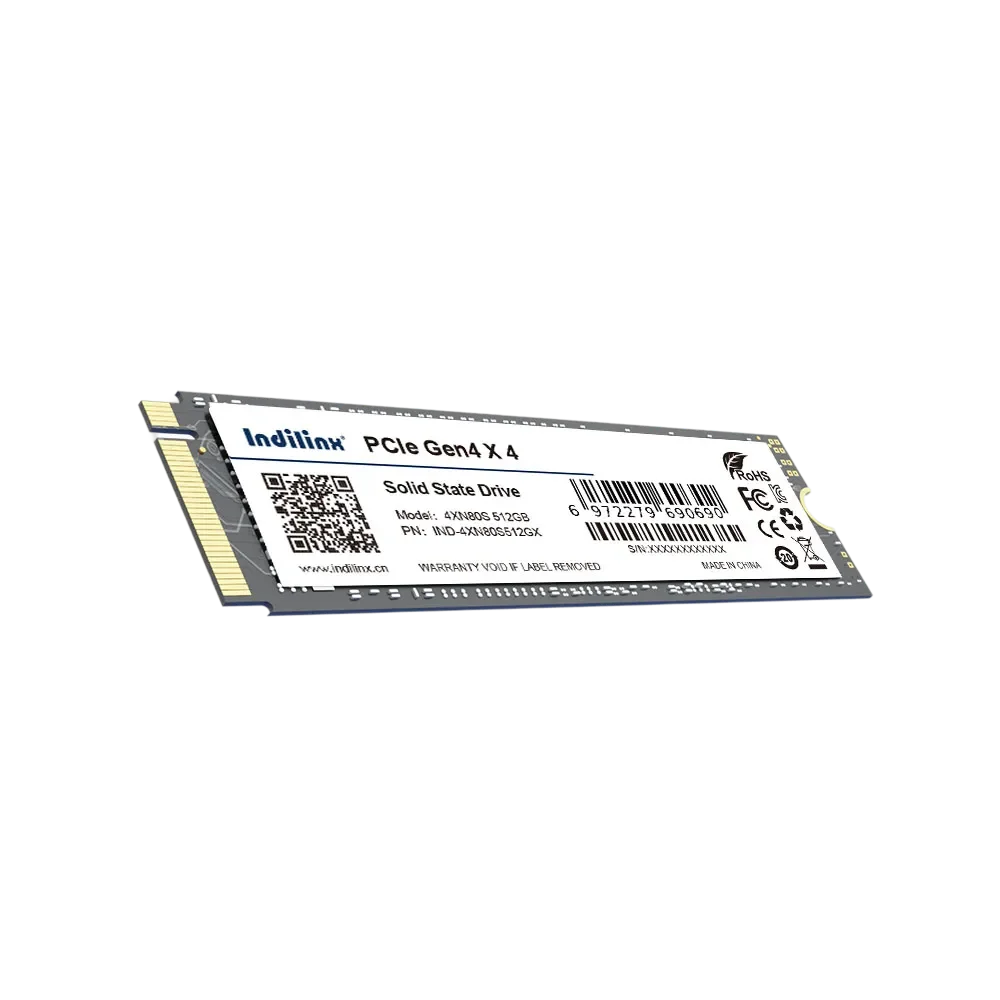
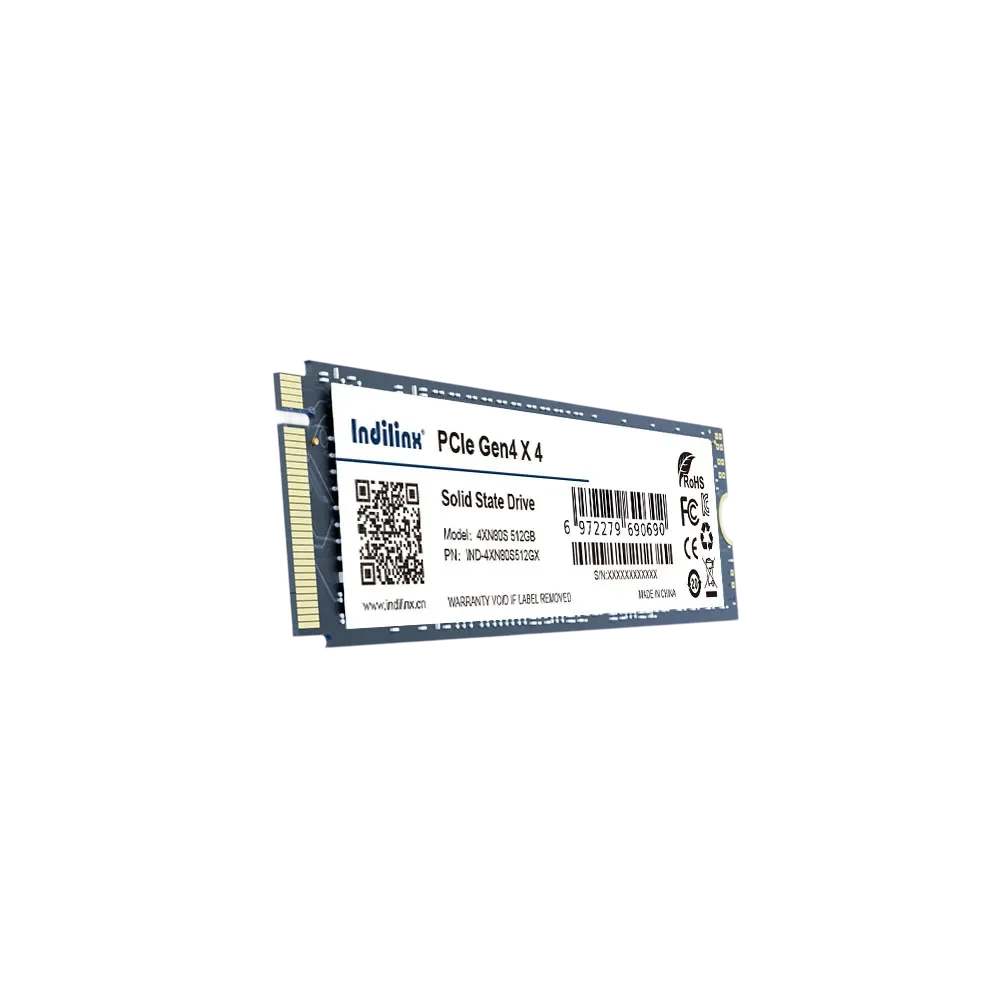
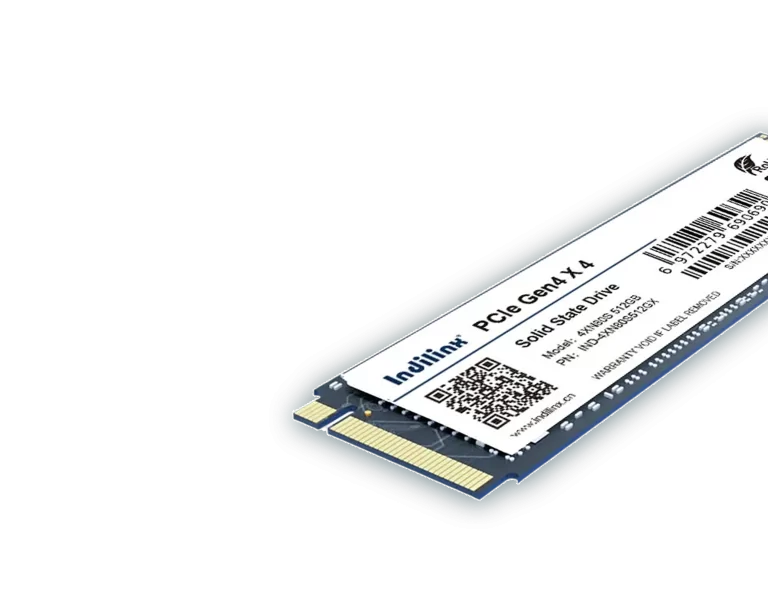
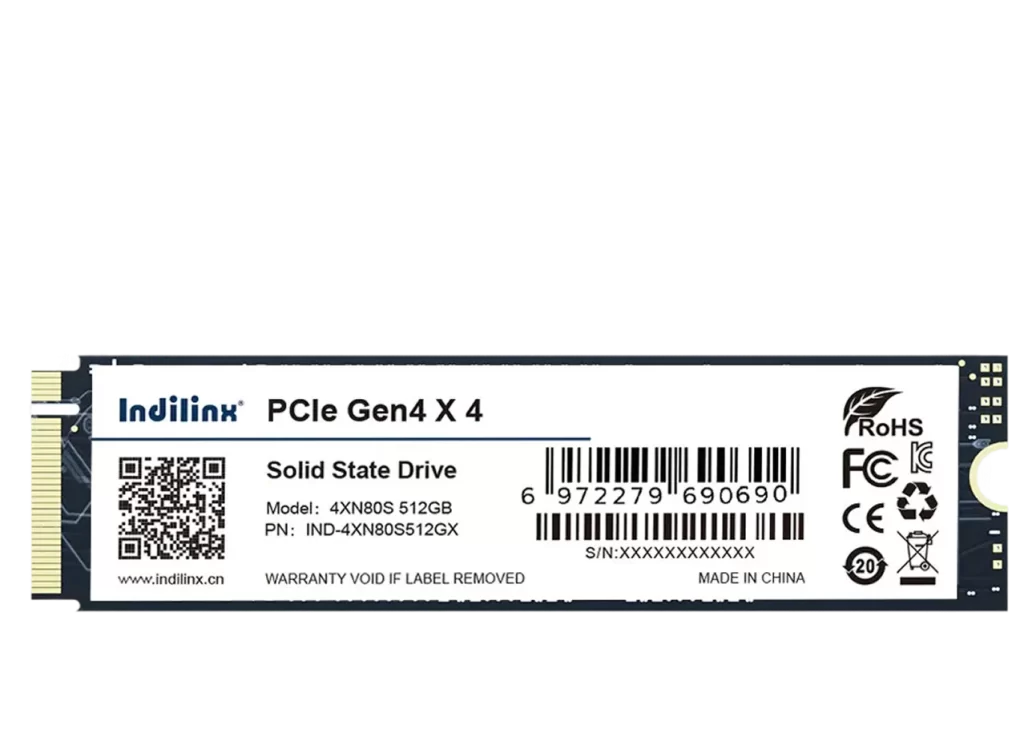
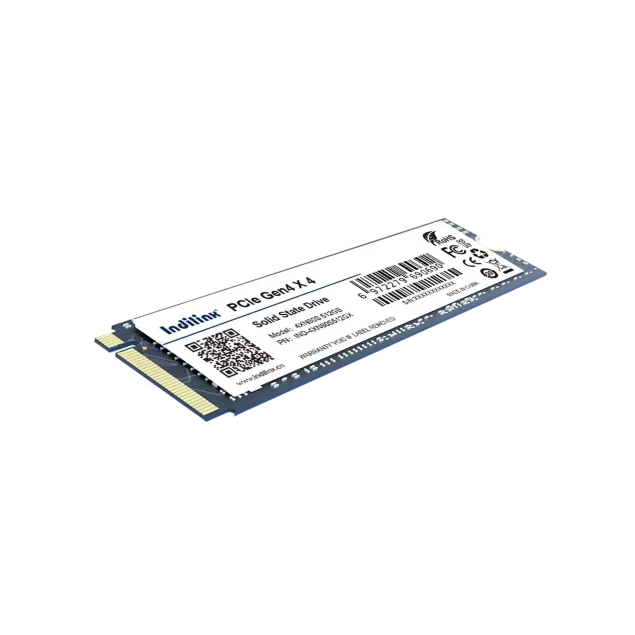
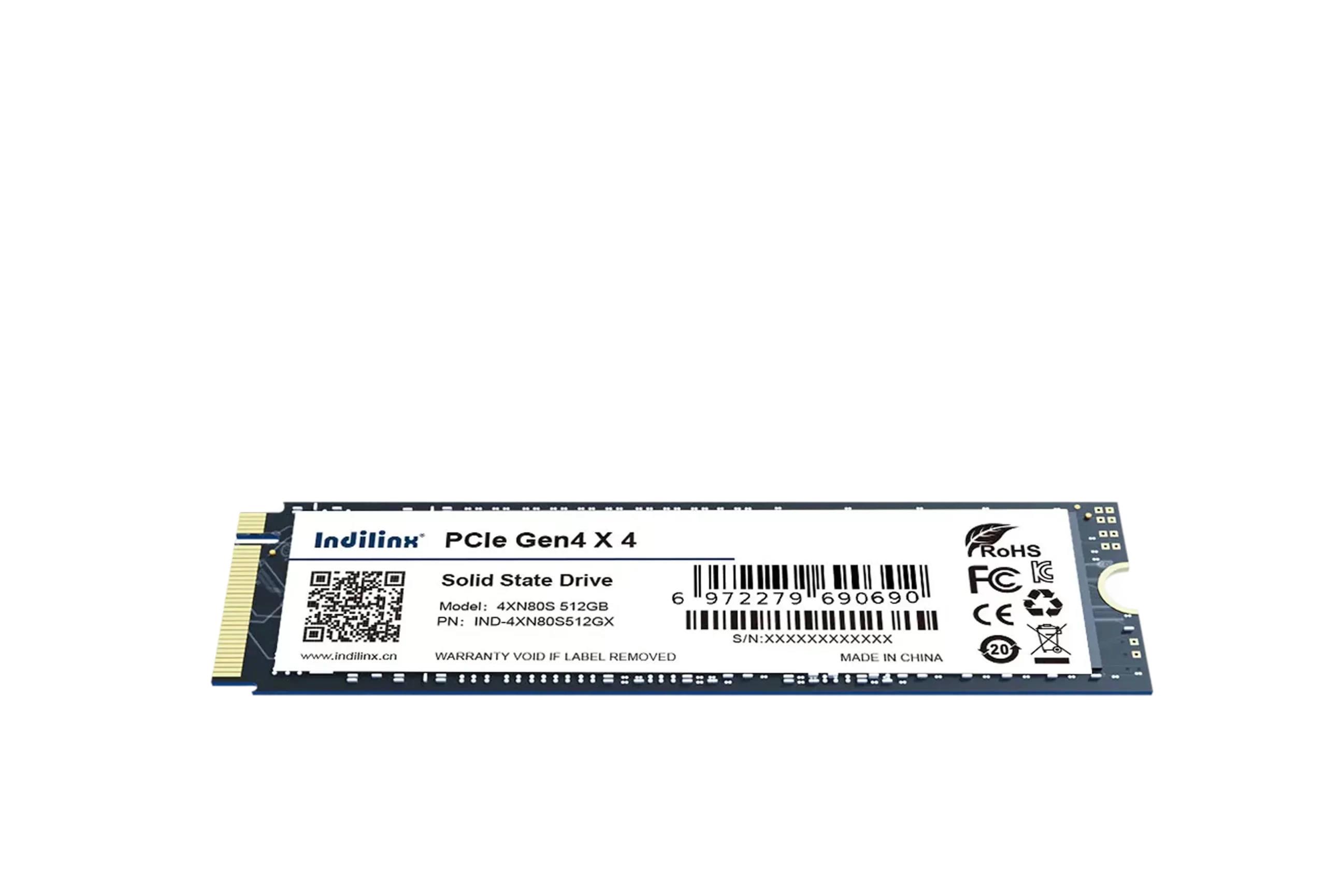
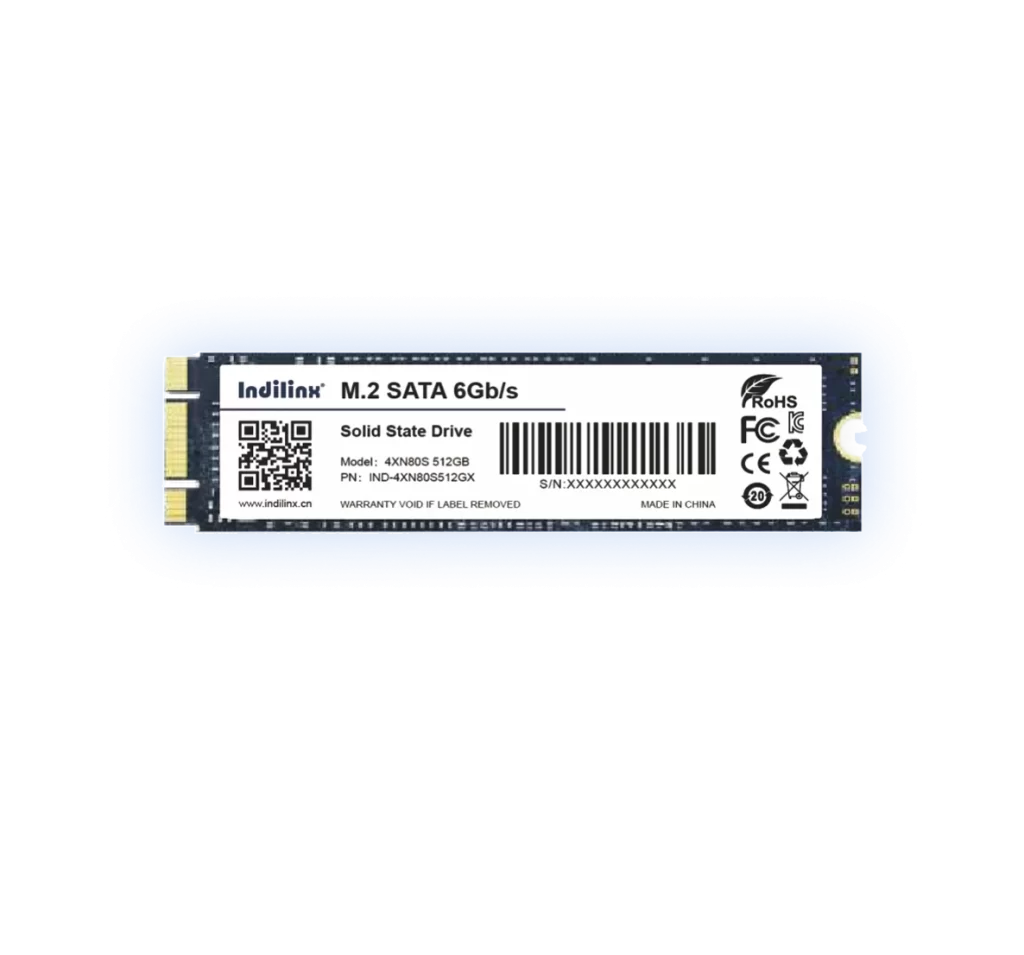
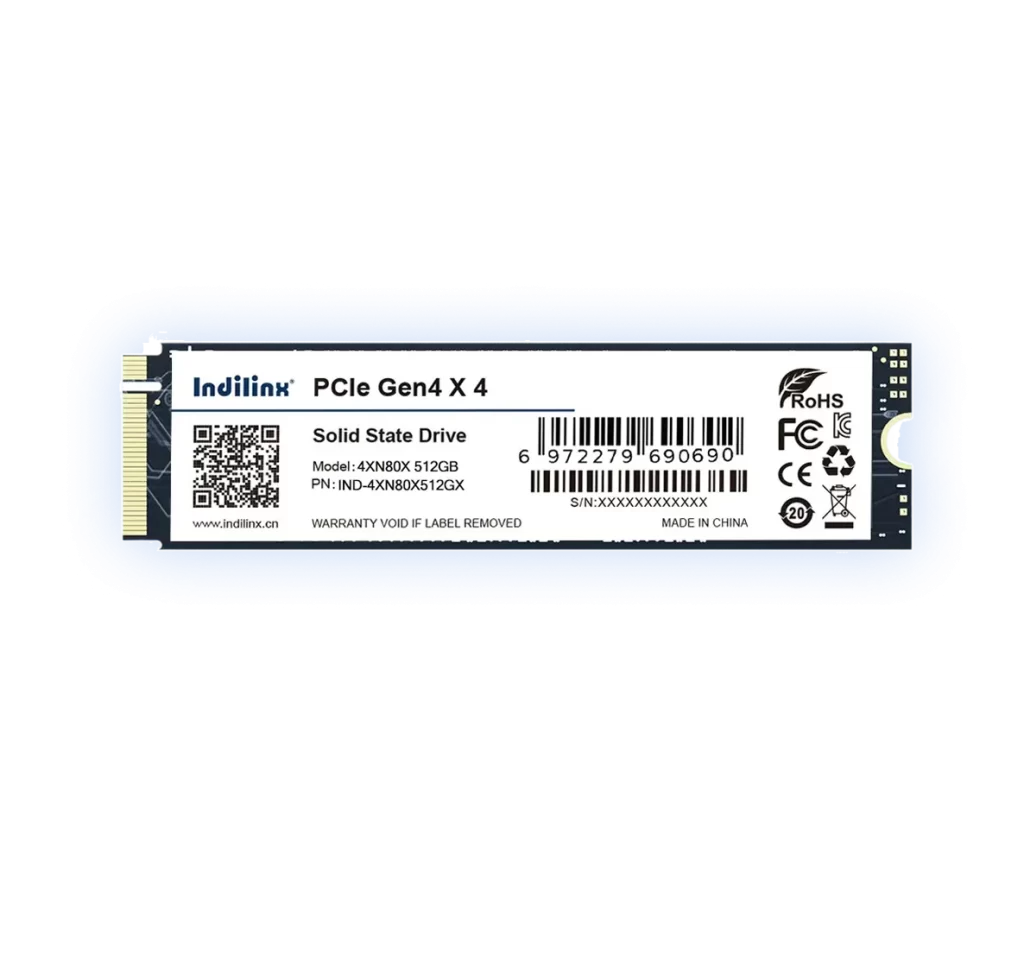
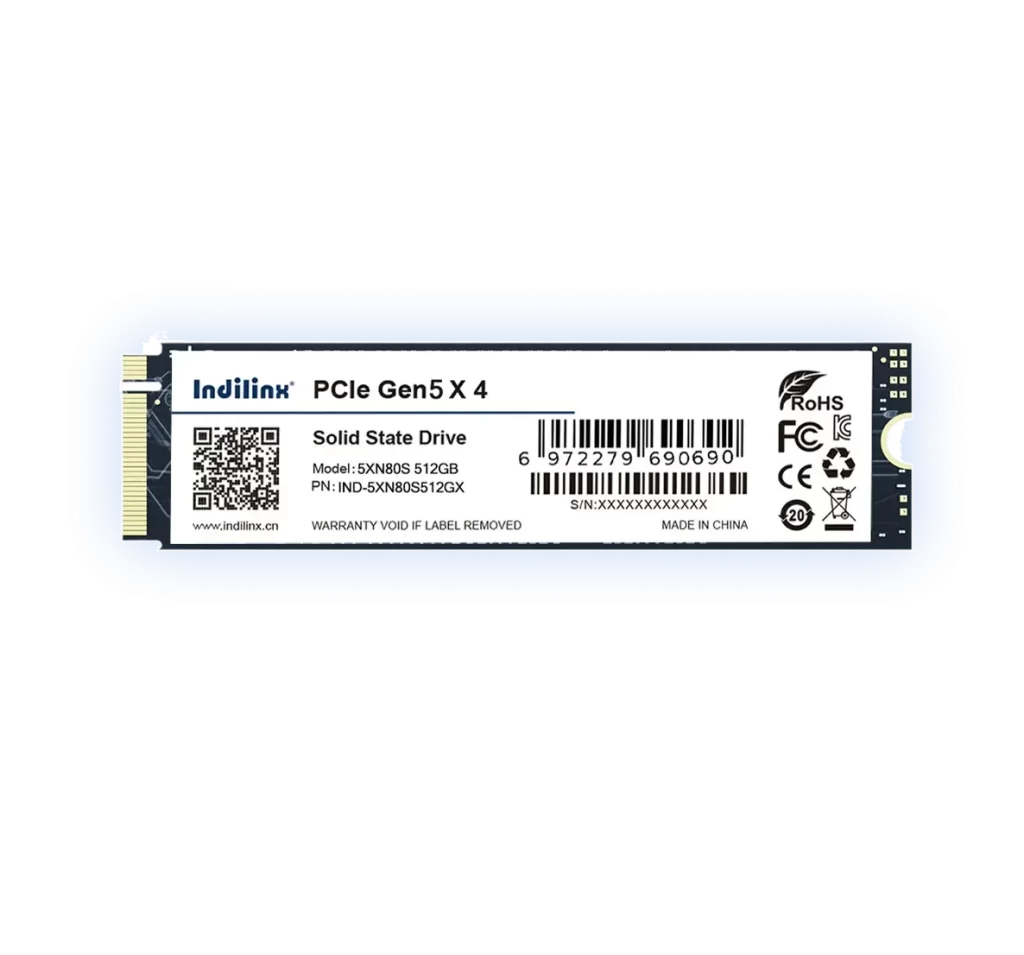
NVMe M.2 Solid State Drive with Various Capacity Options
The 2.5-inch Indilinx IND-4XN80S NVMe 3.0 SSD provides flexible capacities (128GB-2TB) to fit diverse demands. Equipped with original 3D NAND chipsets and a professional controller, it boasts blazing speed—7s system startup, 3s 5GB file copy, and 2s large software launch (512GB test). Certified by CE/FCC/ROHS, it withstands -5~75°C and over 80 hours of strict tests. Ultra-slim (80X22mm) and lightweight (≈5g), it’s compatible with desktops/laptops via PCIE 3.0×4 interface, enabling easy upgrades. Backed by a 5-year warranty, it ensures stable performance for gaming, office work, and daily use.
The Indilinx NVMe M.2 SSD (model IND-4XN80S) is a high-performance storage solution powered by PCIe Gen3 x4 and NVMe 3.0 protocols. Equipped with original 3D NAND chipsets, it delivers 20 times higher efficiency than traditional HDDs. The 512GB variant showcases impressive speed: 7-second system startup, 3-second 5GB file copy, and 2-second large software launch, meeting the demands of gaming, office work, and daily computing. Built for exceptional durability, this SSD undergoes over 80 hours of strict quality testing, including 250 continuous hot/cold cycles, 48-hour uninterrupted read/write, 2000 hibernation tests, and 8-hour high/low temperature aging tests. It features ECC error correction for bad block detection, ensuring data integrity. Certified by CE/FCC/ROHS, it operates reliably in temperatures ranging from -5°C to 75°C, adapting to various environments. With an ultra-slim design (80X22mm) and net weight of approximately 5g, it fits seamlessly into desktops and laptops with NVMe (PCIe 3.0) interfaces, enabling hassle-free upgrades. Offering versatile capacity options from 128GB to 2TB, it caters to diverse storage needs. Backed by a 5-year warranty, it reflects the brand’s 12 years of overseas sales experience and strict factory quality control.
Backed by over 80 hours of strict quality inspections, the SSD undergoes 250 continuous hot/cold cycles, 48h uninterrupted read/write, 2000 hibernation tests, and 2h drop tests. Equipped with ECC error correction for bad block detection, it ensures stable operation in -5~75°C, delivering reliable performance for long-term use.
Professional Controller + 3D NAND for Blazing-Fast Data Processing
Adopting industry-leading professional master control and original 3D NAND chipsets, the SSD is 20 times more efficient than HDDs. It achieves 7s system startup, 3s 5GB file copy, and 2s large software launch (512GB test), meeting high-speed demands for gaming and office tasks.
System Startup Efficiency
7-second quick boot, significantly reducing waiting time for immediate use.
Large File Transfer Speed
3-second 5GB file copy, boosting work and entertainment efficiency.
The Indilinx IND-4XN80S NVMe M.2 SSD boasts an ultra-slim 80222mm design and ~5g net weight, ensuring effortless installation for desktops and laptops. Compatible with NVMe (PCIe 3.0) interfaces, it eliminates the need for extra cables, relying on standard M.2 slots for quick upgrades. With 12 years of overseas sales experience and strict factory quality control, its user-friendly installation process caters to both beginners and tech enthusiasts, enabling seamless storage expansion without professional support.
Desktop M.2 Slot Direct Installation
Laptop M.2 Slot Quick Installation
Post-Installation BIOS Recognition Configuration
DESKTOP M.2 SATA SLOT INTERNAL INSTALLATION
Efficient External Storage Expansion:
Shut down the desktop, unplug the power cord, and open the chassis. Locate the M.2 SATA slot on the motherboard (check the manual for position). Align the SSD’s key with the slot, insert it at a 30-degree angle, and press down firmly. Secure the SSD with the provided screw (match the slot’s mounting hole). Close the chassis, reconnect the power, and power on the computer. The system will automatically detect the SSD, allowing immediate formatting and use without additional drivers.
Laptop M.2 Slot Quick Installation
Mobile Data Offloading and Backup
Turn off your laptop and unplug the power adapter. Use a matching screwdriver to remove the bottom cover screws, then gently pry off the cover. Identify the M.2 slot (ensure it supports PCIe 3.0 protocol), insert the SSD at a 30-degree angle, press it down until it fits snugly, and fasten it with the provided screw. Replace the bottom cover, reconnect the power, and boot up. This method is perfect for thin-and-light laptops, requiring no complex tools and completing the upgrade in minutes.
Post-Installation BIOS Recognition Configuration
Instant Media Playback
After physical installation, power on your device and press the designated key (e.g., Del, F2, F12) to enter BIOS. Navigate to the storage menu to verify that the Indilinx IND-4XN80S SSD is recognized. If using the SSD as the system drive, set it as the primary boot device. Save the settings and exit BIOS—your device will restart, and the SSD will operate normally. This simple step ensures optimal compatibility and performance, even for users with basic technical skills.
DESKTOP M.2 SATA SLOT INTERNAL INSTALLATION
Efficient External Storage Expansion:
Shut down the desktop, unplug the power cord, and open the chassis. Locate the M.2 SATA slot on the motherboard (check the manual for position). Align the SSD’s key with the slot, insert it at a 30-degree angle, and press down firmly. Secure the SSD with the provided screw (match the slot’s mounting hole). Close the chassis, reconnect the power, and power on the computer. The system will automatically detect the SSD, allowing immediate formatting and use without additional drivers.
Laptop M.2 Slot Quick Installation
Mobile Data Offloading and Backup
Turn off your laptop and unplug the power adapter. Use a matching screwdriver to remove the bottom cover screws, then gently pry off the cover. Identify the M.2 slot (ensure it supports PCIe 3.0 protocol), insert the SSD at a 30-degree angle, press it down until it fits snugly, and fasten it with the provided screw. Replace the bottom cover, reconnect the power, and boot up. This method is perfect for thin-and-light laptops, requiring no complex tools and completing the upgrade in minutes.
Post-Installation BIOS Recognition Configuration
Instant Media Playback
After physical installation, power on your device and press the designated key (e.g., Del, F2, F12) to enter BIOS. Navigate to the storage menu to verify that the Indilinx IND-4XN80S SSD is recognized. If using the SSD as the system drive, set it as the primary boot device. Save the settings and exit BIOS—your device will restart, and the SSD will operate normally. This simple step ensures optimal compatibility and performance, even for users with basic technical skills.
Indilinx provides comprehensive technical support for the IND-4XN80S NVMe M.2 SSD, leveraging 12 years of overseas sales experience and strict factory quality control. We offer timely assistance for installation, compatibility, and performance issues, ensuring users enjoy reliable post-purchase service. Backed by professional teams, our support covers warranty claims, fault diagnosis, and optimization, safeguarding your storage experience.
5-Year Warranty & TBW Guarantee
Complies with JEDEC JESD219 standard; TBW varies by capacity. Warranty invalid if service life or TBW limit is reached.
Professional Installation & Compatibility Consultation
Offer step-by-step advice for M.2 SATA slot setup on desktops/laptops, confirming interface matching and proper installation procedures.
Fault Diagnosis & Troubleshooting Service
Responds to issues like unrecognized drives, read/write errors, or performance lag with targeted solutions and technical guidance.
Driver & Firmware Update Support
Provides official driver and firmware downloads to optimize SSD performance, compatibility, and stability with host devices.
Quality Certification & Compliance Assurance
Certified by CE/FCC/ROHS, ensuring compliance with international standards for safety, environmental protection, and quality.