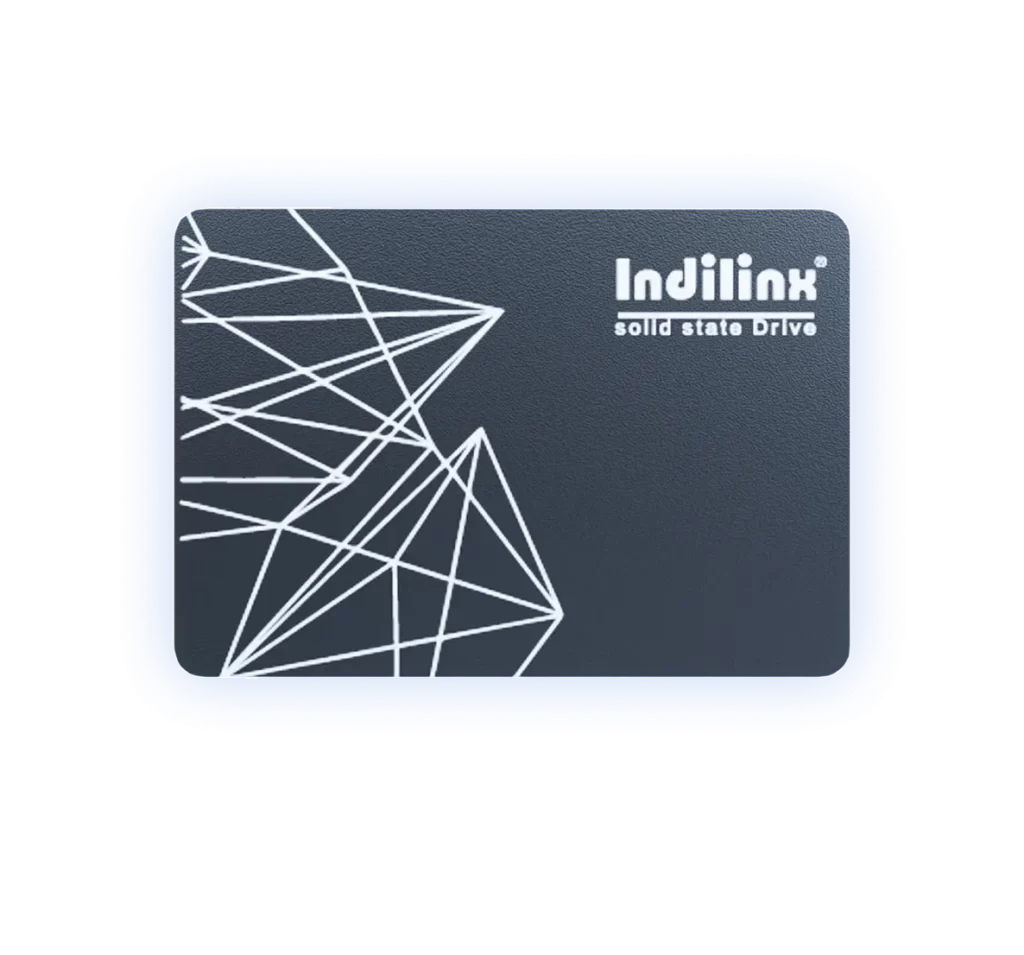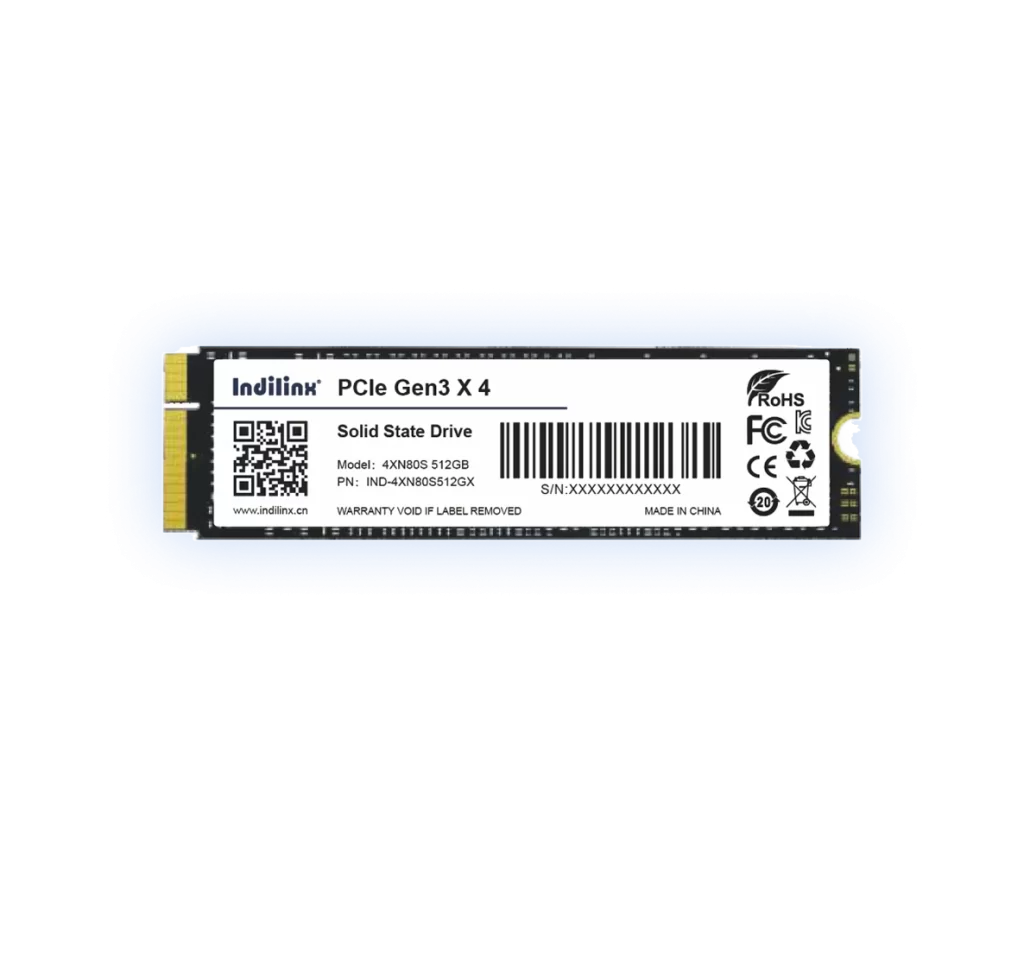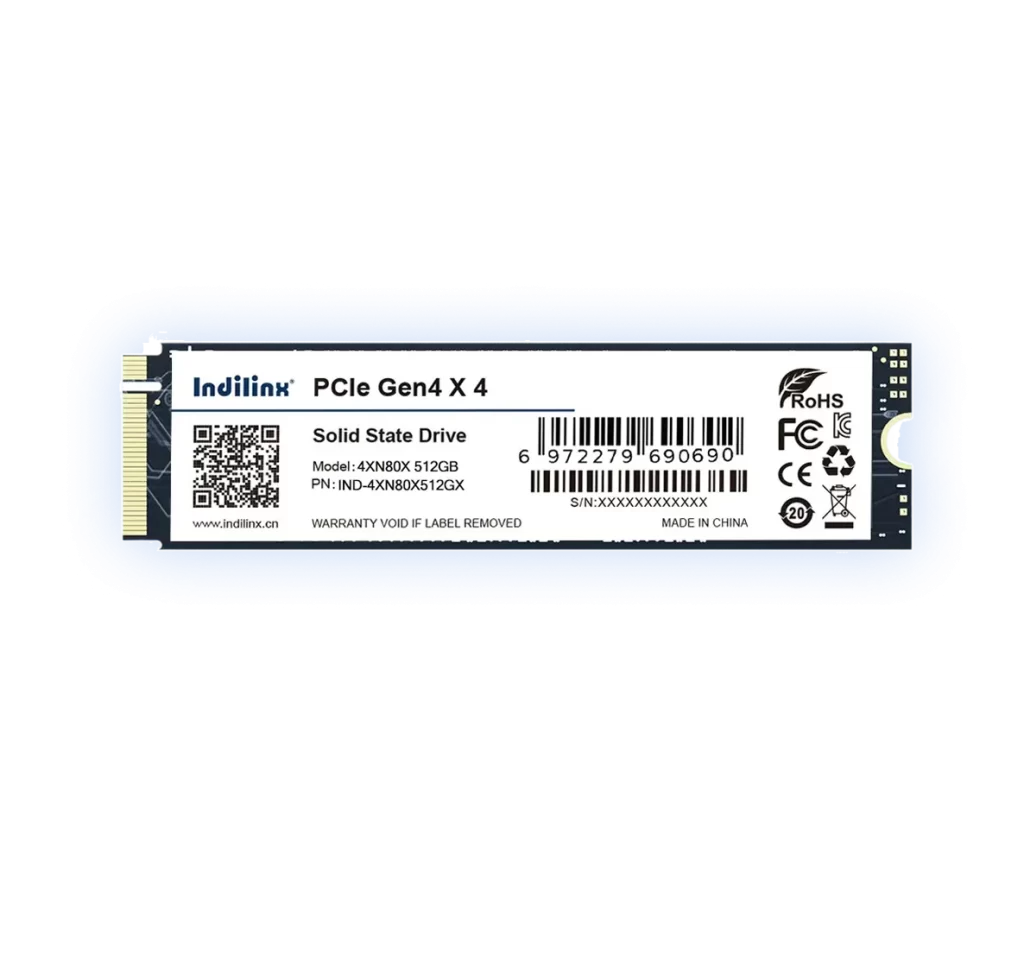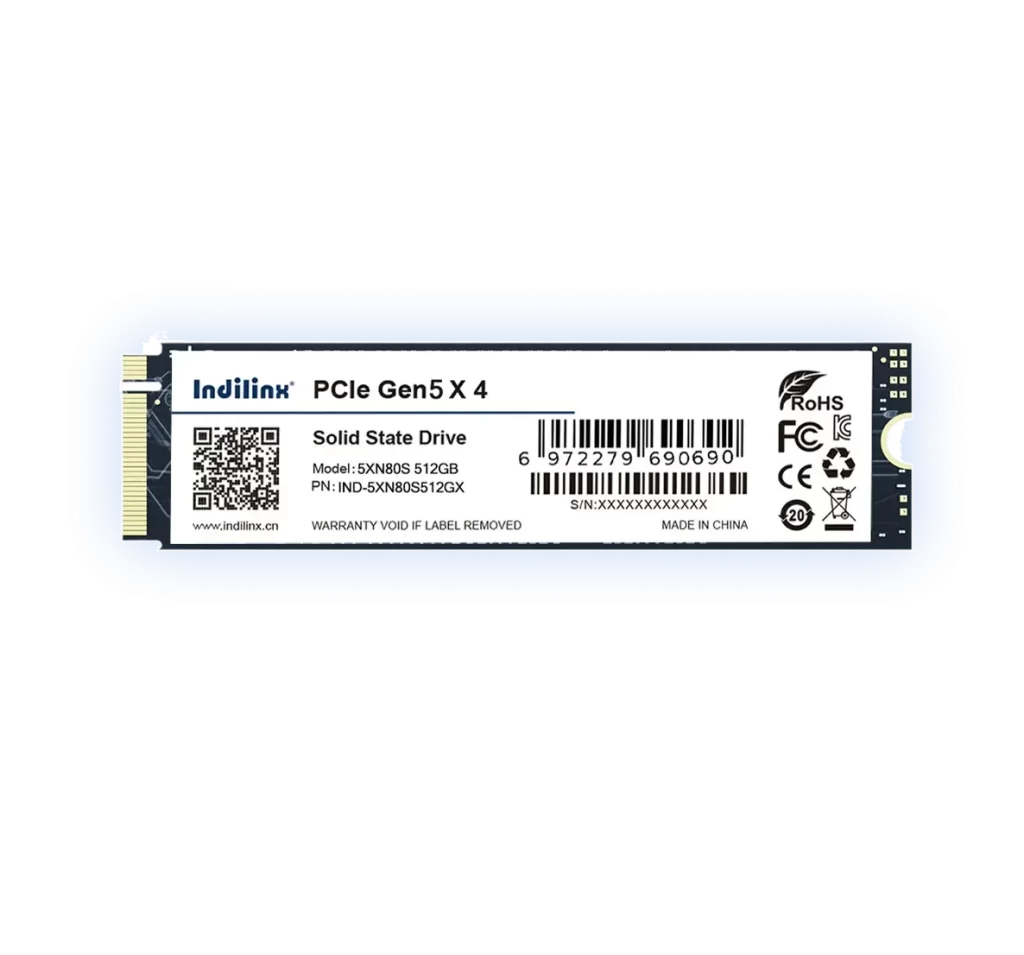






Indilinx-USB-SSD

PSSD

Portable SSD Series: high-speed, compact, secure backups, wide device compatibility for on-the-go use

Indilinx-PSSD

USB SSD

USB SSD Series: ultra-fast transfer, compact, durable, multi-device compatible for easy secure storage

Indilinx-Enterprise

Enterprise

Enterprise SSD Series: high-performance for data centers, low latency, secure scalable storage for business ops

Founded in 2012,Indilinx is a natinal high-tech enterprise in the field of design,software development, packaging and testing, manufacturering and application of memory chips.

Building C, BaiYang Industrial Zone, No. 44 KengweiRoad, Shiyan Street, Bao’an District, ShenZhen, china

Ryan@indilinx.cn

+86 755 28234608

Indilinx-DDR3-Memory

DDR3 Memory

Indilinx DDR3: 1.5/1.35V, cost-effective for legacy systems, broad Intel/AMD compatibility & stable performance

Indilinx-DDR4-Memory

DDR4 Memory

Indilinx DDR4: 1.2V efficient, 2666-4800MHz+, universal Intel/AMD fit for all computing needs

Indilinx-DDR5-Memory

DDR5 Memory

Indilinx DDR5: 4800+MT/s, PMIC/ODECC, next-gen performance for gaming, AI, data centers

Founded in 2012,Indilinx is a natinal high-tech enterprise in the field of design,software development, packaging and testing, manufacturering and application of memory chips.

Building C, BaiYang Industrial Zone, No. 44 KengweiRoad, Shiyan Street, Bao’an District, ShenZhen, china

Ryan@indilinx.cn

+86 755 28234608

USB-flash-Drive

USB Flash Drive

Indilinx Titan X SSD: USB3.2 Gen1, military-grade, 256-bit AES, 128GB-1TB for professionals

Founded in 2012,Indilinx is a natinal high-tech enterprise in the field of design,software development, packaging and testing, manufacturering and application of memory chips.

Building C, BaiYang Industrial Zone, No. 44 KengweiRoad, Shiyan Street, Bao’an District, ShenZhen, china

Ryan@indilinx.cn

+86 755 28234608

Indilinx-Micro-SD

Micro SD

Indilinx Micro SD: compact portable, seamless data flow across phones, cameras, game consoles

Founded in 2012,Indilinx is a natinal high-tech enterprise in the field of design,software development, packaging and testing, manufacturering and application of memory chips.

Building C, BaiYang Industrial Zone, No. 44 KengweiRoad, Shiyan Street, Bao’an District, ShenZhen, china

Ryan@indilinx.cn

+86 755 28234608

M.2 Solid State Drive with Various Capacity Options

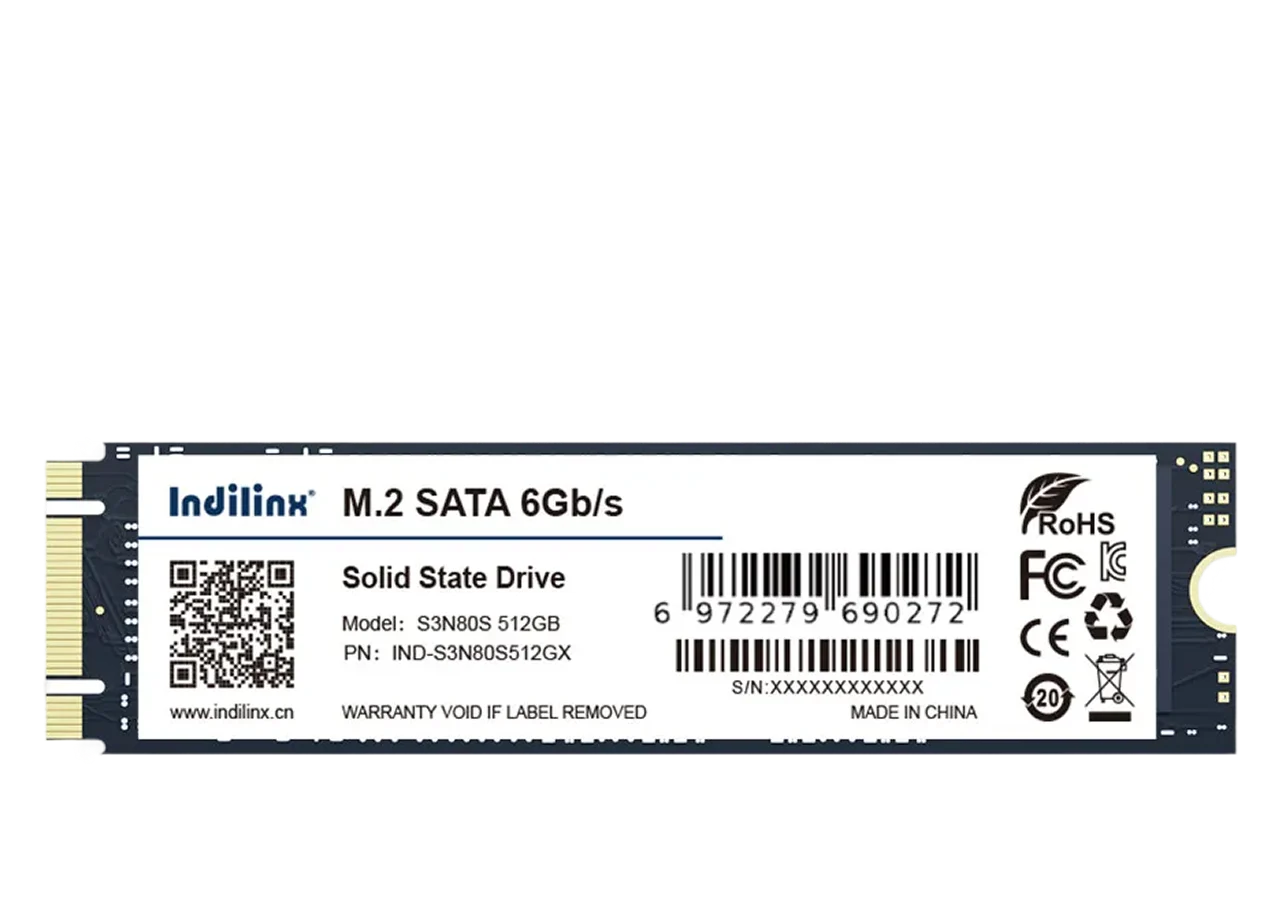
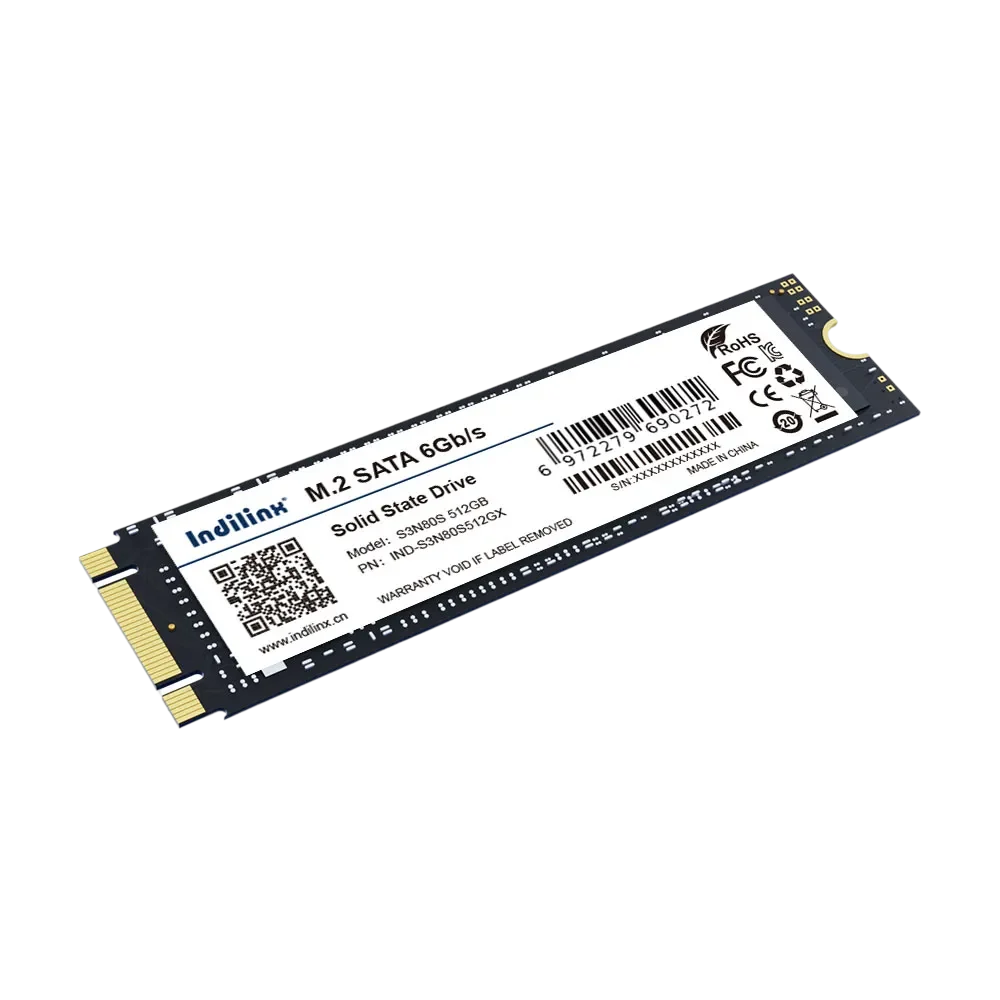
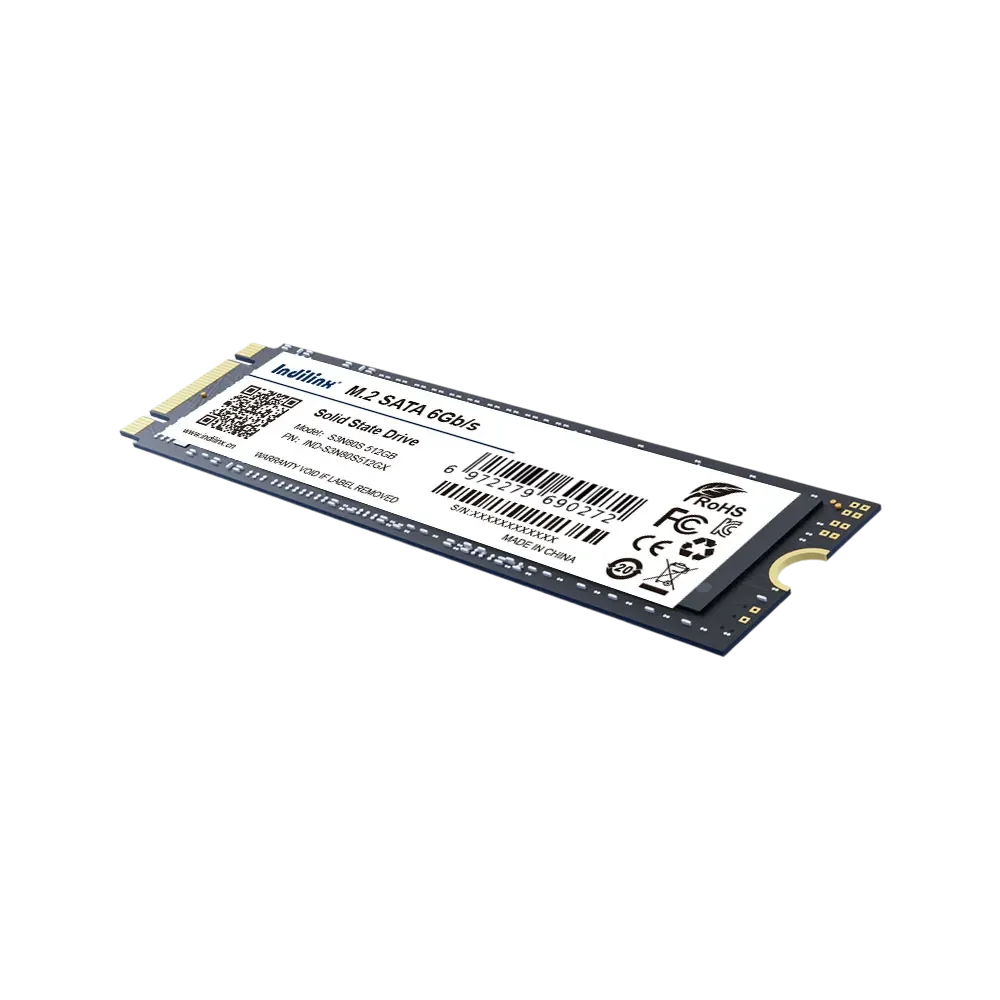
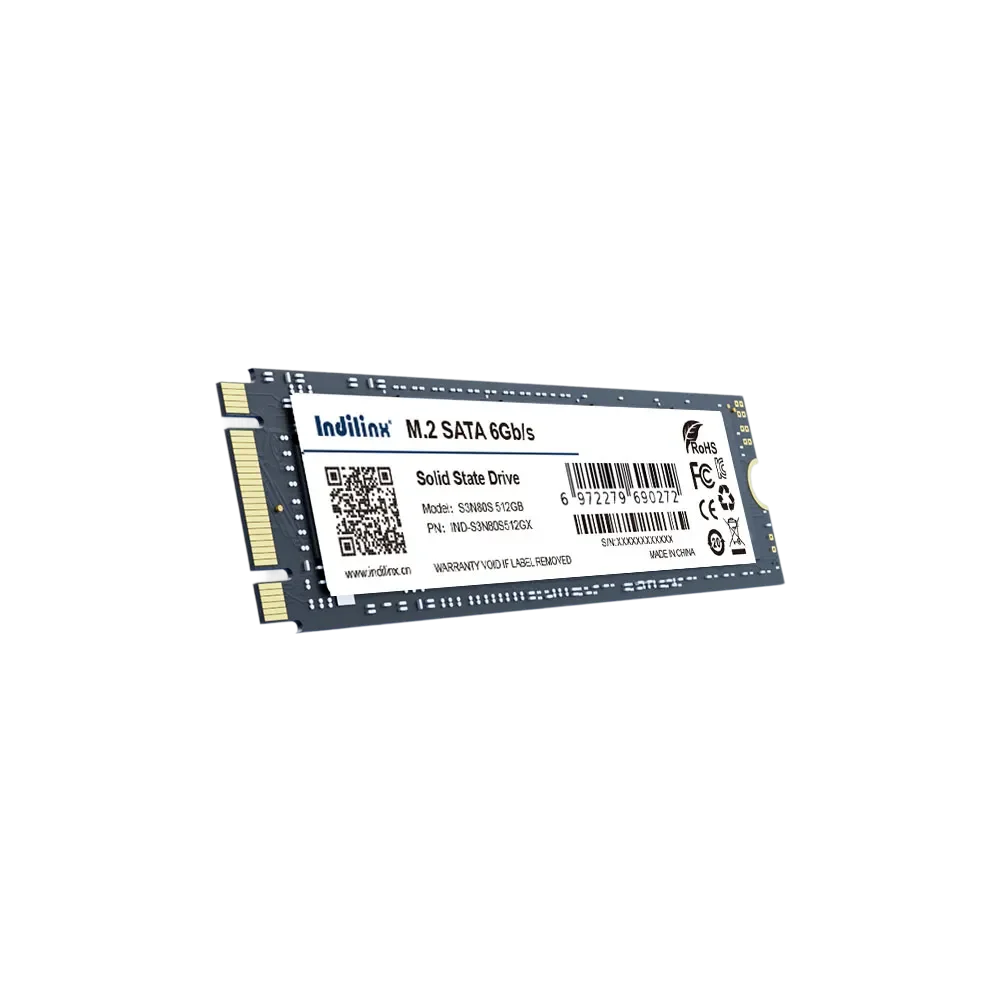
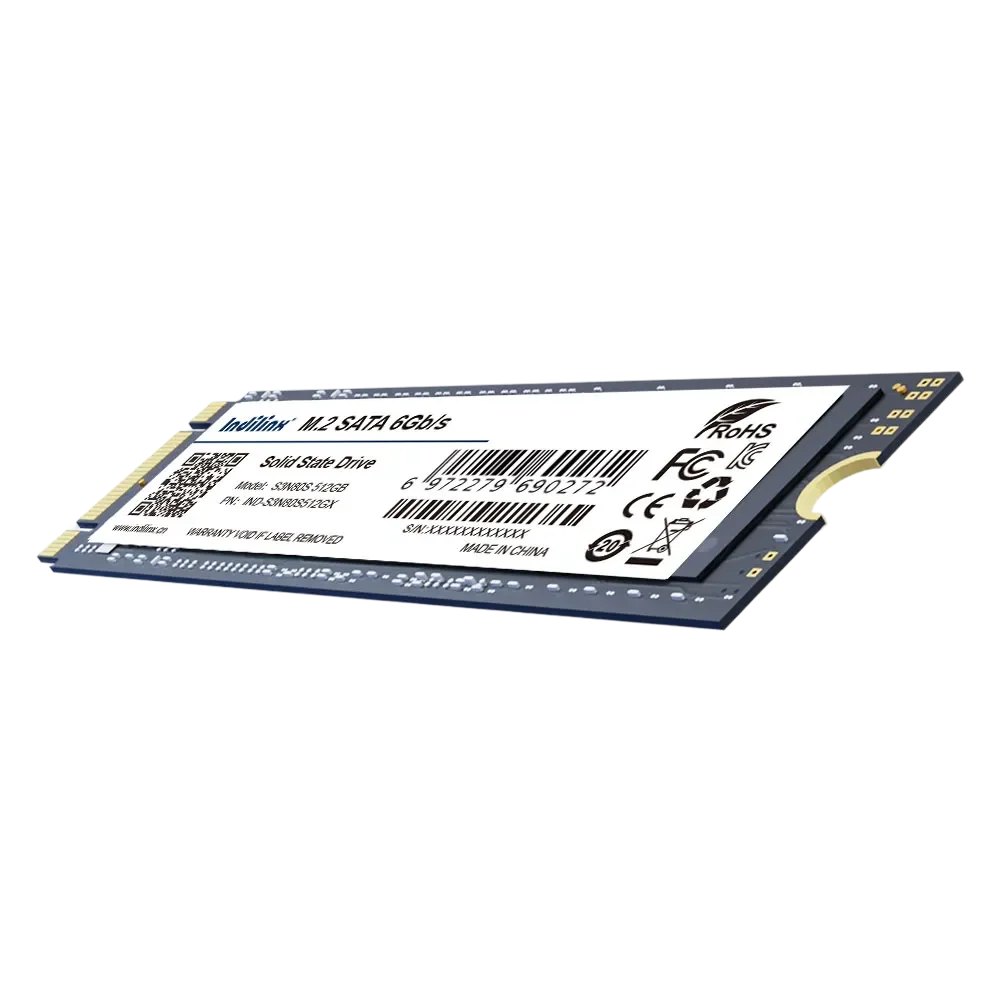
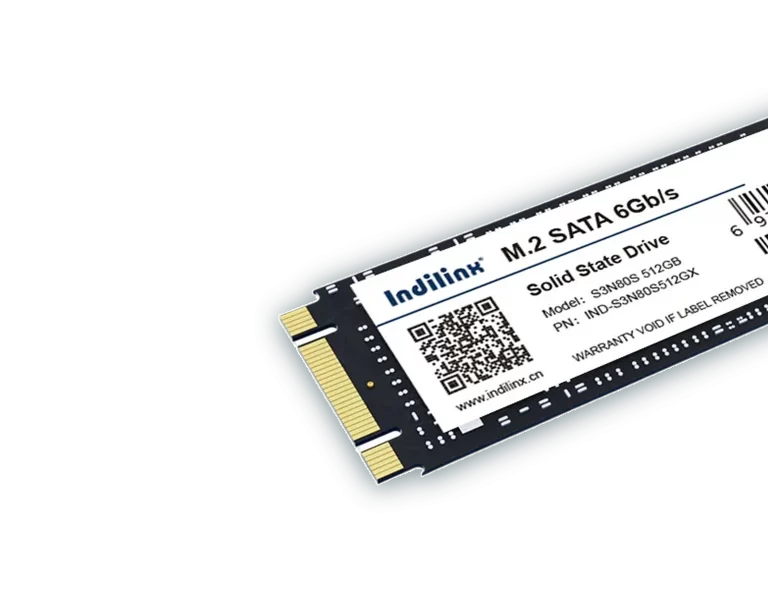
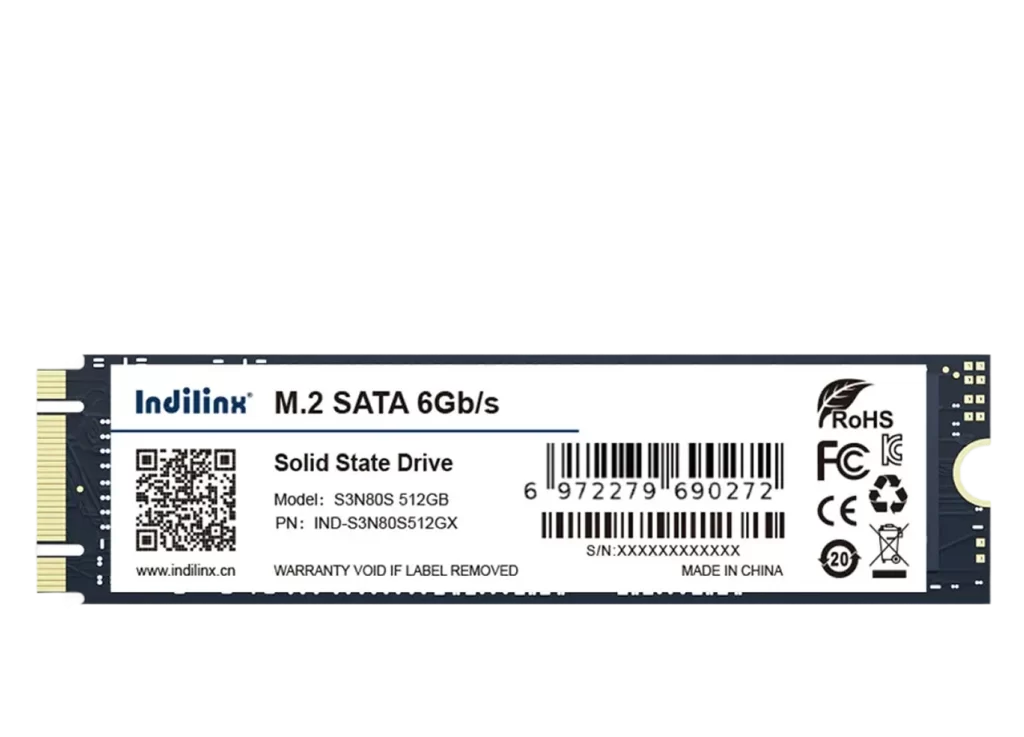
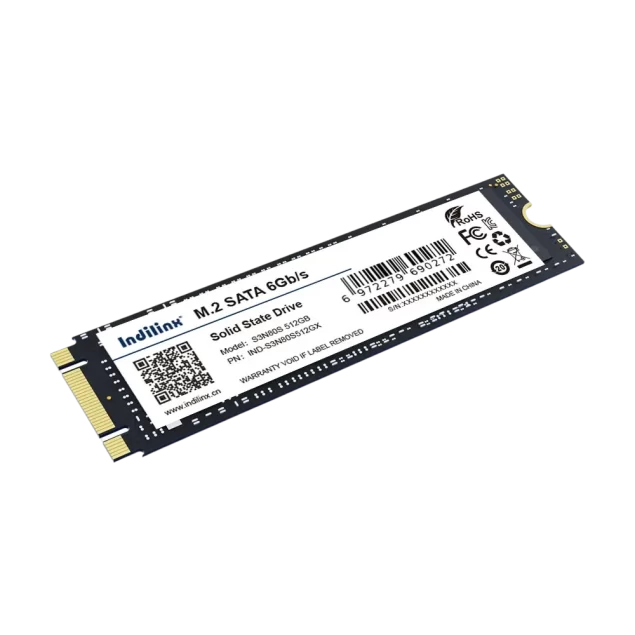
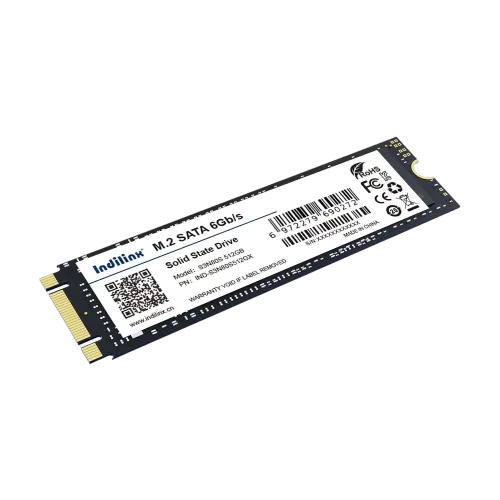
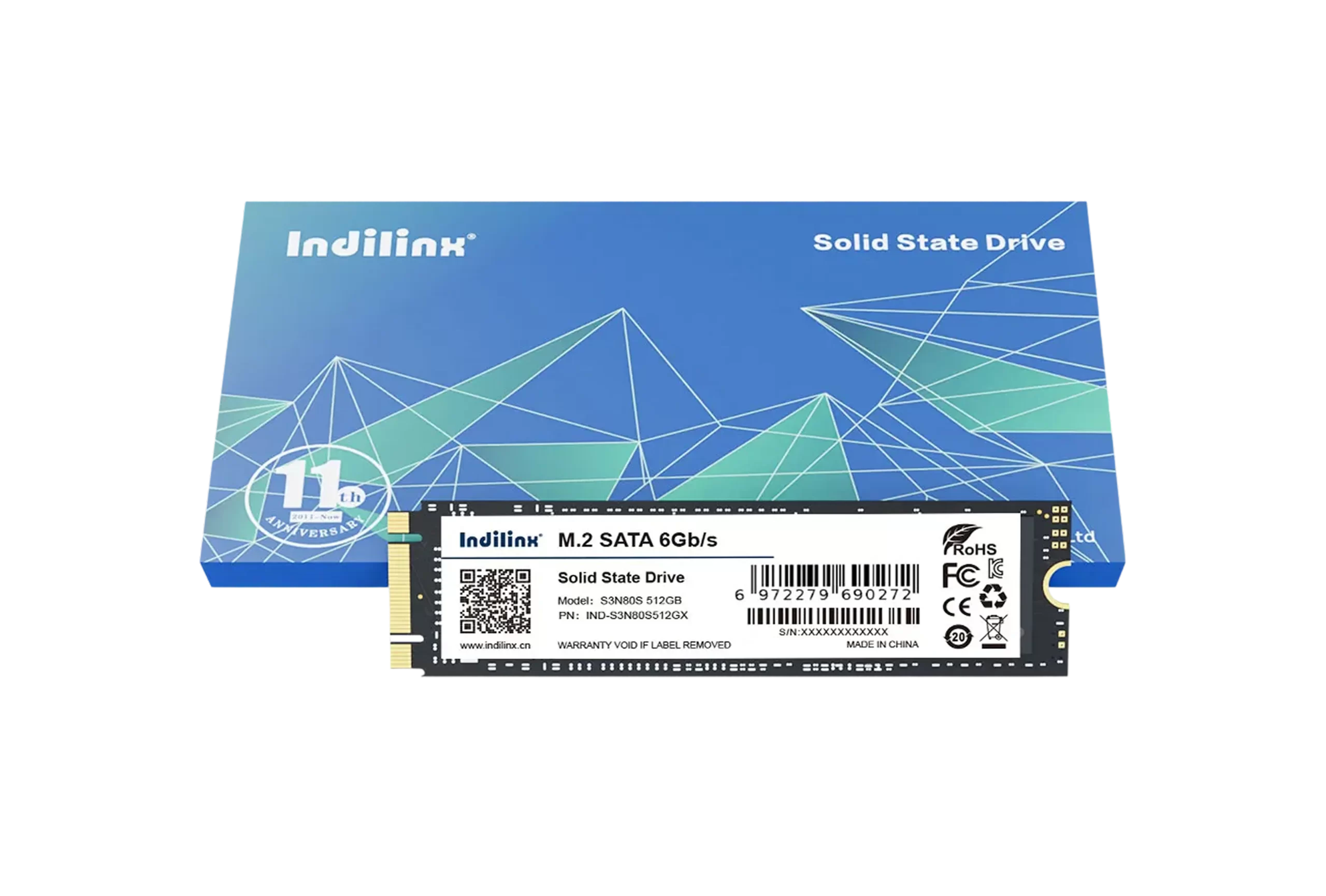
The Indilinx IND-S3N80S is an M.2 SATA (NGFF) consumer-grade SSD, offering flexible capacity options from 128GB to 1TB to meet diverse storage needs. Equipped with original 3D NAND chipsets and a professional controller, it delivers 5x faster performance than HDDs—booting in 7s, copying 5GB files in 10s, and opening large software in 5s. With an ultra-slim 80222mm form factor and 5g net weight, it’s easy to install and compatible with desktops/laptops featuring M.2 SATA interfaces. Backed by a 5-year warranty and CE/FCC/ROHS certification, it ensures stable operation in -5~75°C environments, ideal for gaming and office use.

IND-S3N80S

Model No

Ultra-slim design + broad compatibility for M.2 SATA devices.

3D NAND & 5x HDD speed with 5-year reliable warranty.

Ultra-slim design + broad compatibility for M.2 SATA devices.

3D NAND & 5x HDD speed with 5-year reliable warranty.

M.2 Solid State Drive Product Specifications

The Indilinx IND-S3N80S is a high-performance consumer-grade M.2 SATA (NGFF) SSD, engineered to deliver efficient storage solutions for desktops and laptops equipped with M.2 SATA interfaces. It offers versatile capacity options from 128GB to 1TB, catering to diverse needs—whether for daily office tasks, gaming, or large data storage. With an ultra-compact form factor (80X22X2mm) and net weight of only ~5g, it saves space and enables hassle-free installation, making it ideIND-S3N80Se upgrades.
Powered by original 3D NAND chipsets and a professional storage controller, this SSD outperforms traditional HDDs by 5 times. Key performance metrics (based on 512GB model) include 7-second system startup, 10-second transfer for 5GB files, and 5-second launch of large software, significantly boosting work and gaming efficiency. It supports a 6Gb/s interface rate and operates stably within a -5~75°C temperature range, adapting to various usage environments.
Reliability is ensured through rigorous quality control: over 80 hours of strict testing, including high/low temperature aging, 48-hour continuous read/write, 250 hot/cold cycles, and 2000 hibernation tests. Equipped with ECC error correction technology, it detects and handles bad blocks to safeguard data integrity. Certified by CE/FCC/ROHS and backed by a 5-year warranty, it combines durability, performance, and peace of mind for users.

Product Specifications

Brand

Indilinx

Product Model

IND-S3N80S

Interface

NGFF (M.2 SATA), 6Gb/s

Capacity

128G/256G/512G/1TB

Dimensions

80X22X2mm

Net weight

≈5g

Working Temperature

-5~75°C

Voltage

5V/0.5A

Certification

CE/FCC/ROHS

Core Technology

Original 3D NAND chips, professional controller, ECC error correction

Key Performance

7s system boot, 10s 5GB file transfer, 5x HDD efficiency (512GB test)

Durability Test

80+ hours validation (aging, vibration, hot/cold cycles)

Warranty

5 Years

Color

Black

Box Size

1006015mm (Box Net Weight: ≈22g)

Core Performance of M.2 Solid State Drive

Original 3D NAND Chipset

Multilayer stacked 3D structure breaks 2D limits, boosting capacity density, performance, and flash durability effectively.

Professional Storage Controller

Adopts industry-proven master control to ensure consistent, reliable performance from core to external operation.

Blazing-Fast Operation Speed

5x faster than HDD: 7s system boot, 10s 5GB file transfer, 5s large software launch (512GB test data).

ECC Error Correction Technology

Timely detects and handles bad blocks, safeguarding data integrity during long-term storage and use.

Ultra-Compact Lightweight Design

80222mm slim size with ~5g net weight, saving space and enabling effortless installation for M.2 SATA devices.

Rigorous Durability Testing

80+ hours of validation (high/low temp aging, 48h continuous read/write) for stable work in -5~75°C.

High-Speed Performance & Premium Hardware Configuration

Equipped with original 3D NAND chipsets and a professional storage controller, the IND-S3N80S M.2 SSD delivers 5x faster efficiency than traditional HDDs. It achieves 7-second system startup, 10-second 5GB file transfer, and 5-second large software launch (based on 512GB model tests), powering smooth gaming and office experiences. The 3D stacked flash technology enhances capacity density and durability, while the 6Gb/s interface rate ensures rapid data transmission.

m.2-ssd-product-img-2

Ultra-Compact Design & Reliable Durability for Versatile Use

Boasting an 80222mm slim form factor and ~5g net weight, this SSD fits seamlessly into desktops and laptops with M.2 SATA interfaces, enabling effortless upgrades. It undergoes over 80 hours of strict testing (high/low temperature aging, continuous read/write) and features ECC error correction to protect data. Operating stably at -5~75°C and backed by a 5-year warranty, it’s built for long-term reliability.

Space-Saving & Easy Installation

Ultra-slim and lightweight design saves device space, no complex tools needed for setup.

Rigorous Quality Assurance

250 hot/cold cycles and 2000 hibernation tests ensure durability in harsh conditions.

Installation of M.2 Solid State Drive

The Indilinx IND-S3N80S M.2 SSD features an ultra-compact 80222mm form factor and NGFF (M.2 SATA) interface, designed for straightforward installation without professional expertise. Compatible with desktops and laptops equipped with M.2 SATA slots, it supports flexible setup methods—from internal upgrades to external use. Weighing only ~5g, it requires no complex tools, making it accessible for both beginners and tech enthusiasts to enhance device storage performance.

Desktop M.2 SATA Slot Internal Installation

Laptop M.2 SATA Interface Replacement Installation

M.2 to USB External Drive Installation (Via Enclosure)

DESKTOP M.2 SATA SLOT INTERNAL INSTALLATION

Efficient External Storage Expansion:

Shut down the desktop, unplug the power cord, and open the chassis. Locate the M.2 SATA slot on the motherboard (check the manual for position). Align the SSD’s key with the slot, insert it at a 30-degree angle, and press down firmly. Secure the SSD with the provided screw (match the slot’s mounting hole). Close the chassis, reconnect the power, and power on the computer. The system will automatically detect the SSD, allowing immediate formatting and use without additional drivers.

Laptop M.2 SATA Interface Replacement Installation

Mobile Data Offloading and Backup

Turn off the laptop and remove the back cover using a suitable screwdriver. Locate the M.2 SATA slot (ensure it supports SATA protocol, not just PCIe). Remove the screw from the slot’s mounting post, insert the SSD into the slot at an angle, and press it down. Reattach the screw to secure the SSD. Replace the back cover, power on the laptop, and either install the operating system or clone data from the original drive to start using the upgraded storage.

M.2 to USB External Drive Installation (Via Enclosure)

Instant Media Playback

Select a compatible M.2 SATA to USB 3.0/3.1 enclosure. Open the enclosure, insert the IND-S3N80S into the M.2 connector (align the key), and secure the enclosure cover. Connect the enclosure to a computer via a USB cable—no external power is needed as it draws power from the USB port. The computer will instantly recognize the external SSD, enabling plug-and-play for data transfer, backup, or portable storage across multiple devices.

DESKTOP M.2 SATA SLOT INTERNAL INSTALLATION

Efficient External Storage Expansion:

Shut down the desktop, unplug the power cord, and open the chassis. Locate the M.2 SATA slot on the motherboard (check the manual for position). Align the SSD’s key with the slot, insert it at a 30-degree angle, and press down firmly. Secure the SSD with the provided screw (match the slot’s mounting hole). Close the chassis, reconnect the power, and power on the computer. The system will automatically detect the SSD, allowing immediate formatting and use without additional drivers.

Laptop M.2 SATA Interface Replacement Installation

Mobile Data Offloading and Backup

Turn off the laptop and remove the back cover using a suitable screwdriver. Locate the M.2 SATA slot (ensure it supports SATA protocol, not just PCIe). Remove the screw from the slot’s mounting post, insert the SSD into the slot at an angle, and press it down. Reattach the screw to secure the SSD. Replace the back cover, power on the laptop, and either install the operating system or clone data from the original drive to start using the upgraded storage.

M.2 to USB External Drive Installation (Via Enclosure)

Instant Media Playback

Select a compatible M.2 SATA to USB 3.0/3.1 enclosure. Open the enclosure, insert the IND-S3N80S into the M.2 connector (align the key), and secure the enclosure cover. Connect the enclosure to a computer via a USB cable—no external power is needed as it draws power from the USB port. The computer will instantly recognize the external SSD, enabling plug-and-play for data transfer, backup, or portable storage across multiple devices.

2.5-Inch Solid State Drive Technical Support

Indilinx offers comprehensive technical support and reliable after-sales service for the IND-S3N80S M.2 SSD. Our professional team provides timely assistance for installation, compatibility, and troubleshooting, backed by a 5-year warranty. Multiple support channels ensure efficient issue resolution, safeguarding a smooth user experience.

5-Year Warranty Service

Covers material and workmanship defects. Invalid if TBW (per JEDEC JESD219) or service life is exceeded. Consult local dealers for specific terms.

 Installation & Compatibility Guidance

Offer step-by-step advice for M.2 SATA slot setup on desktops/laptops, confirming interface matching and proper installation procedures.

Fault Diagnosis & Troubleshooting

Assist with ECC error correction, bad block handling, performance fluctuations, and adaptation to -5~75°C working environments.

Firmware Update Support

Provide official firmware resources and clear instructions to enhance SSD stability and compatibility with different host devices.

Return & Exchange Policy

Support returns/exchanges for quality-related issues within the warranty period. Ensure product integrity and follow local dealer procedures.